
Stat Modifiers
2 optionsFly above the worksite with adjustable speeds, or set walking movement from 50% to 300%.
View stat modifiers →Add cash for your construction plans, choose the hour or fly above the worksite in Demolish & Build 2018. Adjust your on-foot pace as you explore Nevada and build your business.

Start with free mods
Download Bytonian Mods for Windows and try these free features. Choose one to see how it works and any requirements.
Add your chosen cash amount to your balance.
Choose a whole-number amount from 1 to 1,000,000 and use Add Cash during active play on foot.
Set the hour while keeping the current minutes. Time continues normally.
Choose a whole-number hour from 0 to 23 and use Set Time of Day.
Rise above Nevada and pass through obstacles with adjustable normal and fast flight speeds.
Open Movement, choose Fly and enable Movement. Use WASD to travel, Space to rise, Ctrl to descend and Shift for faster flight. Return to solid ground before switching Movement off.
Use during active play on foot.
Adjust on-foot movement with a percentage from 50 to 300.
Turn Movement Speed on, choose a percentage, then turn it off to return to normal movement.
Use during active play on foot in single-player or your own hosted game.
Demolish & Build 2018 combines demolition work with construction machinery, workers and properties. Add Cash lets you choose an amount to add, while Set Time of Day changes the hour without stopping the clock.
Open Movement, choose Fly and enable Movement to rise above Nevada or pass through obstacles. Use WASD, Space to rise, Ctrl to descend and Shift for faster flight. Adjust Movement Speed separately for quicker travel on foot. Return to solid ground before switching flight off.
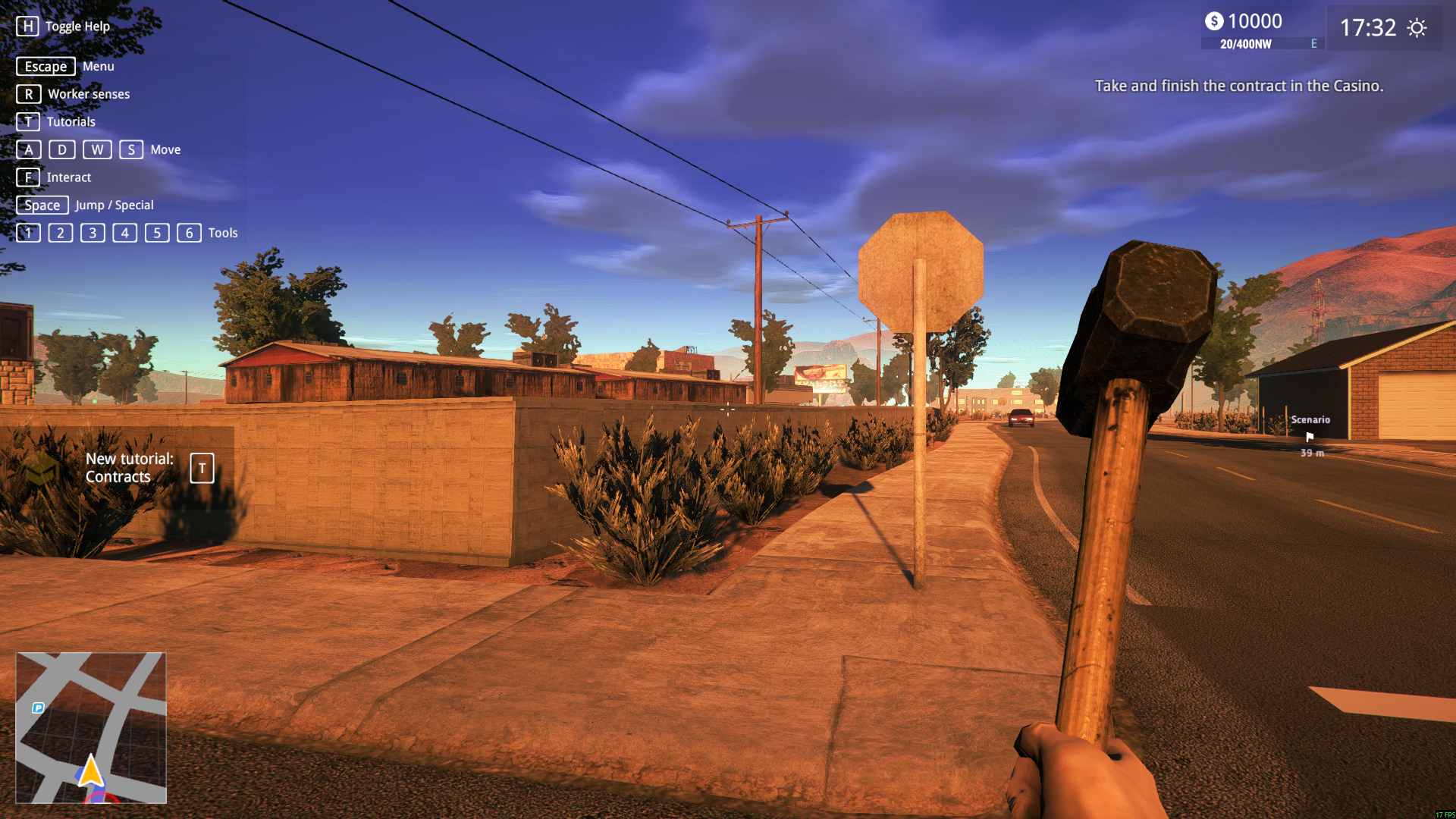
Make room for your next construction job
Explore Nevada with cash, time-of-day and on-foot movement tools.
Fly above the worksite with adjustable speeds, or set walking movement from 50% to 300%.
View stat modifiers →Add cash or set the hour while the game clock keeps moving.
View game actions →Browse the Steam achievement names and descriptions for Demolish & Build 2018. Choose and unlock achievements for free with Bytonian Mods in the Windows app.
View all achievements →Download the Windows app and follow the setup prompts.
Open Demolish & Build 2018 and select it in Bytonian Mods. Follow the app’s connection prompts.
Review the available options in the app and choose the ones that suit how you play.