
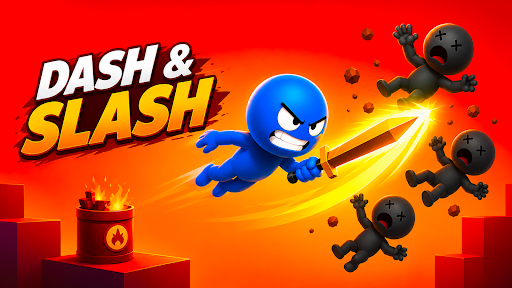
Customise
1 optionChoose the coin balance for your next run.
View customisation options →Restart a rooftop level, move to another stage or top up your character's health before the next encounter. Choose your route, line up your dash and work through the enemies along the rooftops.
Requires the Windows app and the Bytonian Mods browser extension for Chrome or Edge. Browser setup guide
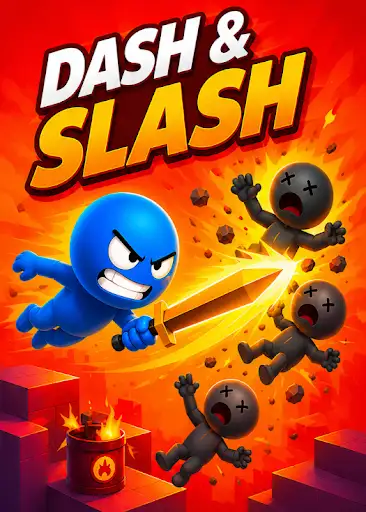
Start with free mods
Download Bytonian Mods for Windows and try these free features. Choose one to see how it works and any requirements.
Start your current level again and line up another attempt.
Explore this free feature →Open Game Actions for the free Restart Level control and Premium level navigation, level completion and health refill. Open Customization to choose your coin balance.
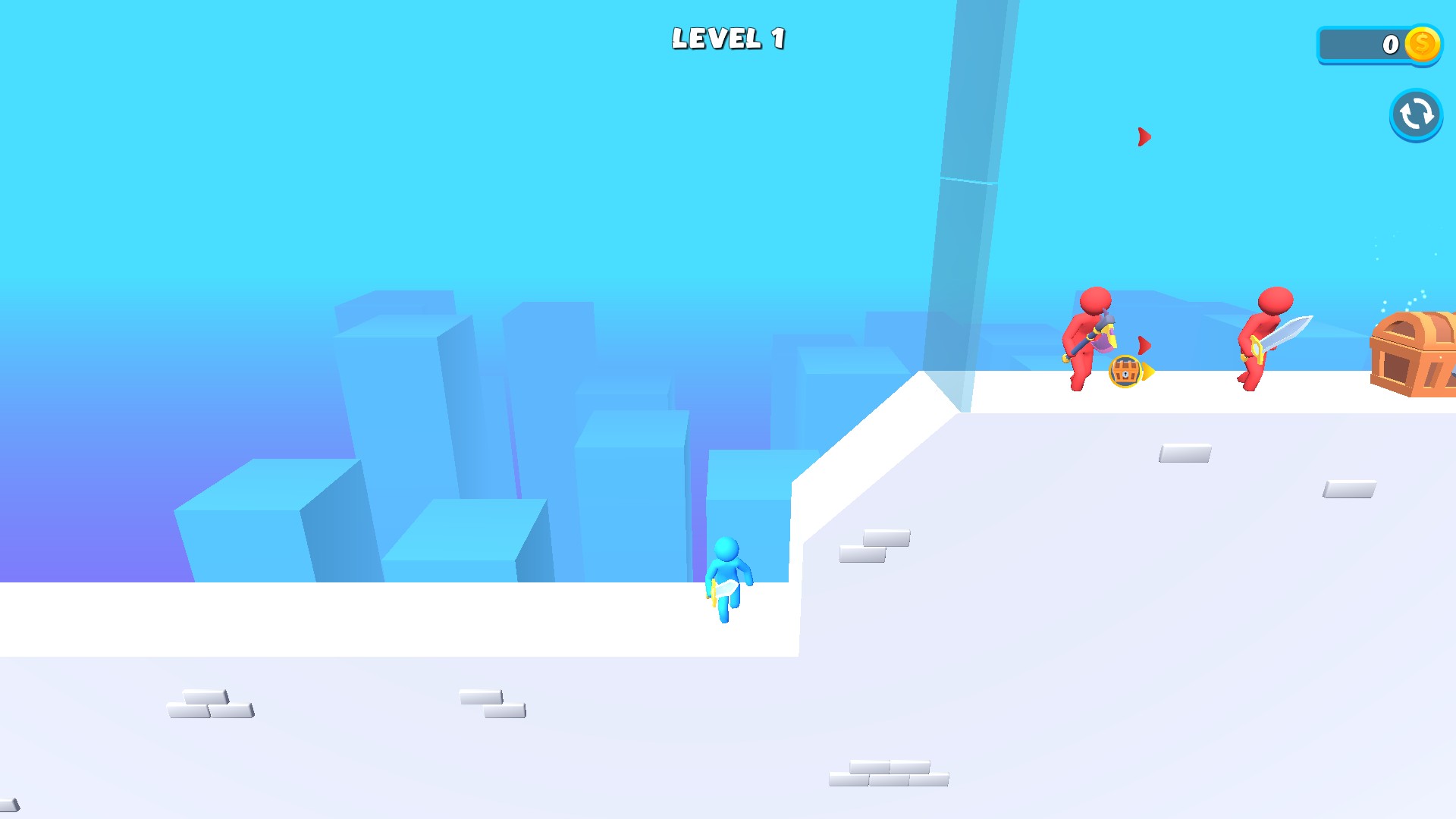
Take control of your next rooftop run
Dash between enemies and shape your run with level controls, a health refill and a choice of coin balance.
Choose the coin balance for your next run.
View customisation options →Restart a fight, move between levels, finish a stage or refill health.
View all game actions →Download the Windows app and follow the setup prompts.
Set up the browser extension in Chrome or Edge, then open the supported YouTube Playable. Follow the connection guide if the game is already running.
Review the available options in the app and choose the ones that suit how you play.