
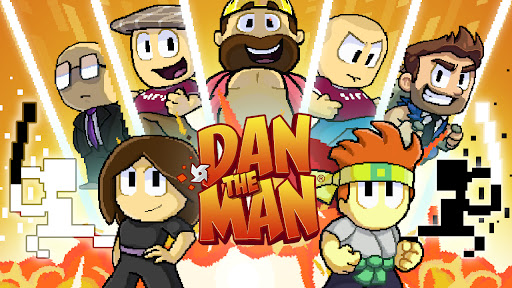
Customise
3 optionsSet a shop balance, kick while airborne or launch a grabbed enemy with an uppercut.
View customisation options →Choose your coin balance for the in-level shop, or unlock another move for close-range fights. In Dan The Man, jumping across ledges and fighting armored guards go hand in hand.
Requires the Windows app and the Bytonian Mods browser extension for Chrome or Edge. Browser setup guide
Start with free mods
Download Bytonian Mods for Windows and try these free features. Choose one to see how it works and any requirements.
Unlock air attacks with the high-jump kick.
Enable the unlock, then jump and press Attack while airborne.
This adds an attack; it does not increase jump height.
Visit Customization to choose coins or unlock a combat move. The high-jump kick is free; coins and the grab uppercut are Premium choices. Each control has its own setting, so you can select the benefits you want.
You still control Dan's movement, timing and fights. Coins help with the in-level shop, while the move unlocks add attacks to use with the normal jump and combat controls.
Set a shop balance, kick while airborne or launch a grabbed enemy with an uppercut.
View customisation options →Download the Windows app and follow the setup prompts.
Set up the browser extension in Chrome or Edge, then open the supported YouTube Playable. Follow the connection guide if the game is already running.
Open Customise in Bytonian Mods, choose an option and follow its instructions. Check the available values and any limits before making your change.