
Choose your pattern budget
Keep enough coins ready when a new design catches your eye. Choose a balance, return to the catalogue and buy the pattern you want.
Requires the Windows app and the Bytonian Mods browser extension for Chrome or Edge. Browser setup guide
Pick a new pattern with coins to spare
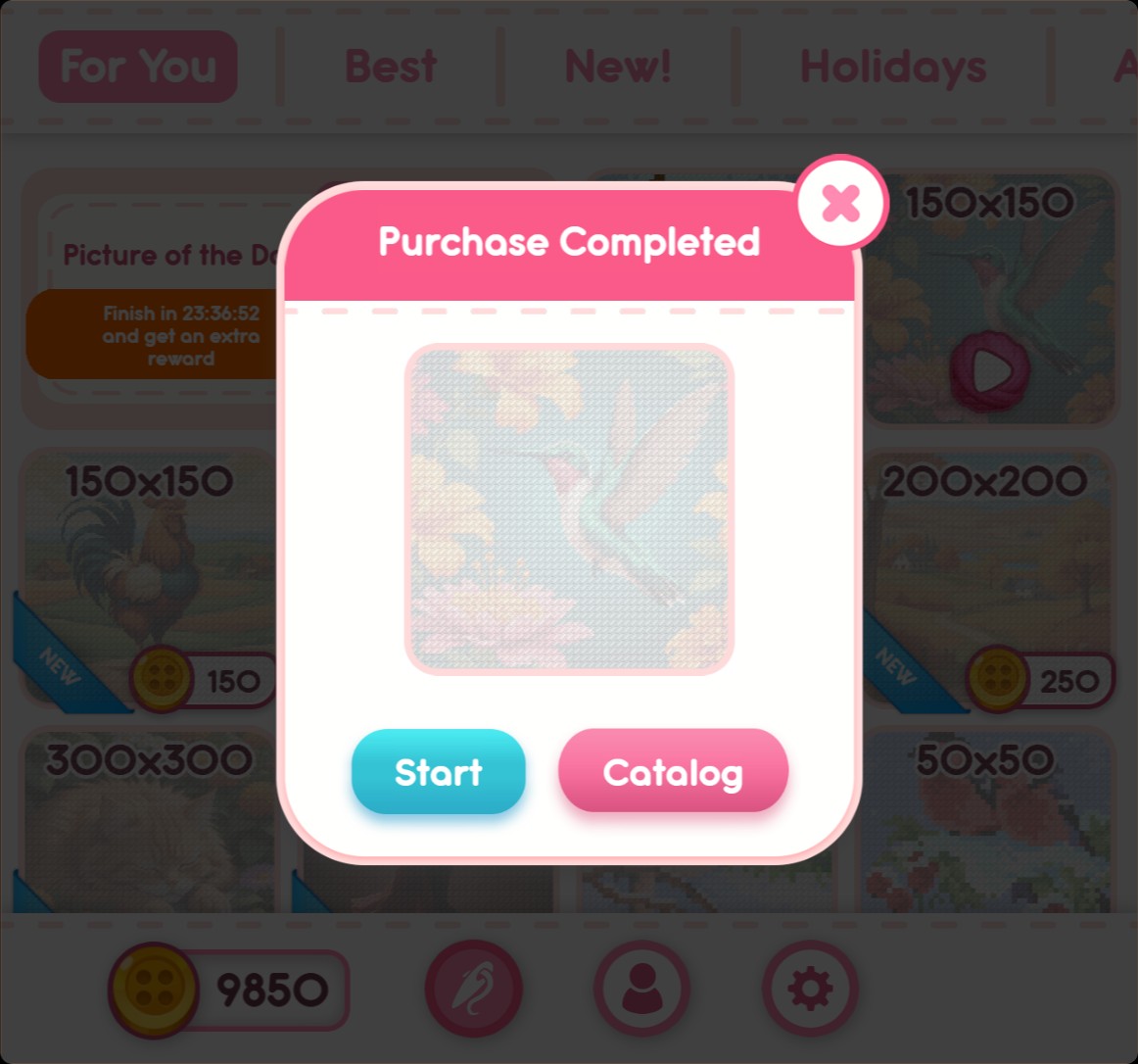
Buy a new stitching pattern through the normal catalogue. This hummingbird purchase cost 150 coins and left 9,850 for more choices.
Buy the design you want to stitch
Each pattern keeps its normal coin price. A purchased design becomes available to open, so you can choose when to begin or return to it.
Keep your stitching progress
The Coins control changes your balance. It does not finish pictures or fill their stitches for you.
Available customisation options
CoinsFree
Choose your coin balance to buy new stitching patterns.
Choose a coin amount, then select and purchase a pattern from the catalogue.
Patterns keep their normal coin prices.
Questions about customisation options
- Are all patterns automatically unlocked?
- You still buy each pattern through the catalogue at its displayed coin price.
- What happens when I buy a pattern?
- Its price is deducted from your coins, and you can open the purchased design with Start.
Using these features
Connect your game, then open Customise in the Windows app. Choose an option, check its available values and follow its instructions. Each option lists its own requirements and limits.
Setup for Cross-Stitch Masters →