
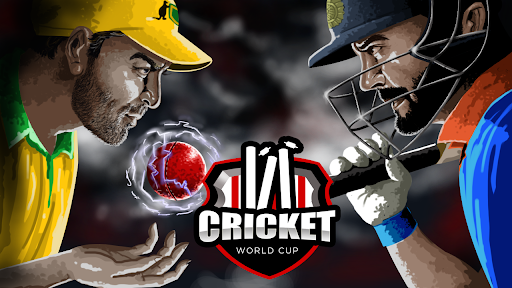
Choose your Cricket World Cup batting character
Select Men or Women with Batting Character Style to change the character standing at the crease.
Requires the Windows app and the Bytonian Mods browser extension for Chrome or Edge. Browser setup guide

How to change the style
Start the game through Bytonian Mods and open its customization options. Choose Men or Women under Batting Character Style, then apply the change before selecting Single Player.
Available customisation options
Batting Character StyleFree
Choose the men's or women's batting character for a different look at the crease.
Select Men or Women, apply the change, then enter Single Player.
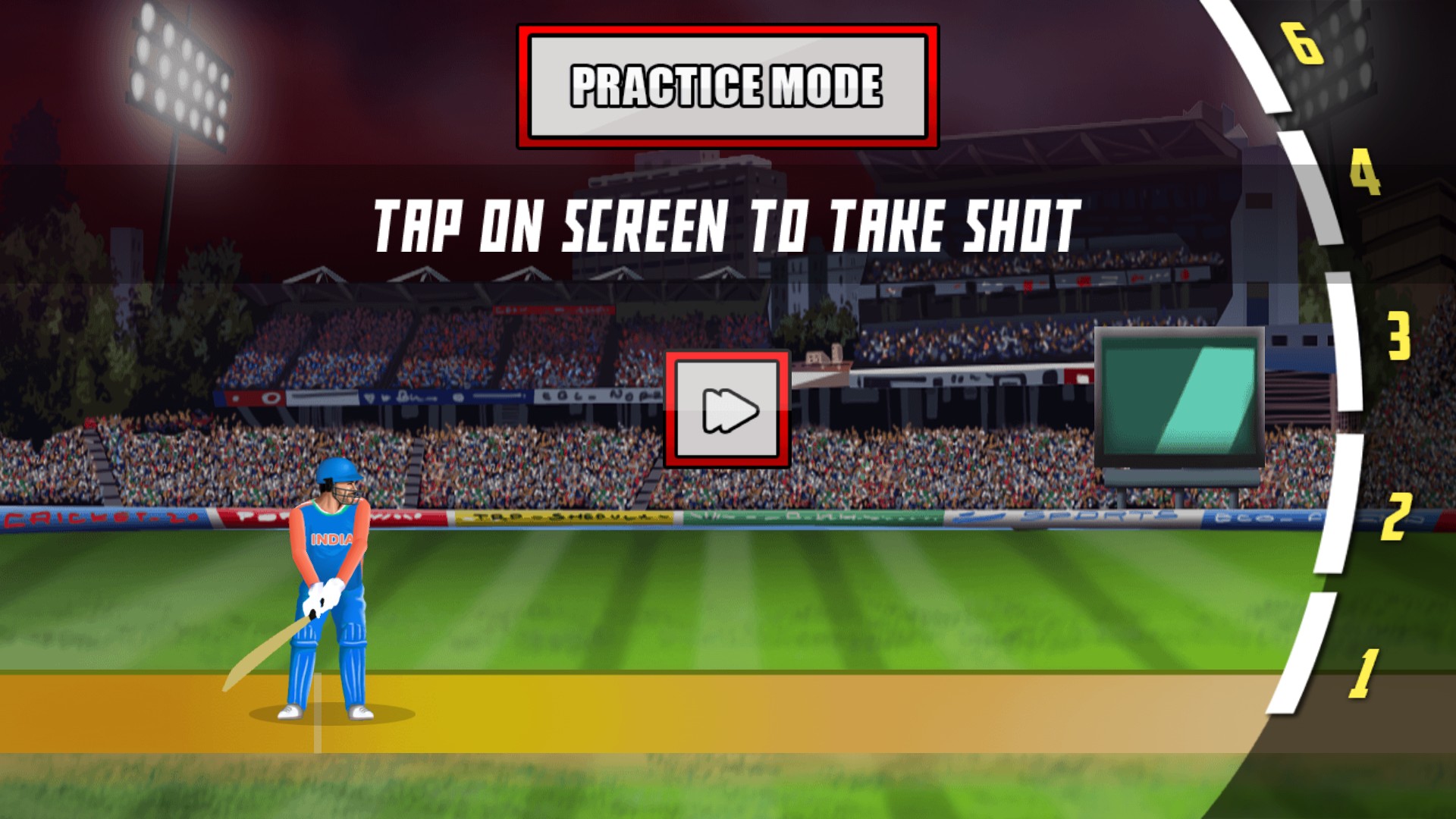
Men's batting character
The men's India batter in Practice Mode before changing Batting Character Style.
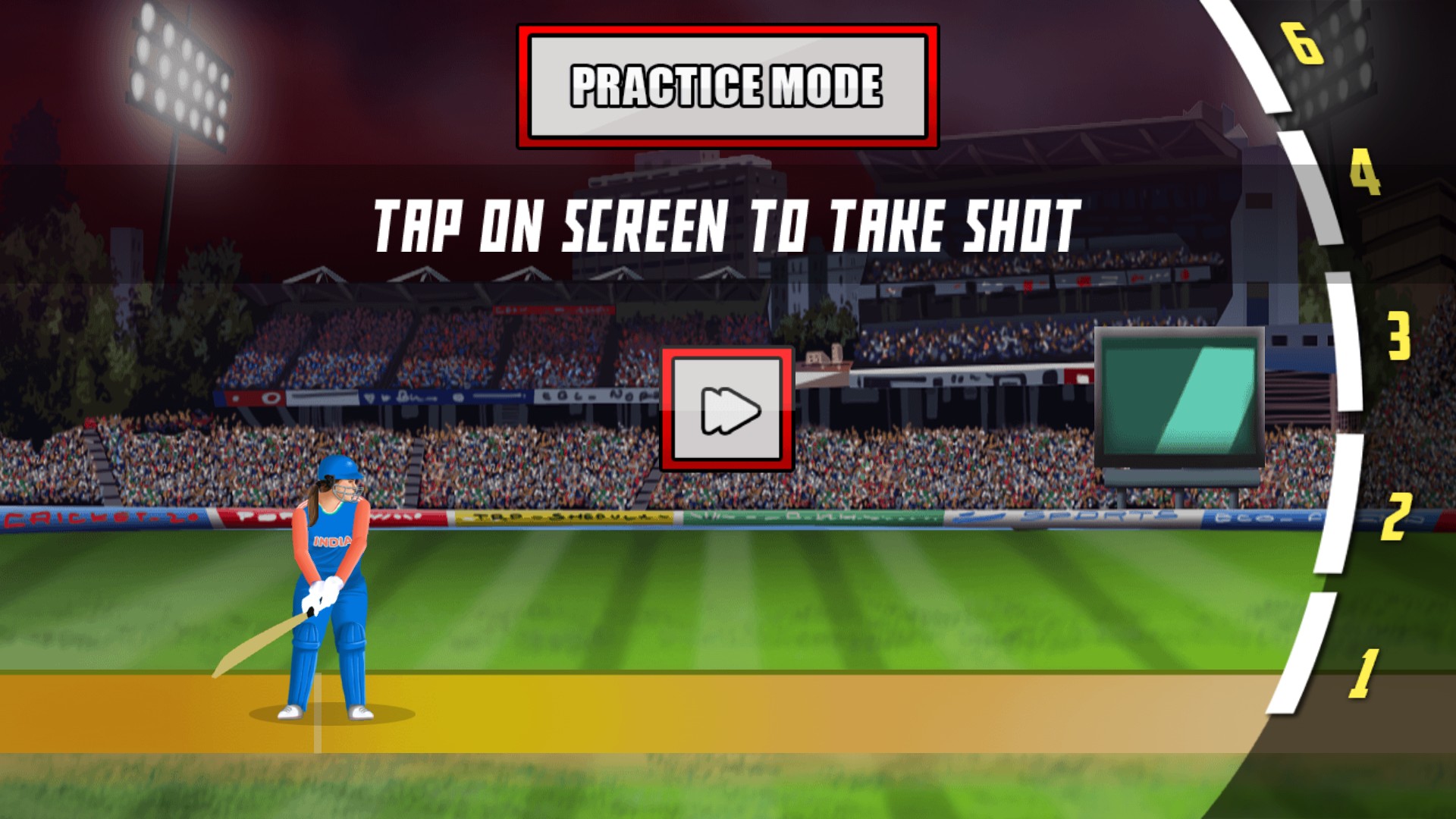
Women's batting character
The women's India batter in Practice Mode after selecting Women and applying the change.
Questions about customisation options
- Where can I see the selected character?
- Enter Single Player to see the batter on the pitch. The selected style also appears in Practice Mode.
Using these features
Connect your game, then open Customise in the Windows app. Choose an option, check its available values and follow its instructions. Each option lists its own requirements and limits.
Setup for Cricket World Cup →