
Choose your Gold balance
Give your survivor a Gold balance that matches how you want to play. Enter the amount you want and see it reflected in the game's Gold counter.
Requires the Windows app and the Bytonian Mods browser extension for Chrome or Edge. Browser setup guide
A balance you choose
Use the Gold card to replace the current balance with your preferred amount. Refresh first to see the current total, then enter an amount and choose Set. The number above the island view changes with the balance.
Gold and your level
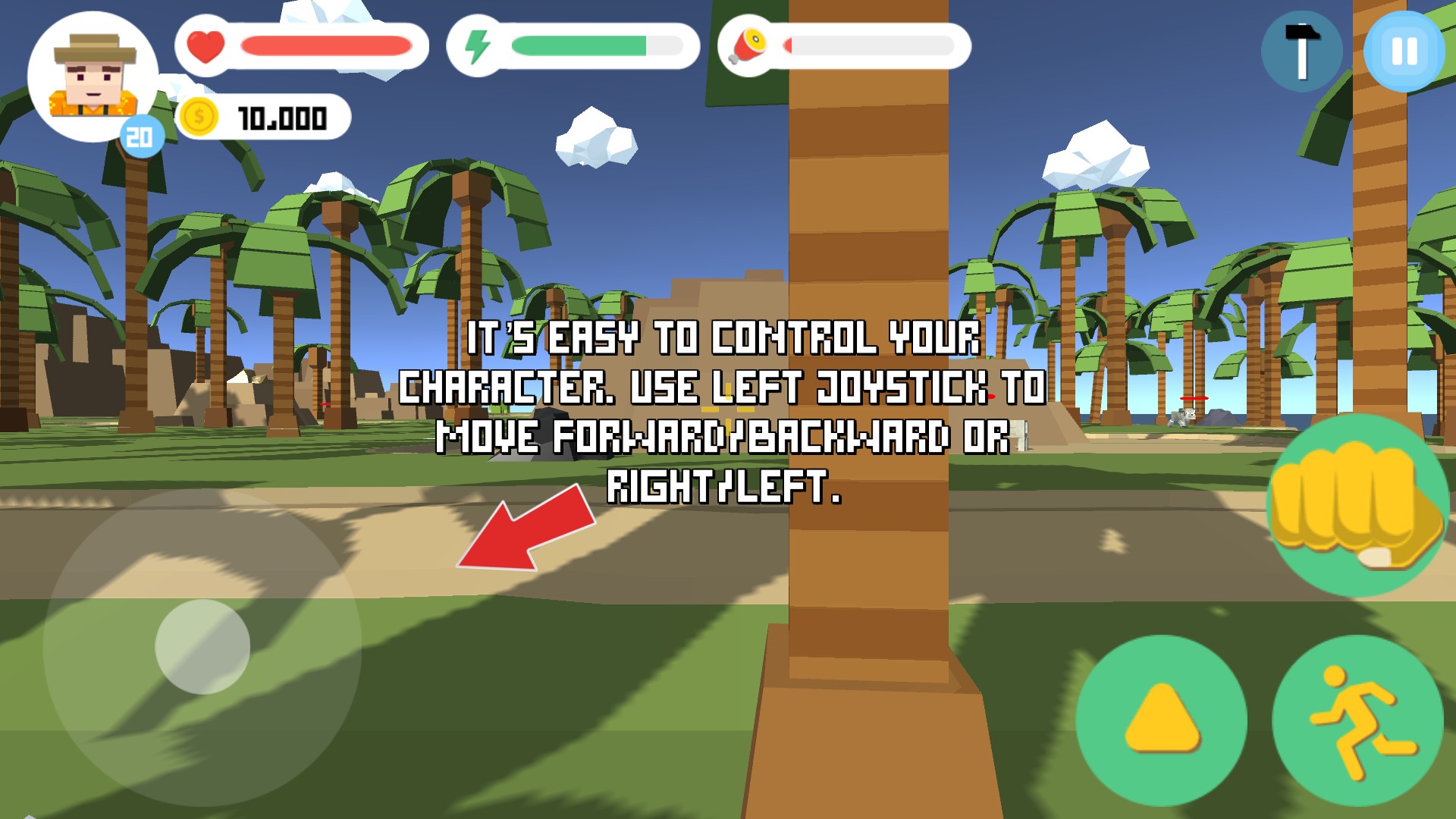
Your survivor's level can change along with Gold. Check the badge beside the portrait after an adjustment, especially when choosing an amount for a particular stage of your adventure.
Available resources
GoldFree
Set your survivor's Gold balance to an amount that suits your island adventure.
Enable Gold, refresh the balance in its card, enter your chosen total and select Set.
Your level beside the portrait can change when you adjust Gold.
Choose your Gold balance
Set your Gold to an amount that suits your island adventure. The survivor has 10,000 Gold here, with the balance shown clearly above the island view.
Questions about resources
- Will changing Gold affect my level?
- It can. The level shown beside your survivor's portrait can update when you adjust Gold.
- How do I choose an exact balance?
- Refresh the Gold card, enter the total you want and choose Set.
Using these features
Choose the feature in the Windows app after connecting your game. Check its requirements before making a change.
Setup for Craft Island Survival 3D →