
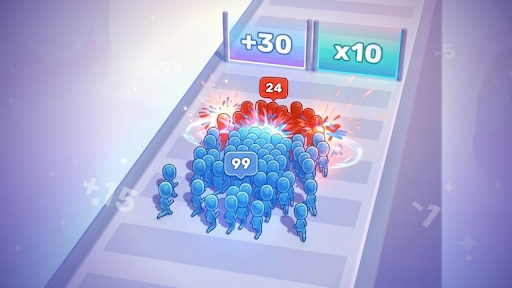
Choose coins for your next upgrades
Set the coin balance you want and apply it between runs. Once the game reloads, open the normal upgrade menu to spend your coins.
Requires the Windows app and the Bytonian Mods browser extension for Chrome or Edge. Browser setup guide

Grow your starting crowd
Buy squad upgrades from the start screen to begin with more runners. You still choose gates and steer around obstacles during the run.
Apply your chosen balance
Enter a whole-number coin amount from 0 to 1,000,000, then apply the change. Applying reloads the game, so use the control between runs.
Available customisation options
CoinsFree
Choose your coin balance for normal squad and coin upgrades.
Enter a whole-number amount and apply the change between runs. After the game reloads, spend the coins in the start-screen upgrade menu.
Applying the coin change reloads the game.
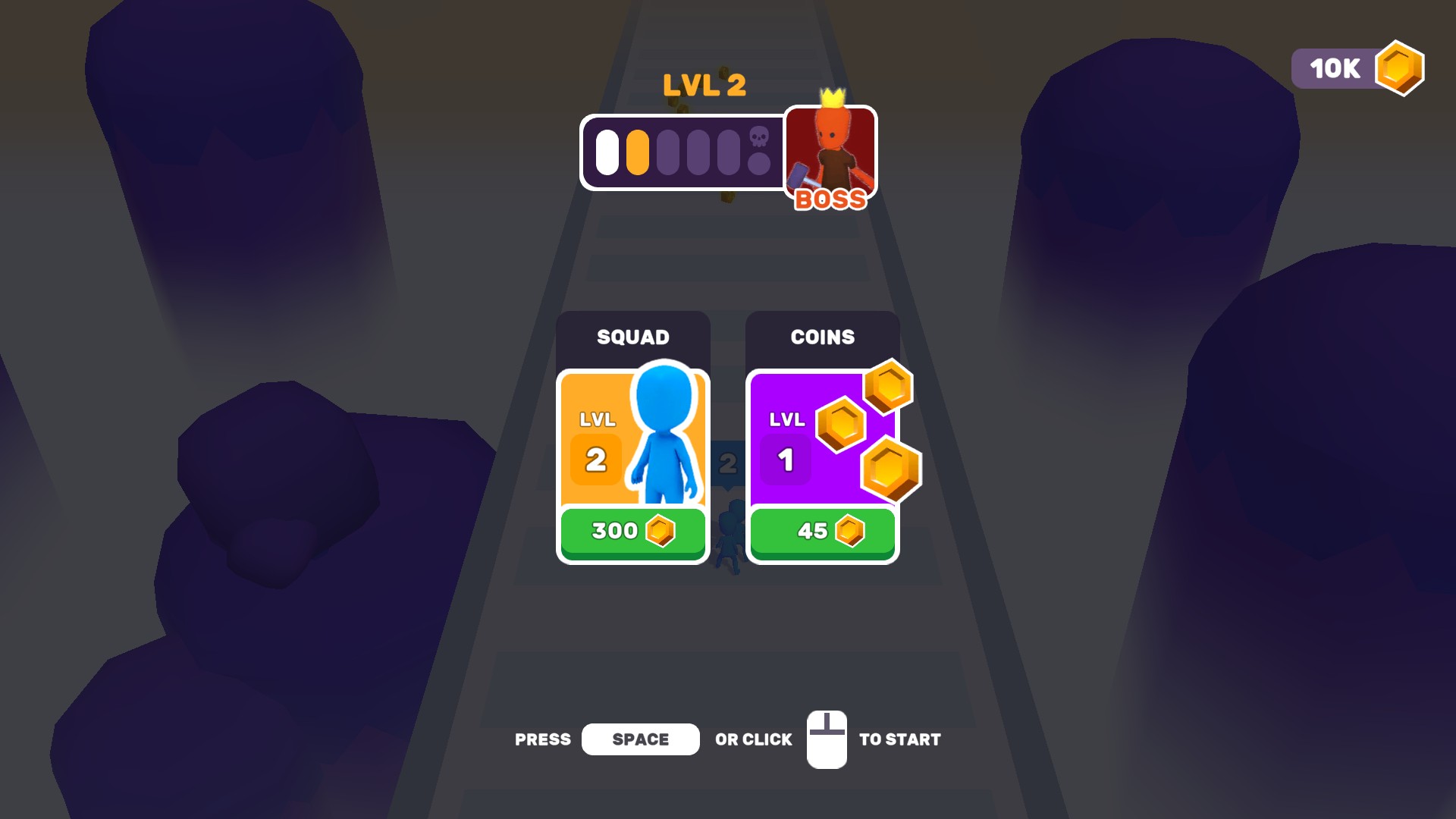
Coins for squad upgrades
Set your coin balance and buy upgrades from the normal start screen.
Using these features
Connect your game, then open Customise in the Windows app. Choose an option, check its available values and follow its instructions. Each option lists its own requirements and limits.
Setup for Count Control Legends →