

Customise
3 optionsReplenish three useful supplies and use them when you need a hand.
View customisation options →Keep written hints, picture guides and extra-time boosts ready as you work through Cookingdom recipes. Use the game's own buttons when you need guidance or more time.
Requires the Windows app and the Bytonian Mods browser extension for Chrome or Edge. Browser setup guide

Start with free mods
Download Bytonian Mods for Windows and try these free features. Choose one to see how it works and any requirements.
Keep written recipe hints ready when you need the next steps.
Choose your supply, then open the recipe book during cooking and spend a hint to reveal instructions.
Replenish written recipe hints to uncover upcoming steps, stock up on picture hints for an illustrated guide, or keep extra-time boosts ready when cooking takes a little longer. Recipe Hints is free; Picture Hints and Extra Time are Premium.
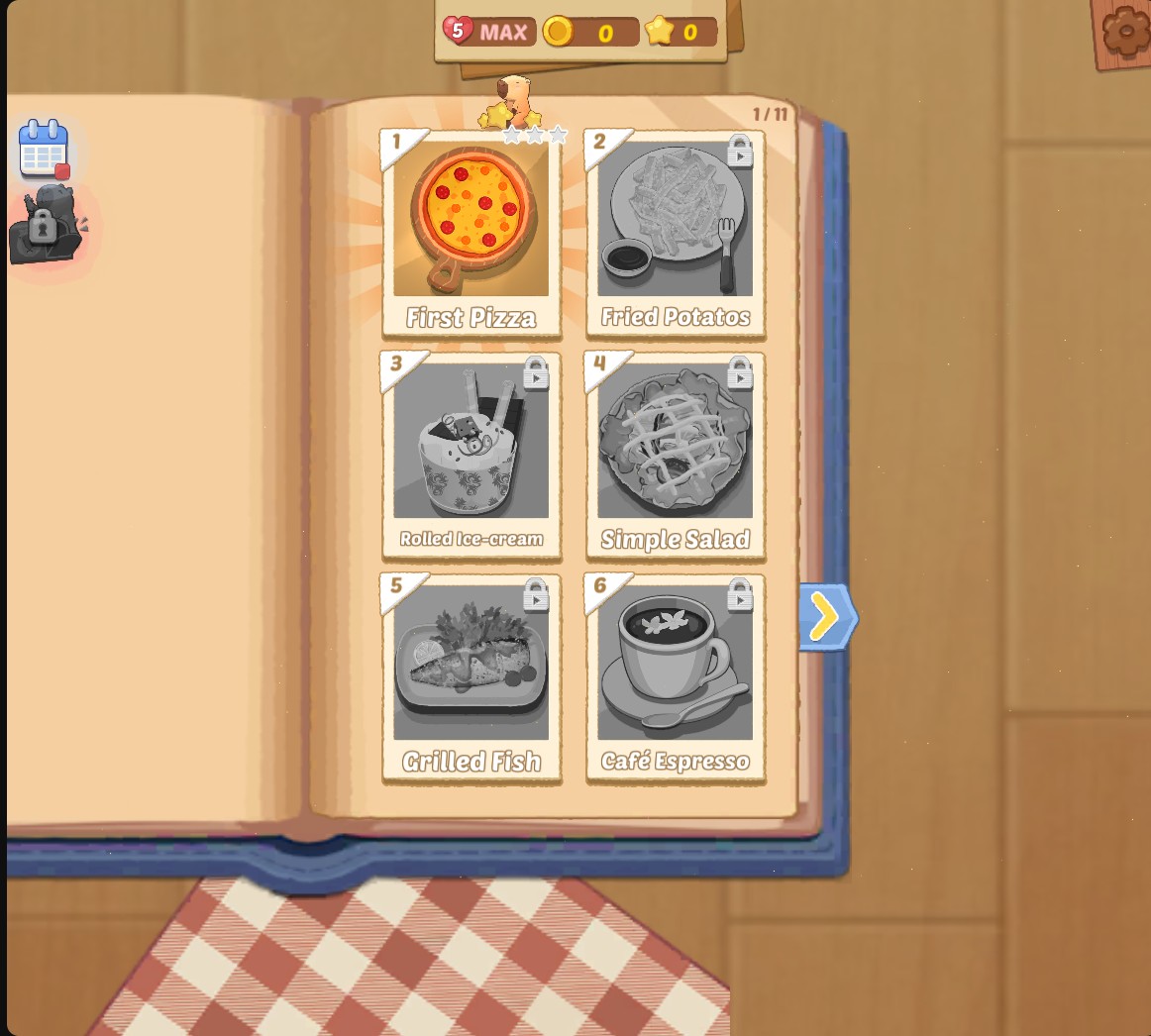
Choose your next kitchen challenge
Open the recipe book and get ready to cook, one step at a time.
Replenish three useful supplies and use them when you need a hand.
View customisation options →Download the Windows app and follow the setup prompts.
Set up the browser extension in Chrome or Edge, then open the supported YouTube Playable. Follow the connection guide if the game is already running.
Open Customise in Bytonian Mods, choose an option and follow its instructions. Check the available values and any limits before making your change.