
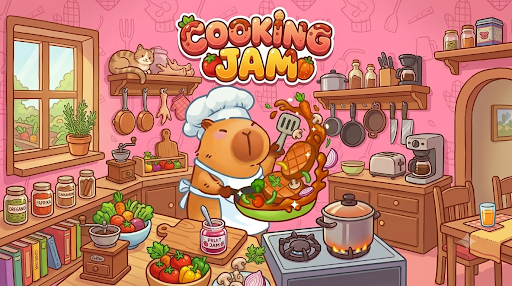
Resources
1 optionChoose your heart balance before a recipe, up to the normal maximum of five.
View resources →Refill your Hearts up to five for another recipe attempt in Cooking Jam. Pick a recipe and prepare its ingredients against the clock.
Requires the Windows app and the Bytonian Mods browser extension for Chrome or Edge. Browser setup guide

Start with free mods
Download Bytonian Mods for Windows and try these free features. Choose one to see how it works and any requirements.
Set your heart balance up to five for recipe attempts.
Choose a balance before trying a recipe.
The recipe-book counter may stay unchanged until you return from a recipe. Normal heart costs and recipe locks still apply.
Choose your heart balance before starting a recipe. Normal heart costs still apply, including the one-heart cost shown when quitting a round.
The heart counter in the recipe book may stay unchanged until you return from a recipe. Refilling hearts leaves recipe unlock requirements in place.
Choose your heart balance before a recipe, up to the normal maximum of five.
View resources →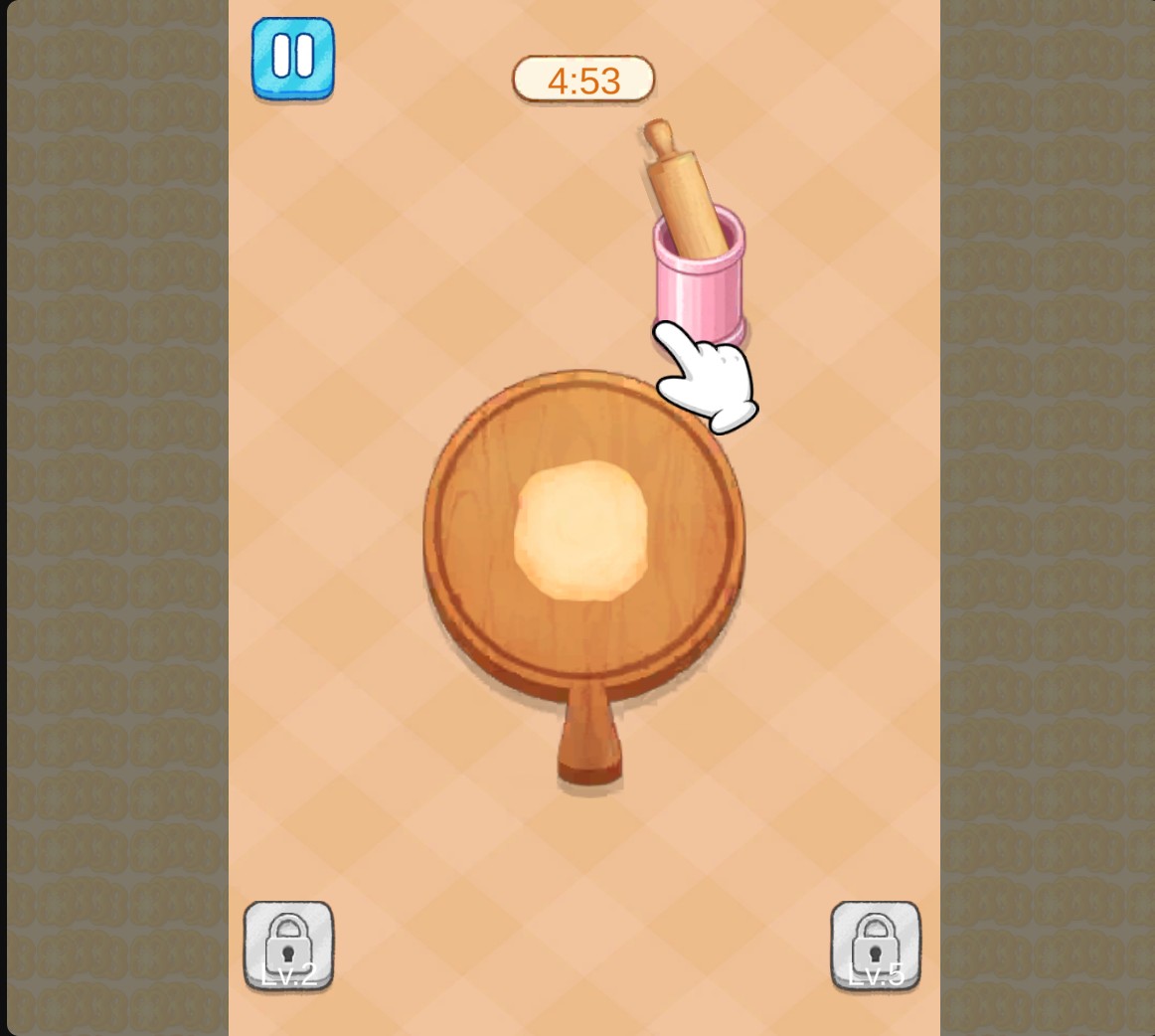
Try your next recipe in Cooking Jam
Choose a recipe and prepare its ingredients against the clock.
Download the Windows app and follow the setup prompts.
Set up the browser extension in Chrome or Edge, then open the supported YouTube Playable. Follow the connection guide if the game is already running.
Review the available options in the app and choose the ones that suit how you play.