
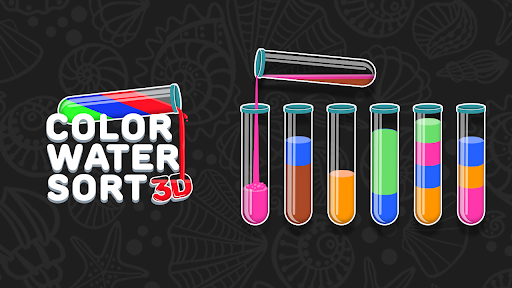
Set puzzle-helper charges and shop coins
Set Hint charges for suggested pours, Undo charges to take back moves, and Extra Tube charges for more sorting space. Choose Coins for random cosmetic unlocks, then use the game's normal puzzle and shop buttons.
Requires the Windows app and the Bytonian Mods browser extension for Chrome or Edge. Browser setup guide
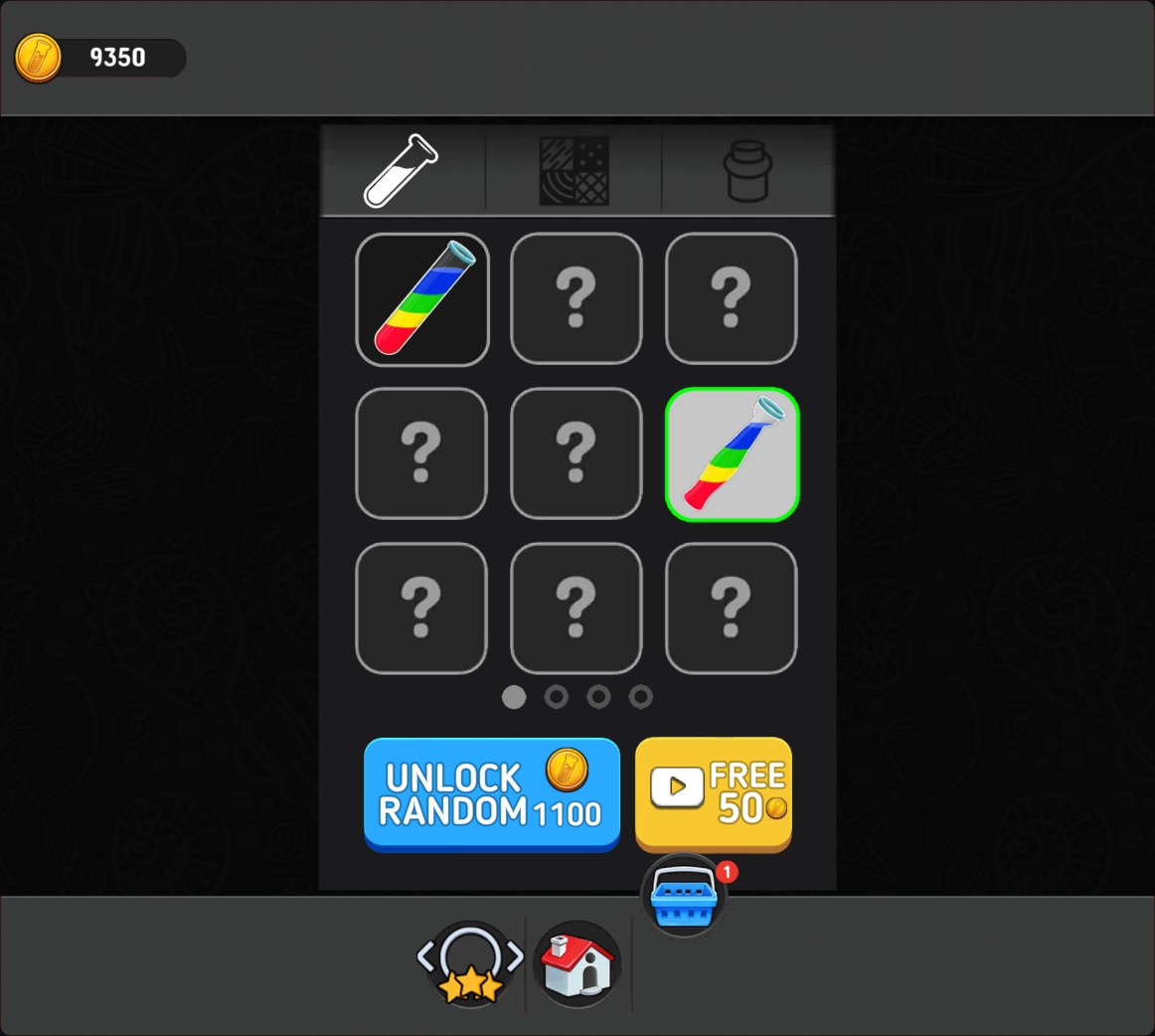
Coins for new tube designs
Choose your coin balance, then spend coins on random cosmetic unlocks in the shop. This tube design was unlocked for 650 coins.
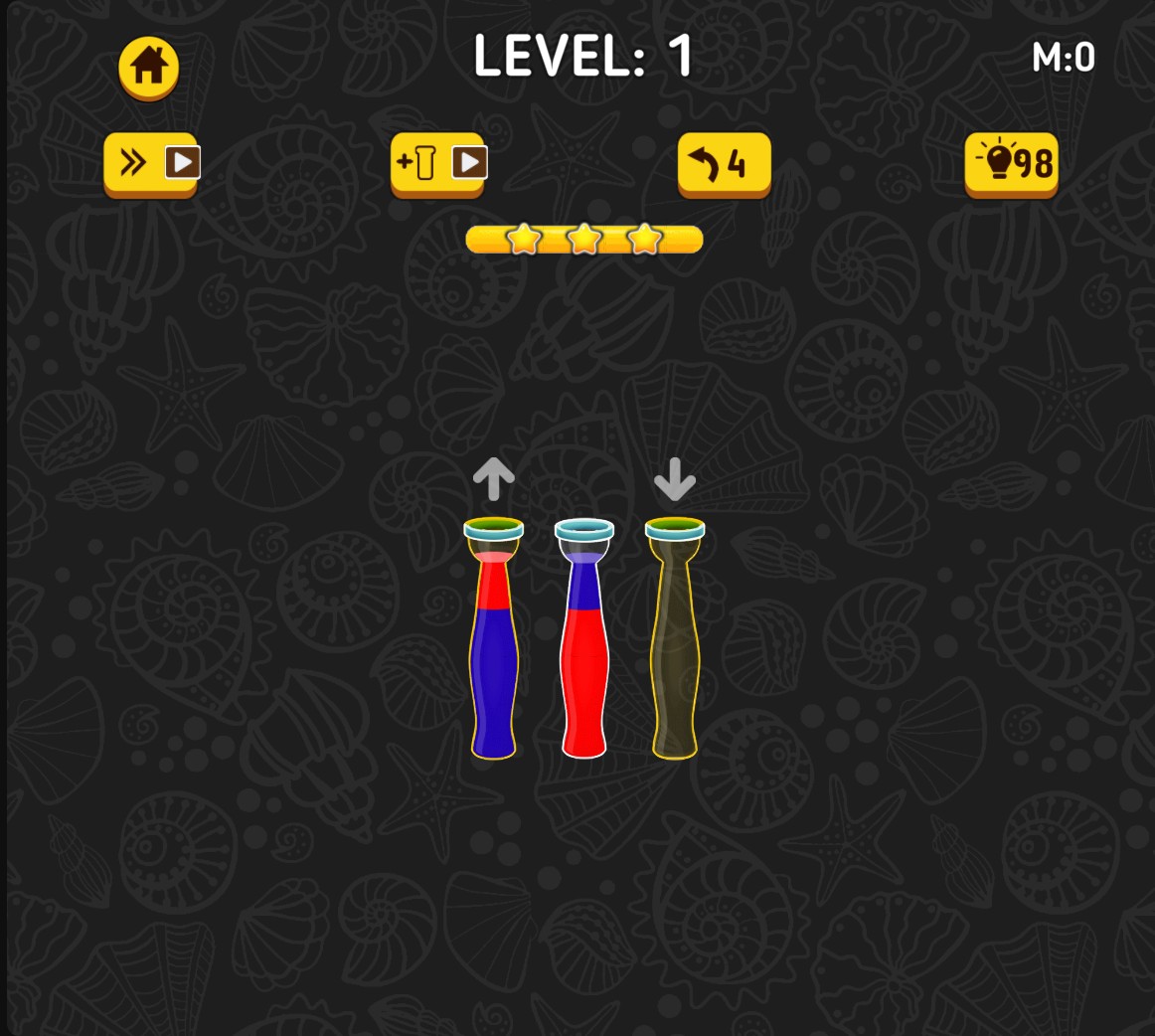
More hints for tricky pours
Choose your hint supply and use the bulb button to highlight a suggested pour.
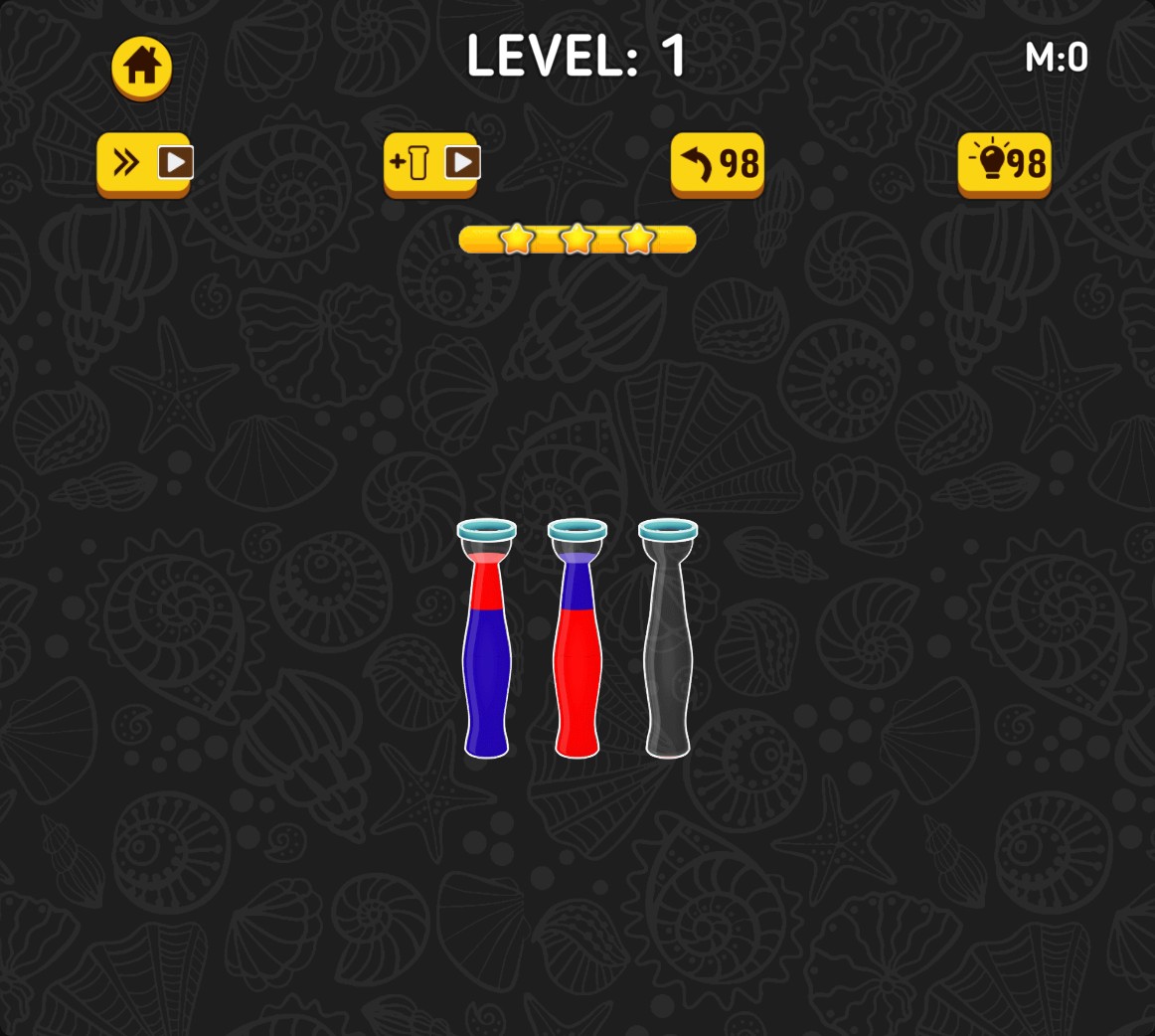
Undo a pour and try another route
Choose your Undo supply, then take back a pour with the curved-arrow button. The previous tube arrangement returns so you can try a different move.
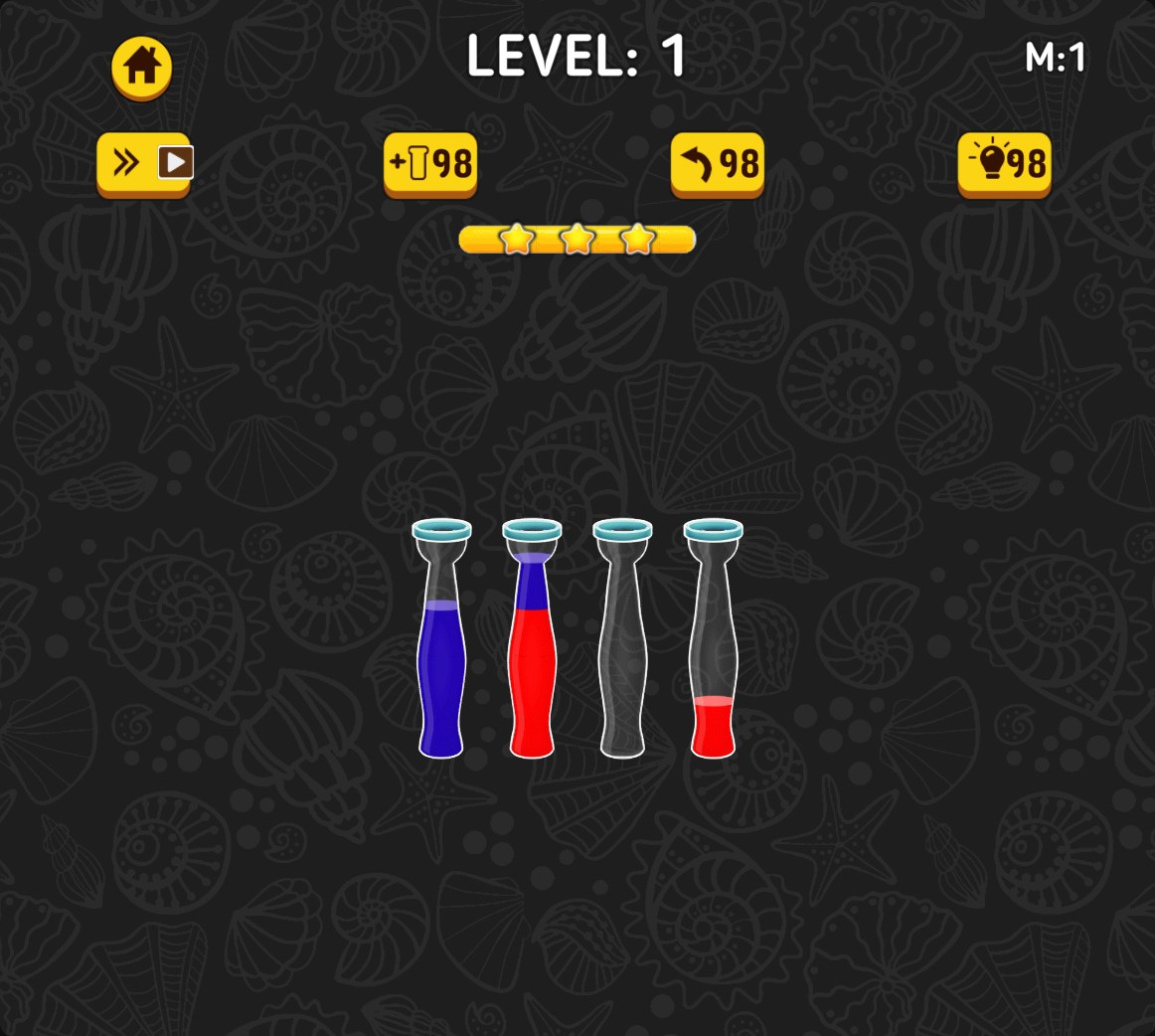
Make room with an extra tube
Choose your Extra Tube charge supply, then add an empty tube to give your next pours more room.
Use your puzzle helpers
Tap the bulb for a suggested pour, the curved arrow to undo your last move, or the plus-tube button to add an empty tube. These actions use their respective charges.
Spend coins on cosmetic unlocks
Open the shop from the home screen and use Unlock Random with coins. The button shows the current price, and the unlocked design becomes available for selection.
Available customisation options
CoinsPremium
Choose coins for random cosmetic unlocks in the shop.
Apply your chosen balance, open the shop from the home screen and use the coin Unlock Random button.
Undo chargesPremium
Choose Undo charges to take back pours and restore the previous arrangement.
After a pour, tap the curved arrow above the puzzle to reverse the move.
Hint chargesFree
Choose Hint charges to show a suggested pour.
Tap the bulb above the puzzle to highlight a source tube and destination.
Extra tube chargesPremium
Choose Extra Tube charges to add empty tubes for more sorting space.
Tap the plus-tube button above the puzzle, then use the added tube for your pours.
Questions about customisation options
- Where do I use the charges?
- Use the bulb, Undo arrow and plus-tube buttons above the puzzle. Each button uses its own charge supply.
- Do I need to change every balance?
- Choose the controls you want to change. Each balance is a separate option.
Using these features
Connect your game, then open Customise in the Windows app. Choose an option, check its available values and follow its instructions. Each option lists its own requirements and limits.
Setup for Color Water Sort 3D →