
Stars for ball skins
Pick a star balance, then spend it in Customize to give your ball a different look.
Requires the Windows app and the Bytonian Mods browser extension for Chrome or Edge. Browser setup guide
Pick a new ball
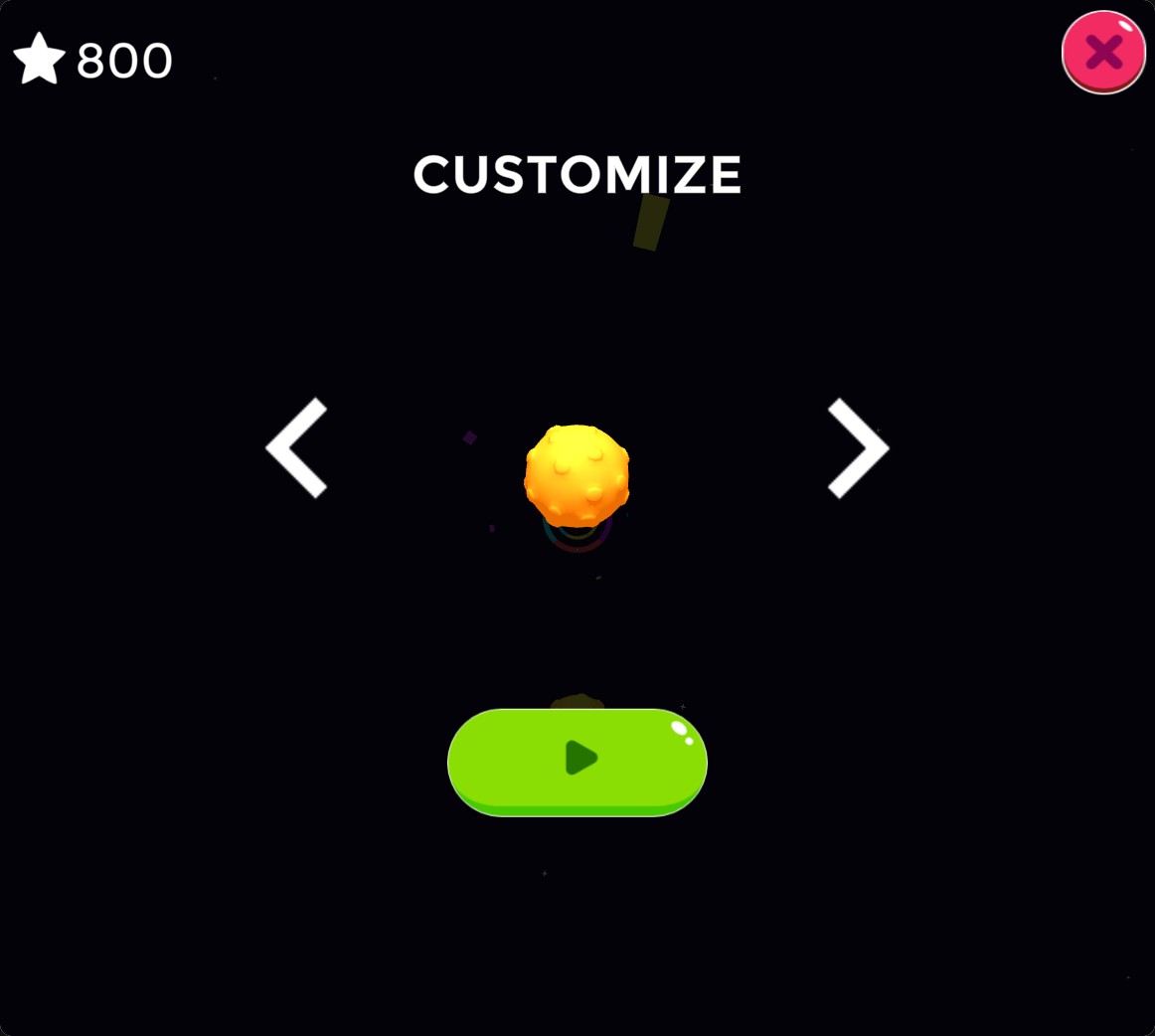
Spend stars in Customize to buy a different ball skin.
Buy a skin
Open the palette button on the home screen and browse the ball previews with the arrows. Press a skin's star price to buy it. Once owned, its green Play button lets you choose it.
Skin purchases still spend the displayed number of stars.
Available customisation options
StarsFree
Set stars to buy ball skins in Customize.
Choose a star amount, open the palette menu, buy a skin and press its green Play button.
Skin purchases still spend stars at the displayed price.
Questions about customisation options
- Does this unlock skins automatically?
- No. Set your stars, then buy the skins you want in Customize.
Using these features
Connect your game, then open Customise in the Windows app. Choose an option, check its available values and follow its instructions. Each option lists its own requirements and limits.
Setup for Color Burst 3D →