

Tune the pace of your robot battles
Make room for longer energy use, quicker recharge or a different combat rhythm. Adjust attack animation speed, slow enemy movement or change the pace of the whole offline world.

Pick the setting that matters
Attack Speed changes your robot’s attack animations. Enemy Speed changes enemy movement, while World Speed changes the overall pace of gameplay. Percentage controls use 100% for the normal value and apply new settings while enabled.
Available stat modifiers
Attack SpeedPremium
Adjust your robot’s attack animation speed in offline single-player. 100% is normal speed.
Enemy SpeedPremium
Slow down or speed up enemy movement in the current offline arena. Does not change enemy attack speed.
Energy CapacityPremium
Increase your current robot’s energy capacity in offline single-player. Set the total percentage of its normal capacity.
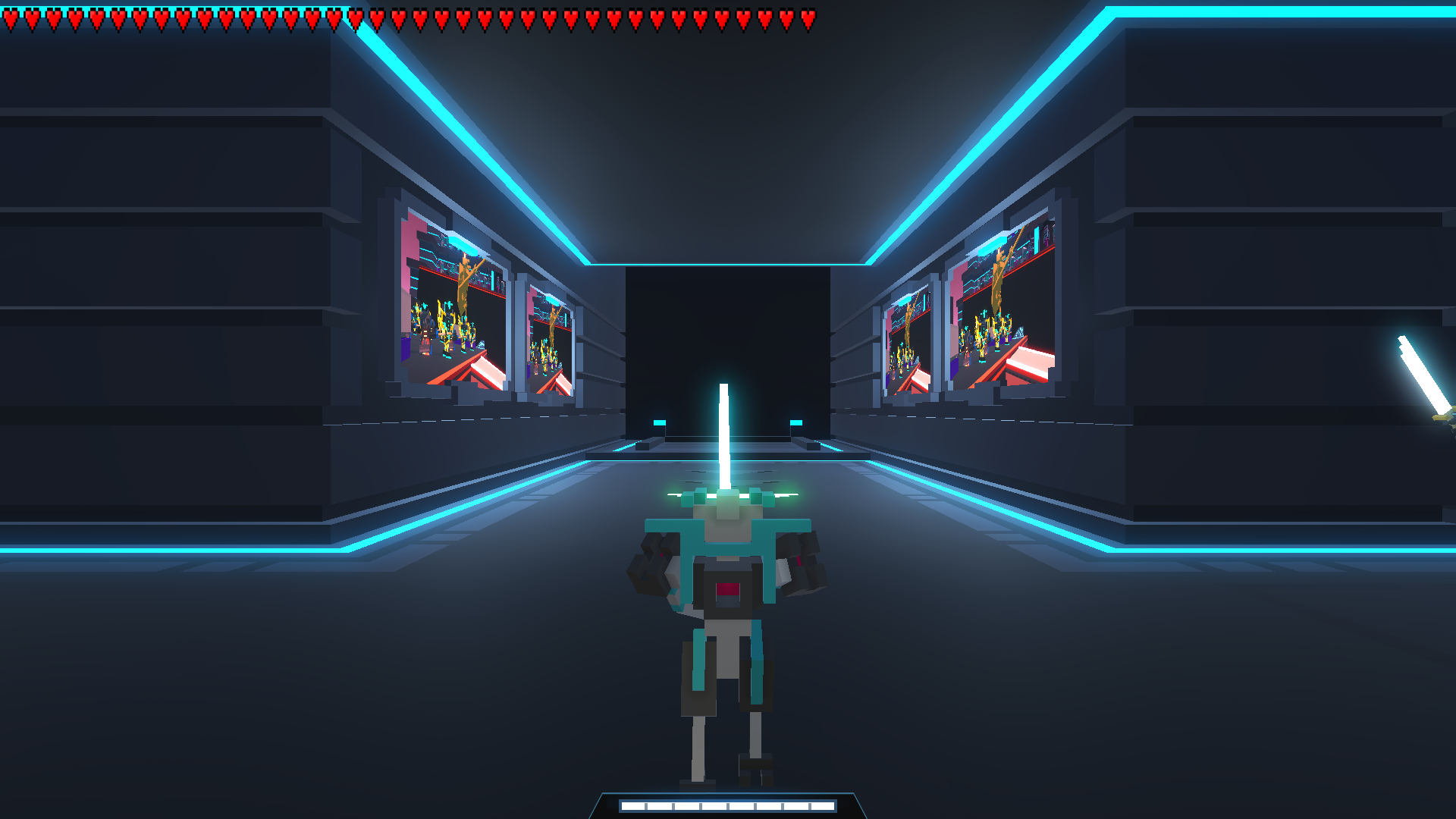
A larger energy reserve
Energy Capacity gives this robot eight energy units instead of four for offline single-player abilities.
Energy RechargePremium
Adjust your robot’s energy recharge rate in offline single-player. 100% is normal recharge.
World SpeedFree
Slow down or speed up offline gameplay. The game keeps control of pauses and temporary slow-motion effects.
More ways to customise Clone Drone in the Danger Zone
- Clone Drone in the Danger Zone resources
Edit backup lives and points through separate resource cards.
- Clone Drone in the Danger Zone game actions
Practical robot actions and a free enemy catalog.
Using these features
Choose the feature in the Windows app after connecting your game. Check its requirements before making a change.
Setup for Clone Drone in the Danger Zone →