

Keep your run supplied
Choose your backup-clone balance and upgrade-point balance separately. Add a little breathing room or set an exact amount before returning to the next fight.

Use the normal upgrade station
Upgrade Points changes the points available for your run. Choose and buy your upgrades through the game’s upgrade station. Clone and point changes can be saved by the game.
Available resources
ClonesPremium
Add, remove or set your backup clones in the current offline run. These changes can be saved by the game.
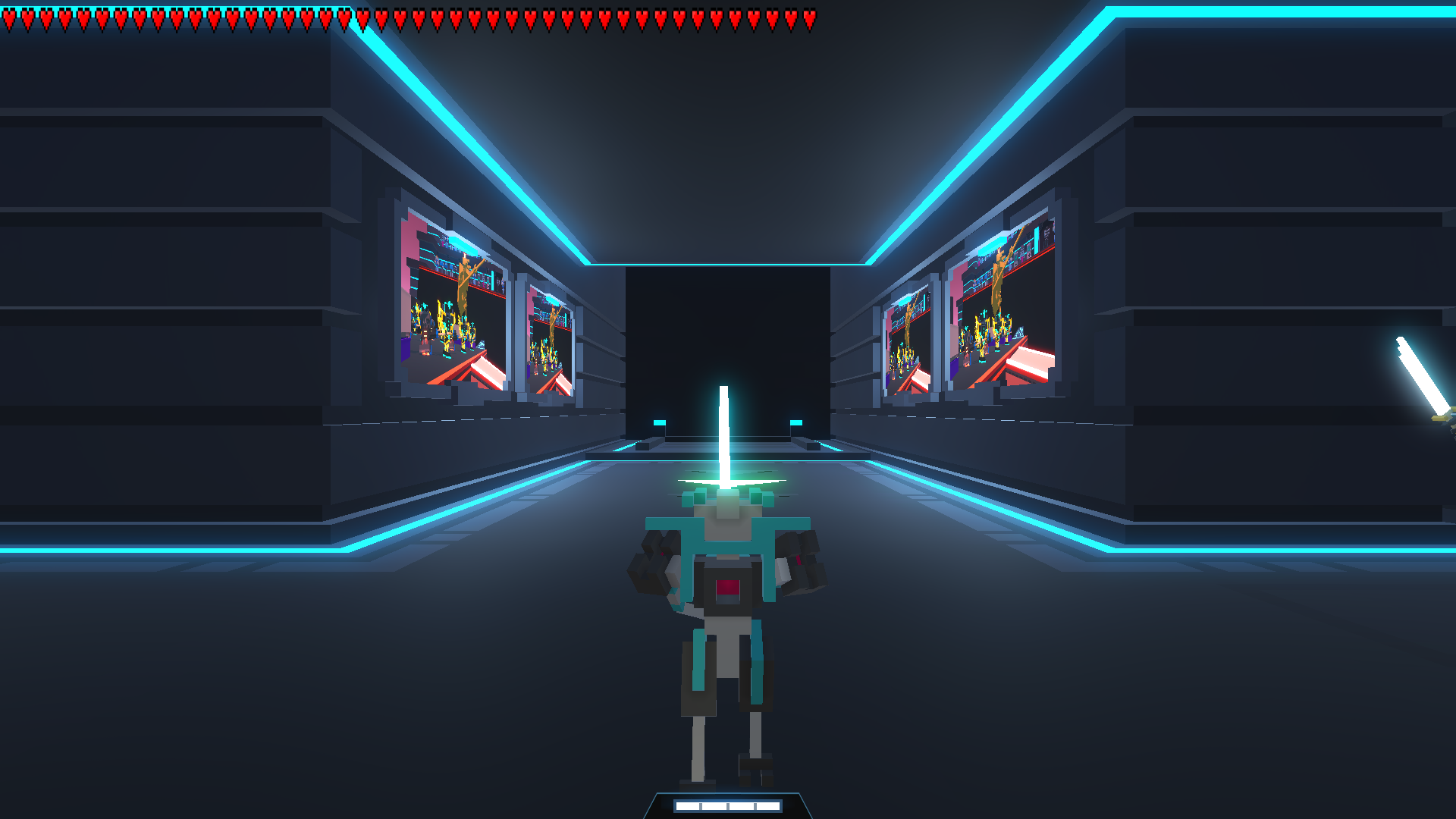
More backup clones
The Clones card changes the backup lives in your current offline run. This robot has 44 clones ready.
Upgrade PointsPremium
Add, remove or set upgrade points for the current offline run. Buy upgrades through the normal upgrade station. These changes can be saved by the game.
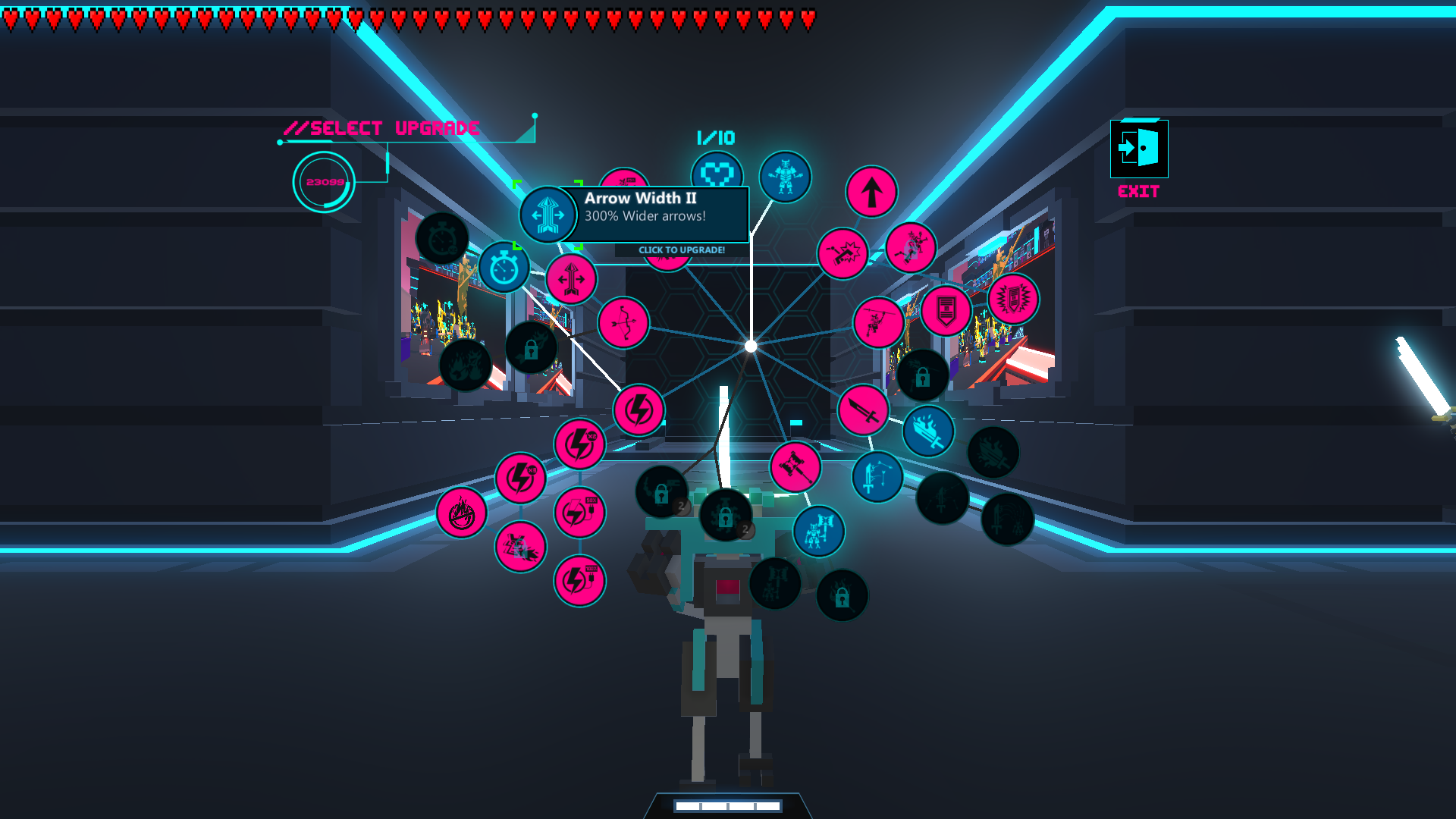
Upgrade points for your current run
Set your offline upgrade-point balance, then choose upgrades at the normal station.
More ways to customise Clone Drone in the Danger Zone
- Clone Drone in the Danger Zone stat modifiers
Energy and speed sliders for offline robot combat.
- Clone Drone in the Danger Zone game actions
Practical robot actions and a free enemy catalog.
Using these features
Choose the feature in the Windows app after connecting your game. Check its requirements before making a change.
Setup for Clone Drone in the Danger Zone →