
Customise
1 optionChoose your Coins balance, then use purchase pads to buy furniture.
View customisation options →Set your Coins balance to buy food counters, tables and chairs after clearing the floors. Use the restaurant's purchase pads to place furniture as you turn a messy room into a place for customers.
Requires the Windows app and the Bytonian Mods browser extension for Chrome or Edge. Browser setup guide

Start with free mods
Download Bytonian Mods for Windows and try these free features. Choose one to see how it works and any requirements.
Choose the Coins balance used to buy restaurant furniture.
Set a balance, apply your changes and move onto a furniture purchase pad in the restaurant.
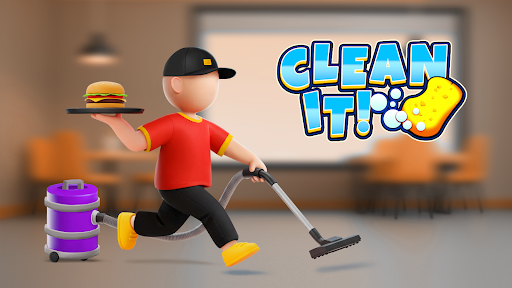
Cleaning creates space for restaurant furniture. Buy a food counter, add a table and chair, and watch customers arrive. The free Coins control lets you choose a balance for those purchases.
Choose your Coins balance, then use purchase pads to buy furniture.
View customisation options →Download the Windows app and follow the setup prompts.
Set up the browser extension in Chrome or Edge, then open the supported YouTube Playable. Follow the connection guide if the game is already running.
Open Customise in Bytonian Mods, choose an option and follow its instructions. Check the available values and any limits before making your change.