

Visual and camera controls
Choose how Cell to Singularity draws and frames its evolving worlds. These controls focus on the view and frame settings, from a wider garden camera to shadow and texture detail.
Frame and visual settings
Set a frame rate target or VSync interval in Frame Pacing. Visual Detail lets you choose shadow draw distance, edge smoothing, texture reduction, scene detail distance and soft particles.
Garden camera
Widen the field of view to see more around the active garden scene, or set its camera distance. The garden controls work on the active garden camera.
Available presentation modifiers
Edge smoothingPremium
Choose the game's edge smoothing level for a cleaner outline in supported scenes.
Choose a sample level, then enable the card.
Frame rate capFree
Choose a frame rate target for Cell to Singularity to suit your display or performance preference.
Set the limit in frames per second, then enable the card.
Garden camera distancePremium
Set the garden camera distance for a closer or farther view.
Choose a distance, then enable the card in a garden scene.
Garden field of viewPremium
Widen the garden camera view to see more of the scene around the planet.
Choose a view angle in degrees, then enable the card in a garden scene.
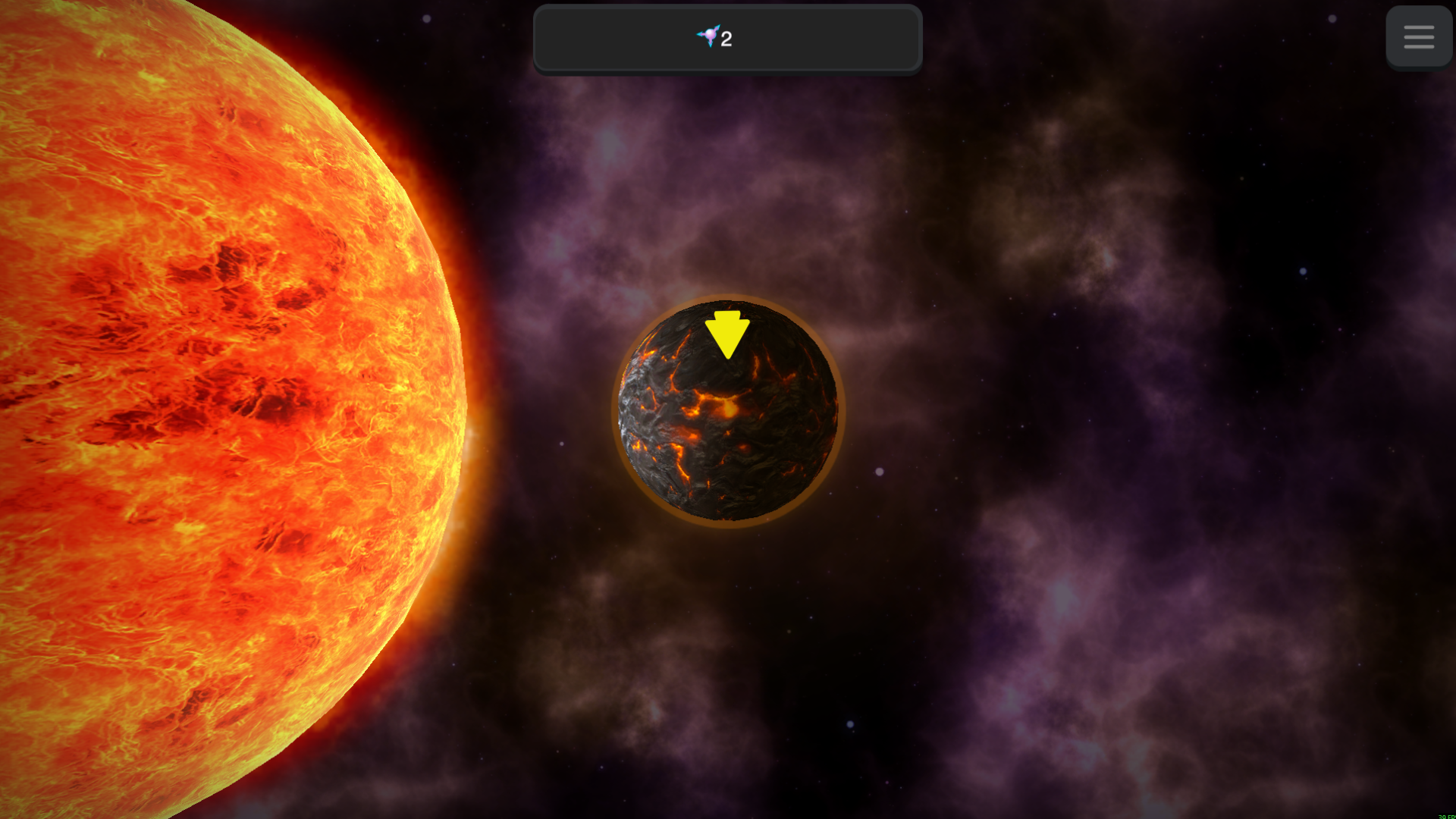
Wider camera view
A wider field of view shows more of the planet scene while keeping the game HUD visible.
Scene detail distancePremium
Choose how far detailed scene models remain visible.
Set a distance multiplier, then enable the card.
Shadow distancePremium
Set how far shadows draw in scenes that use them.
Choose a distance, then enable the card.
Soft particlesPremium
Switch on softer particle edges where the game uses supported effects.
Set Soft particles to on, then enable the card.
Texture detailPremium
Adjust texture detail to balance scene sharpness and graphics load.
Choose a detail reduction. Zero keeps full detail.
VSync controlFree
Choose how the game waits for display refreshes between frames.
Set the refresh interval, then enable VSync control.
More ways to customise Cell to Singularity - Evolution Never Ends
- Cell to Singularity - Evolution Never Ends rule modifiers
Adjust Entropy and Ideas generator income separately.
- Cell to Singularity - Evolution Never Ends system modifiers
Pause and restore in-game achievement checks.
- Cell to Singularity - Evolution Never Ends game actions
Choose a resource amount for the Main Simulation.
Questions about presentation modifiers
- Can I return to the game's earlier setting?
- Yes. Turn off the relevant card to restore the value it had before you enabled that control.
Using these features
Choose the feature in the Windows app after connecting your game. Check its requirements before making a change.
Setup for Cell to Singularity - Evolution Never Ends →