

Rule Modifiers
2 optionsAdjust Entropy and Ideas generator income separately.
View rule modifiers →Cell to Singularity follows life from its earliest forms toward technology and beyond. Choose progression controls for the Main Simulation, or tune how its worlds look and how garden scenes are framed.
Start with free mods
Download Bytonian Mods for Windows and try these free features. Choose one to see how it works and any requirements.
Add a chosen amount of Ideas to your Main Simulation balance for your next technology choices.
Choose an amount from 1 to 1 trillion, open the Main Simulation, then use Add Ideas.
Choose a frame rate target for Cell to Singularity to suit your display or performance preference.
Set the limit in frames per second, then enable the card.
Add a chosen amount of Entropy to your Main Simulation balance when you want to work toward more upgrades.
Choose an amount from 1 to 1 trillion, open the Main Simulation, then use Add Entropy.
Add a chosen amount of Metabits to your Main Simulation balance.
Choose an amount from 1 to 1 million, open the Main Simulation, then use Add Metabits.
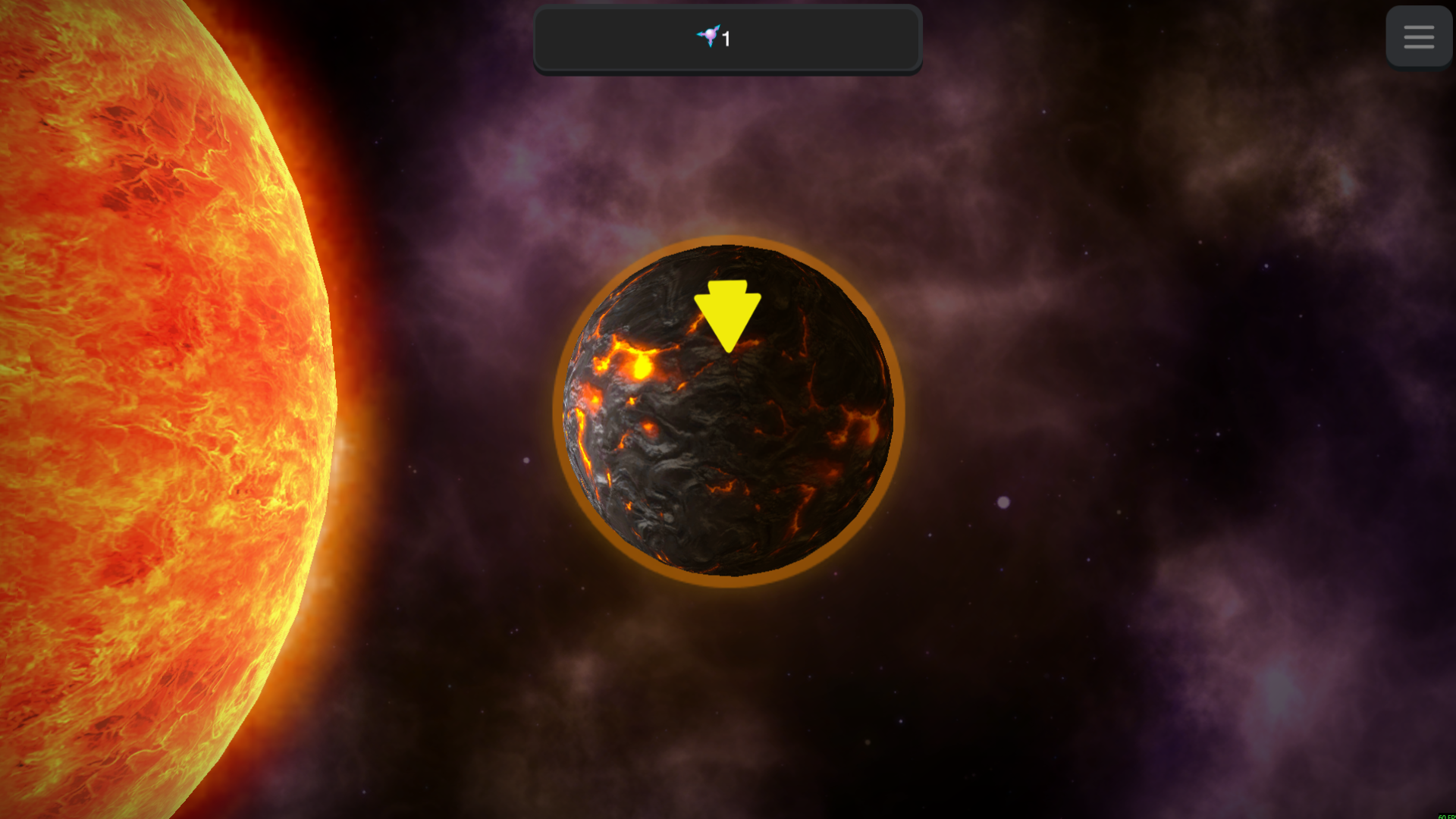
Early planet scene
The early planet scene in Cell to Singularity, with its normal game interface visible.
Progression Resources lets you add Entropy, Ideas or Metabits in the Main Simulation. Income Boosts lets you choose a multiplier for Entropy or Ideas from generators. Frame Pacing, Visual Detail and Camera View help you adjust the presentation.
Install Cell to Singularity on Windows and open it through Bytonian Mods. For a resource action, choose an amount and use its card. For frame, visual, camera or income settings, enable the card and turn it off when you want to return to the earlier setting.
Adjust Entropy and Ideas generator income separately.
View rule modifiers →Find a comfortable view and adjust the game's frame and visual settings.
View all presentation modifiers →Pause and restore in-game achievement checks.
View system modifiers →Choose a resource amount for the Main Simulation.
View game actions →Browse the Steam achievement names and descriptions for Cell to Singularity - Evolution Never Ends. Choose and unlock achievements for free with Bytonian Mods in the Windows app.
View all achievements →Download the Windows app and follow the setup prompts.
Open Cell to Singularity - Evolution Never Ends and select it in Bytonian Mods. Follow the app’s connection prompts.
Review the available options in the app and choose the ones that suit how you play.