
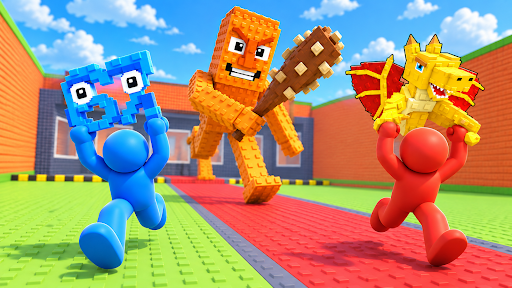
Ability Modifiers
1 optionTake flight and explore from above.
View ability modifiers →Explore the arena with Fly, head back to your base, or mark a place to return to.
Requires the Windows app and the Bytonian Mods browser extension for Chrome or Edge. Browser setup guide

Start with free mods
Download Bytonian Mods for Windows and try these free features. Choose one to see how it works and any requirements.
Head straight back to your base entrance.
Turn off Fly, then choose Return to Base.
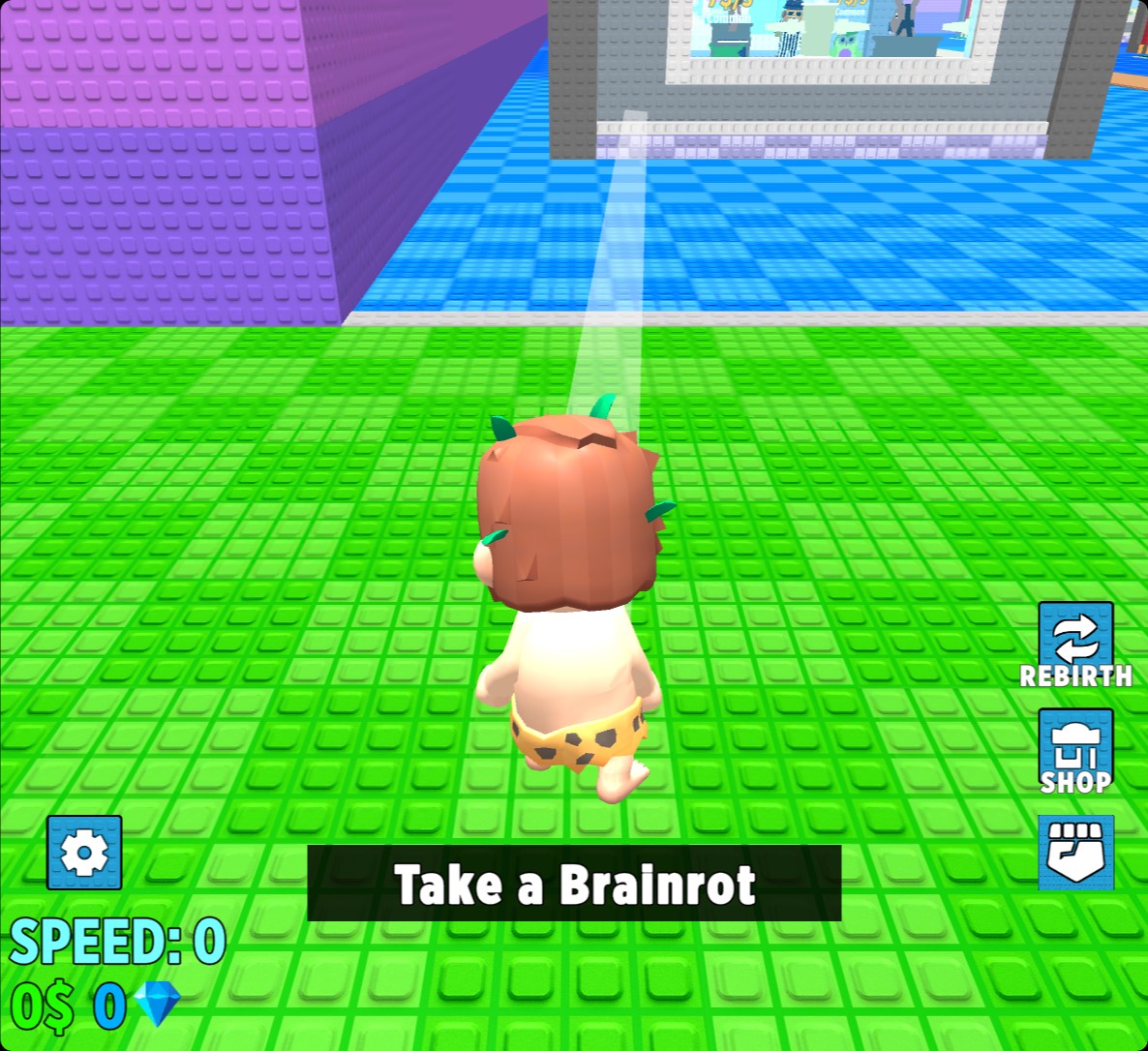
Explore the arena
Find your way around the arena, then choose how you want to travel.
Install Bytonian Mods for Windows and link your browser. Open Catch a Brainrot From Bosses, then choose your controls in Bytonian Mods.
Take flight and explore from above.
View ability modifiers →Return to base or back to a place you choose.
View game actions →Download the Windows app and follow the setup prompts.
Set up the browser extension in Chrome or Edge, then open the supported YouTube Playable. Follow the connection guide if the game is already running.
Review the available options in the app and choose the ones that suit how you play.