
Customise
2 optionsChoose regular hint and Add stocks for an existing puzzle, then Continue it after the game reloads.
View customisation options →Choose your Hint and Add stocks before continuing a puzzle you've started. Clear matching numbers or pairs that add up to ten, then look for your next match.
Requires the Windows app and the Bytonian Mods browser extension for Chrome or Edge. Browser setup guide
Start with free mods
Download Bytonian Mods for Windows and try these free features. Choose one to see how it works and any requirements.
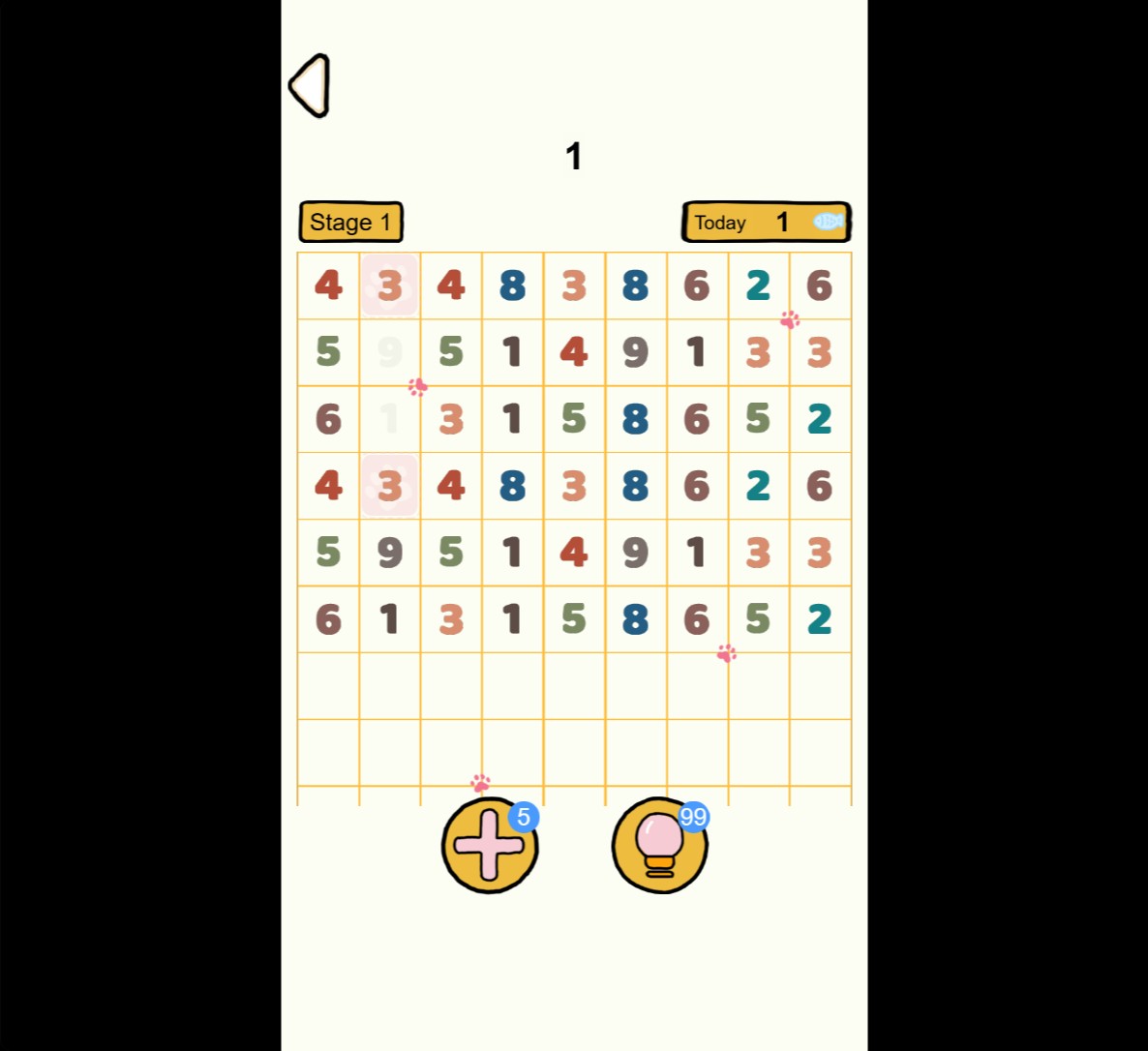
Set the regular hints for your saved puzzle and use the lightbulb to highlight an available matching pair.
Start a normal puzzle, choose your hint amount, apply, then Continue after the game reloads.
A new game starts with its usual regular stock. Existing bonus hints stay available.
Use the free Hints control when you want a clue to an available pair. Choose Add uses when you want to bring more numbers into the puzzle and create fresh matching opportunities. Both controls are in Customizations.
Start a normal puzzle before choosing your amounts. Apply the changes, let the game reload, then press Continue to return to that board. A new game starts with its usual regular stocks.
Find your next pair
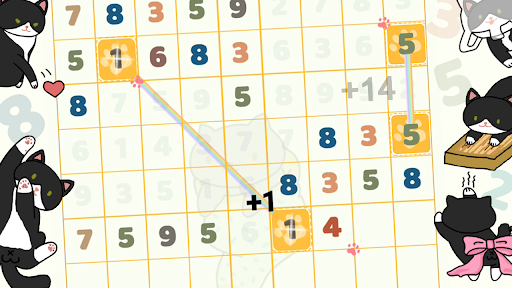
Match equal numbers or pairs that add up to 10, with a hint when you need a fresh lead.
Choose regular hint and Add stocks for an existing puzzle, then Continue it after the game reloads.
View customisation options →Download the Windows app and follow the setup prompts.
Set up the browser extension in Chrome or Edge, then open the supported YouTube Playable. Follow the connection guide if the game is already running.
Open Customise in Bytonian Mods, choose an option and follow its instructions. Check the available values and any limits before making your change.