
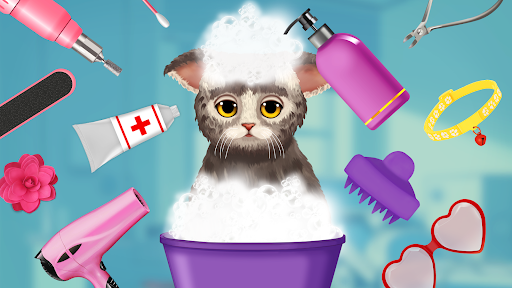
Open up your animal choices
Want a different companion for your next care session? Available Animals lets you increase the number of animals you can choose from on the selection screen.
Requires the Windows app and the Bytonian Mods browser extension for Chrome or Edge. Browser setup guide
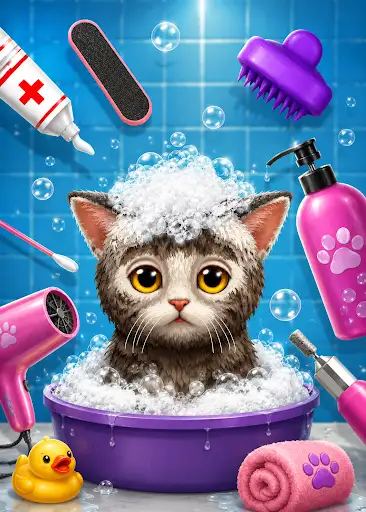
Choose, then care
Set the available-animal count and apply your change. Pick a newly available animal to enter its care room with the usual tools and highlighted targets.
Keep the care routine
Opening an animal gives you access to its session. You still work through the animal's care tasks in their normal order.
Available customisation options
Available animalsFree
Make more animals available on the selection screen and choose one to care for.
Choose the available-animal count, apply your change and select an animal to start its care session.
Animal care tasks still follow their normal steps after selection.
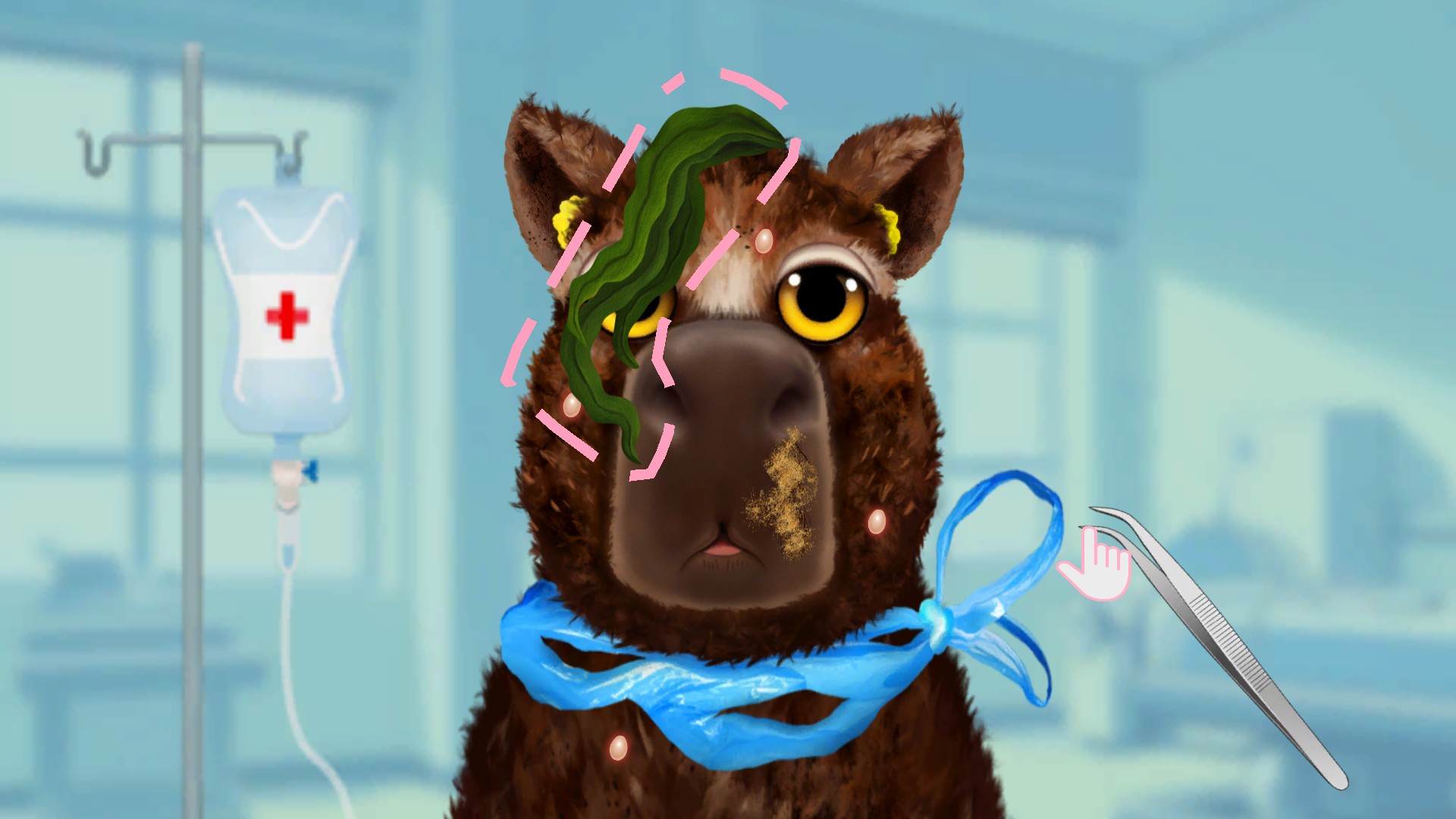
Choose another animal to care for
Make more animals available, then choose one and start its care routine.
Using these features
Connect your game, then open Customise in the Windows app. Choose an option, check its available values and follow its instructions. Each option lists its own requirements and limits.
Setup for Cat Makeover ASMR →