

Adjust your cash and reel speed
Use the free Cash and Reel Speed cards to prepare for your next fishing trip and control how quickly the line comes in.
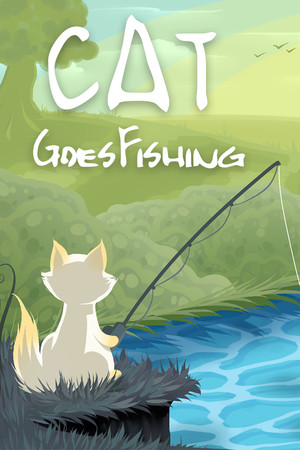
Cash for your next trip
Cash helps you buy fishing equipment as you explore. Refresh the card to read your current balance, then set a new amount or add cash before choosing your next rod or upgrade.
For installation and setup, visit the Cat Goes Fishing overview.
Set your equipped rod’s reel speed
Open the Reel Speed card while Cat Goes Fishing is running. Select Refresh to check the equipped rod’s setting, then choose a value from 5 to 15. A higher value reels the line in faster.
Available resources
CashFree
Refresh, set or add cash for your next rod, upgrade or trip.
Open the Cash card while the game is running and select Refresh to read your balance.
Reel SpeedFree
Set how quickly the equipped rod reels in the line.
Open the Reel Speed card while the game is running. Select Refresh to check the current setting, then choose a value from 5 to 15.
More ways to customise Cat Goes Fishing
- Cat Goes Fishing customisation options
Choose individual replacements and save the mix you want to use.
Questions about resources
- Does the Cash card refresh automatically?
- Use Refresh on the card to read your current balance.
Using these features
Choose the feature in the Windows app after connecting your game. Check its requirements before making a change.
Setup for Cat Goes Fishing →