

Give your fish a new look
Choose a fish to change in Customize, then pick a replacement from your pool. Try Azure Cuddlefish or add a free seasonal fish pack.
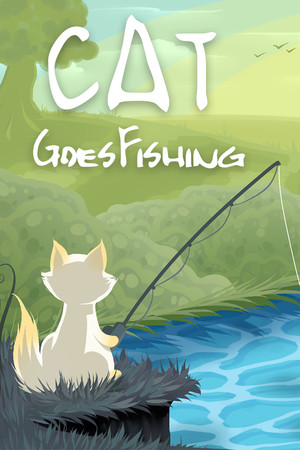
Use the Custom Fish Manager
Install the free manager from Fish packages. In Customize, choose the fish you want to change, select a replacement and save your choices. Turn on Custom fish to use them while playing.
Available customisation options
Azure CuddlefishFree
Add a free cyan-and-magenta Azure Cuddlefish appearance with matching catalogue art and text to your fish pool.
Christmas FishFree
Add a free Christmas-themed collection of fish appearances to your pool in Customize.
Custom Fish ManagerFree
Choose fish appearances from your pool, save your picks and use them in Cat Goes Fishing.
Halloween FishFree
Add a free Halloween-themed collection of fish appearances to your pool in Customize.
More ways to customise Cat Goes Fishing
- Cat Goes Fishing resources
Refresh, set or add cash, or choose a reel speed for your equipped rod.
Questions about customisation options
- Can I go back to the original fish?
- Yes. Turn off Custom fish to restore the original appearances and catalogue entries while keeping your choices saved.
Using these features
Connect your game, then open Customise in the Windows app. Choose an option, check its available values and follow its instructions. Each option lists its own requirements and limits.
Setup for Cat Goes Fishing →