
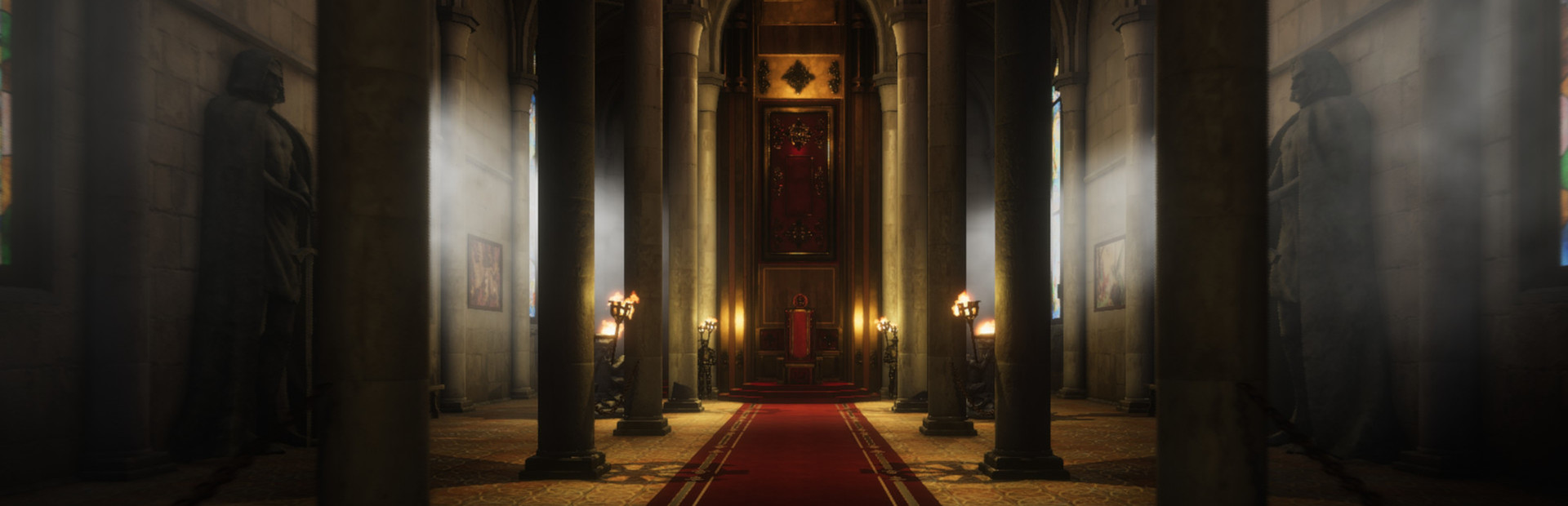
Inspect the site with flight
Fly gives you another view of a renovation by moving above the usual walking route and through scenery. The Premium control offers configurable movement keys and normal or fast speeds.

Check your controls
Open the Movement tab, choose Fly as your movement style and turn Movement on. Review the direction, up, down and faster-flight keys in the app. Return to a clear, walkable spot before turning Movement off. Flight changes position rather than completing building or repair objectives.
Available ability modifiers
MovementPremium
Fly around the renovation site and through scenery with adjustable speeds.
Open the Movement tab, choose Fly as your movement style, check your movement keys and turn Movement on.
Return to a clear landing spot before disabling; flight does not complete renovation objectives.
Supported movement styles: Fly
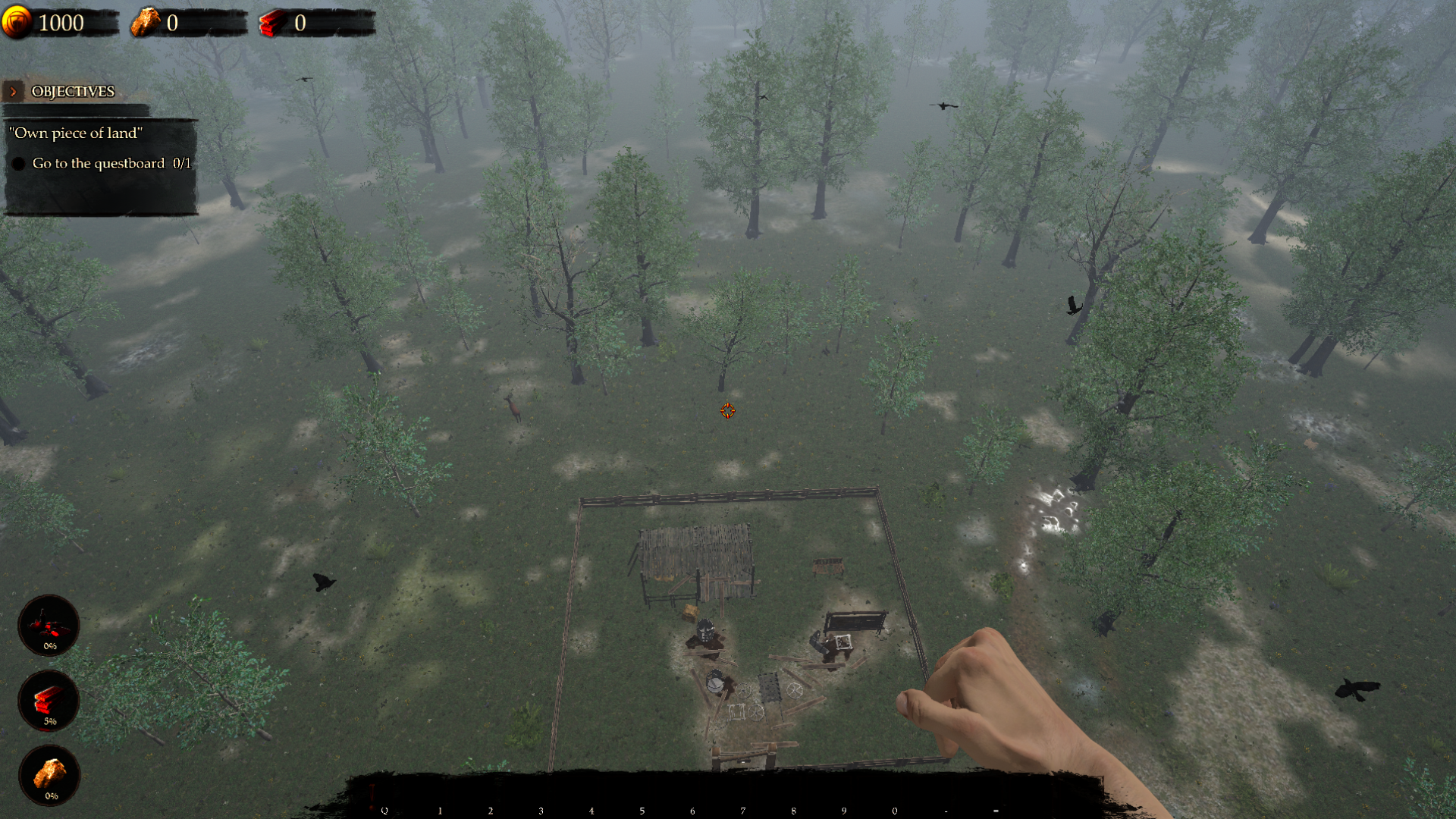
See your renovation from above
Fly high above your kingdom for a bird's-eye view of the plot and surrounding woodland.
More ways to customise Castle Flipper
- Castle Flipper resources
Free Rock and Premium Gold or Wood balance controls.
- Castle Flipper utilities
Free garbage pickup and tutorial prompt dismissal in the loaded area.
Using these features
Choose the feature in the Windows app after connecting your game. Check its requirements before making a change.
Setup for Castle Flipper →