
Resources
3 optionsFree Rock and Premium Gold or Wood balance controls.
View resources →Adjust your renovation resources, collect eligible rubbish or fly above your site in Castle Flipper. Choose the help you need while cleaning, building and decorating your medieval kingdom.

Start with free mods
Download Bytonian Mods for Windows and try these free features. Choose one to see how it works and any requirements.
Collect eligible rubbish in the current area without picking up each piece yourself.
Load the area and trigger Pickup Garbage.
The game's collection permissions still apply. Other cleaning and repair tasks remain separate.
Dismiss tutorial prompts and their blurred backdrop to return to gameplay in your current area.
Load your kingdom and choose Skip Tutorial.
Quest objectives stay in place. This does not permanently complete the tutorial, and new areas may introduce more prompts.
Adjust Rock separately to suit the materials budget for your project.
Does not alter your Gold or Wood balances.
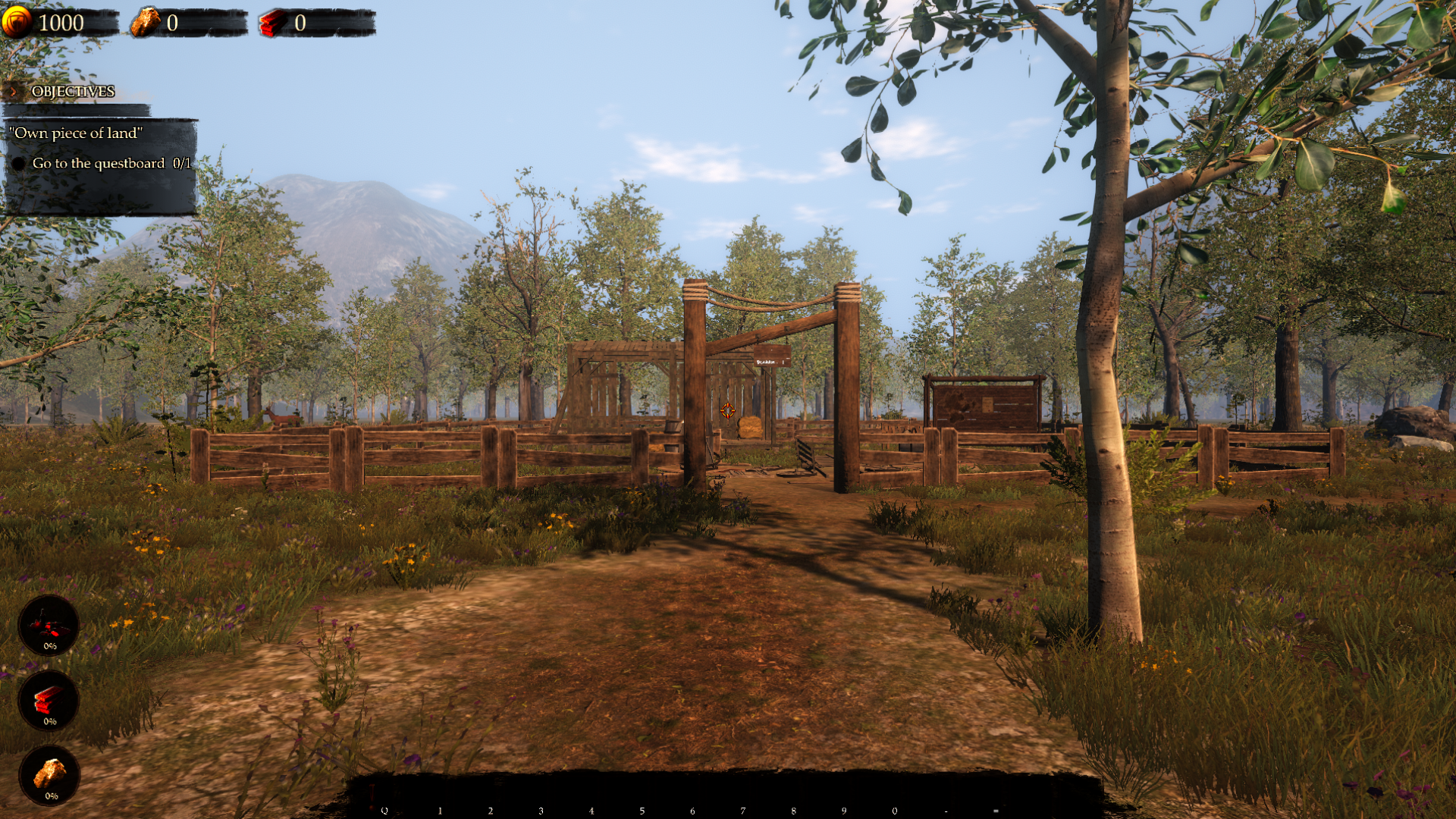
Your first plot in Castle Flipper
A medieval plot ready for renovation, with the questboard just inside the entrance.
Resources contains Gold, Rock and Wood. Utilities offers free Pickup Garbage and Skip Tutorial, while the Movement tab contains Premium Fly. Rock is free; Gold and Wood are Premium.
Install Bytonian Mods, open Castle Flipper and select it in the Windows app. Follow the connection prompts, load an area and choose the control you need.
Free Rock and Premium Gold or Wood balance controls.
View resources →Adjustable flight for exploring your renovation site.
View ability modifiers →Free garbage pickup and tutorial prompt dismissal in the loaded area.
View utilities →Browse the Steam achievement names and descriptions for Castle Flipper. Choose and unlock achievements for free with Bytonian Mods in the Windows app.
View all achievements →Download the Windows app and follow the setup prompts.
Open Castle Flipper and select it in Bytonian Mods. Follow the app’s connection prompts.
Review the available options in the app and choose the ones that suit how you play.