
Choose coins and energy in Castle Craft
Set Coins for purchases in the Energy Shop or Energy for work around the island. The two controls let you choose each balance separately.
Requires the Windows app and the Bytonian Mods browser extension for Chrome or Edge. Browser setup guide
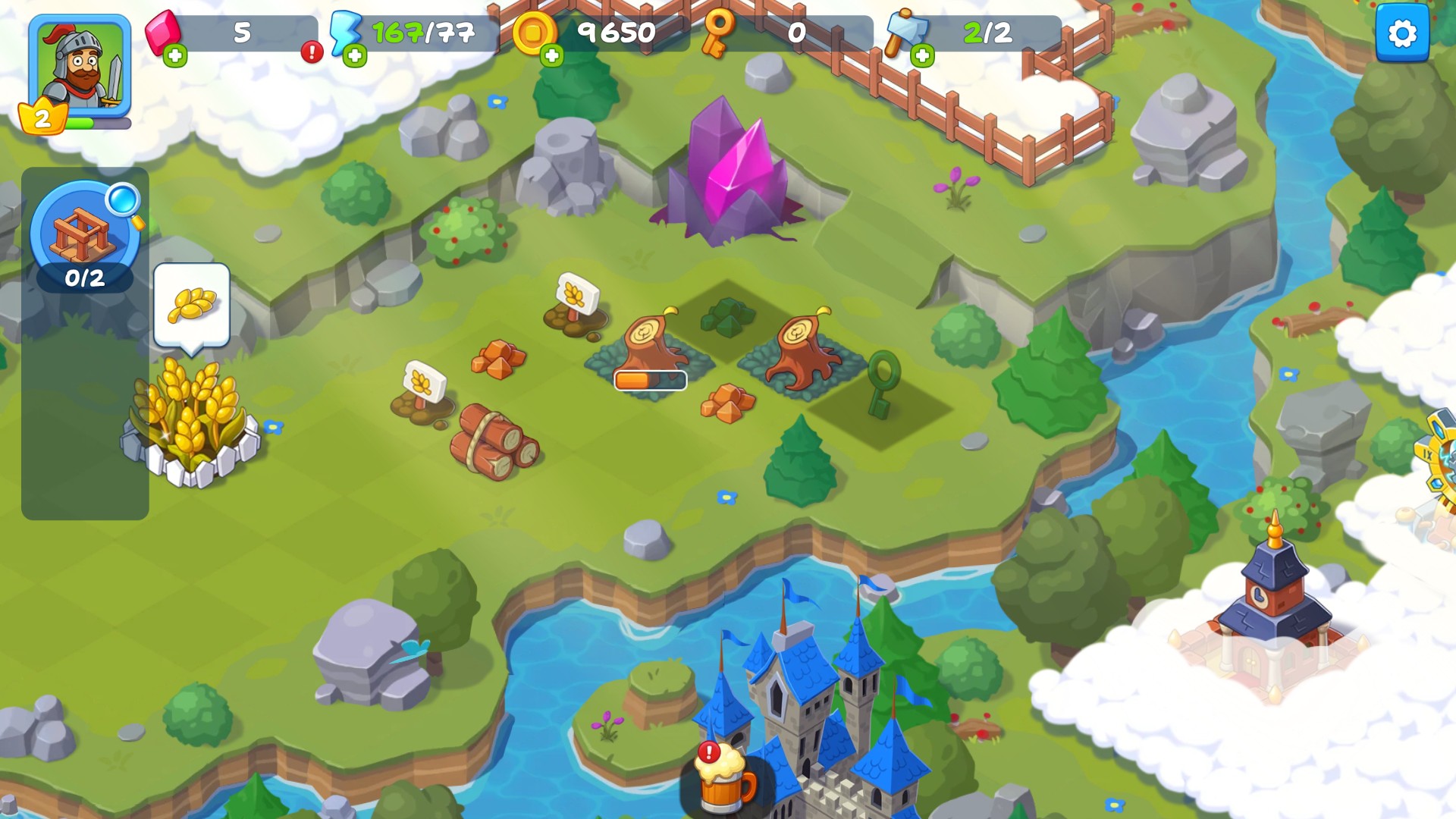
Coins for extra energy
Use coins at the Energy Shop to buy more energy for gathering and mining.
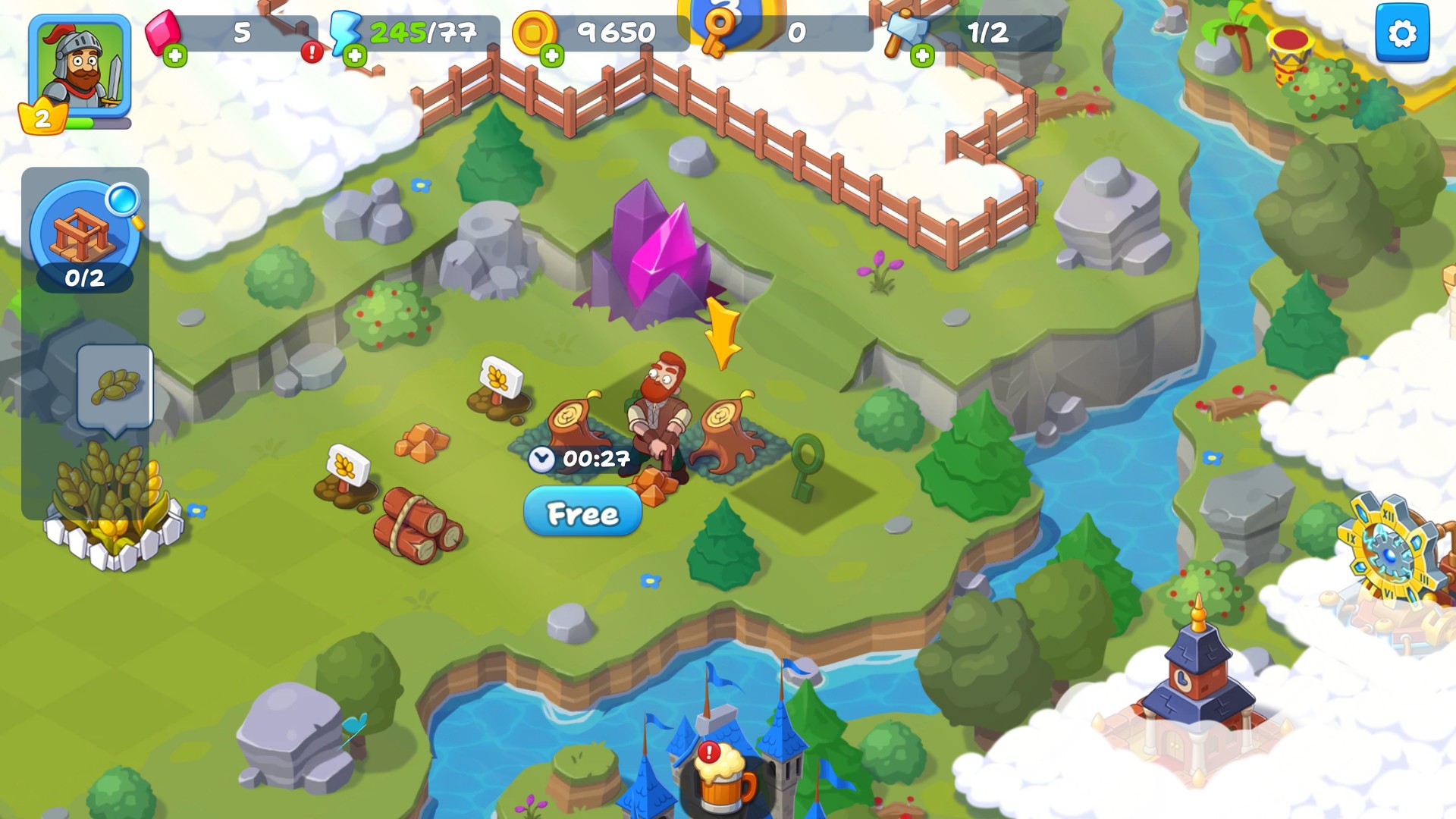
Energy for stump mining
Keep energy available for ordinary mining tasks while your workers gather resources.
Coins for ordinary purchases
Choose a coin balance before visiting the Energy Shop or making another coin purchase. The Energy Shop can turn coins into extra energy so you can keep gathering.
Energy for mining and gathering
Choose your energy balance, select a resource source and start its normal task. Workers must still be available, and each task keeps its ordinary completion time.
Use the resource you need
Set Coins or Energy separately. Buying energy still spends the displayed coin price, and mining still spends the displayed energy cost.
Available customisation options
CoinsFree
Choose your coin balance for ordinary purchases, including extra energy from the Energy Shop.
Set the coin amount, apply it, then use the normal coin purchase in Castle Craft.
Purchases still charge their displayed coin price.
EnergyPremium
Choose energy for mining and gathering resources around your island.
Set the energy amount, apply it, then select a source and start its normal gathering task.
Tasks still use workers and keep their ordinary completion times.
Using these features
Connect your game, then open Customise in the Windows app. Choose an option, check its available values and follow its instructions. Each option lists its own requirements and limits.
Setup for Castle Craft →