
Customise
4 optionsCoin balance, striker ownership, normal upgrade caps and stone designs in one place.
View all customisation options →Set your Coins, unlock striker and stone designs, or bring strikers to their normal upgrade caps. Choose your equipment in the shop before returning to the board.
Requires the Windows app and the Bytonian Mods browser extension for Chrome or Edge. Browser setup guide
Start with free mods
Download Bytonian Mods for Windows and try these free features. Choose one to see how it works and any requirements.
Unlock all nine stone designs and choose a new look for your side of the board.
Applying reloads the game and selects the basic white stones. Choose another design in the shop's Stones tab.
Customization brings together coins, striker unlocks, striker upgrades and stone designs. Unlock stone designs is free; coins, all strikers and max striker upgrades are Premium controls.
Choose a look you like or prepare a fully upgraded striker. Unlocking the strikers selects Purple Flower, while unlocking stone designs selects the basic white stones. Visit the shop to pick your favorites afterward.
Open Carrom Clash in YouTube Playables with Bytonian Mods connected, then choose your controls in Customization and apply them. Applying reloads the game.
Return to the normal shop to select your striker or stones, then choose a mode and table. Table entry fees still follow the game's normal coin costs.
Coin balance, striker ownership, normal upgrade caps and stone designs in one place.
View all customisation options →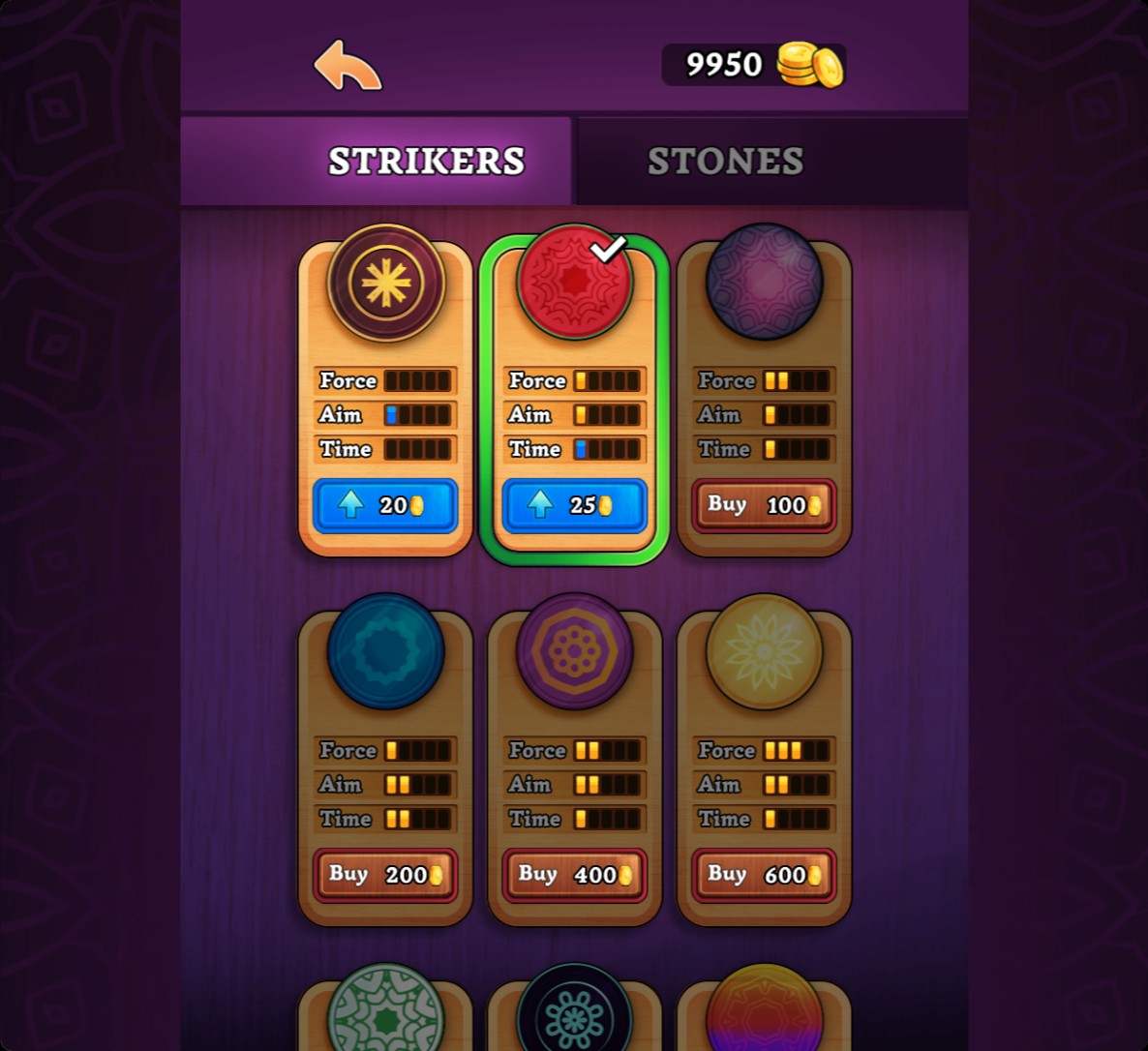
Coins for shop purchases
Set your coin balance to buy strikers and upgrades from the shop.
Unlock stone designs
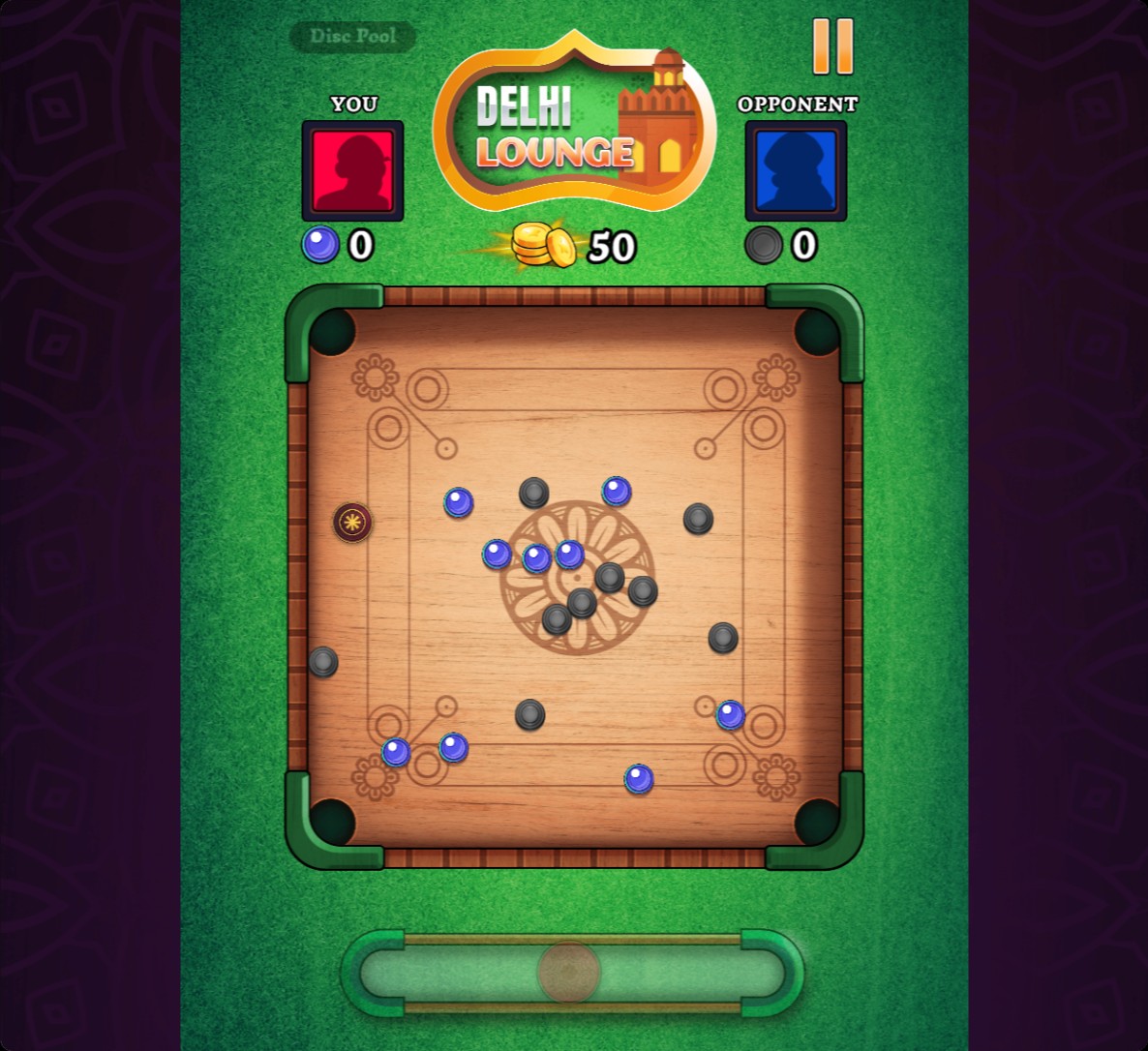
Choose from all nine stone designs in the shop and bring your chosen look to the table.
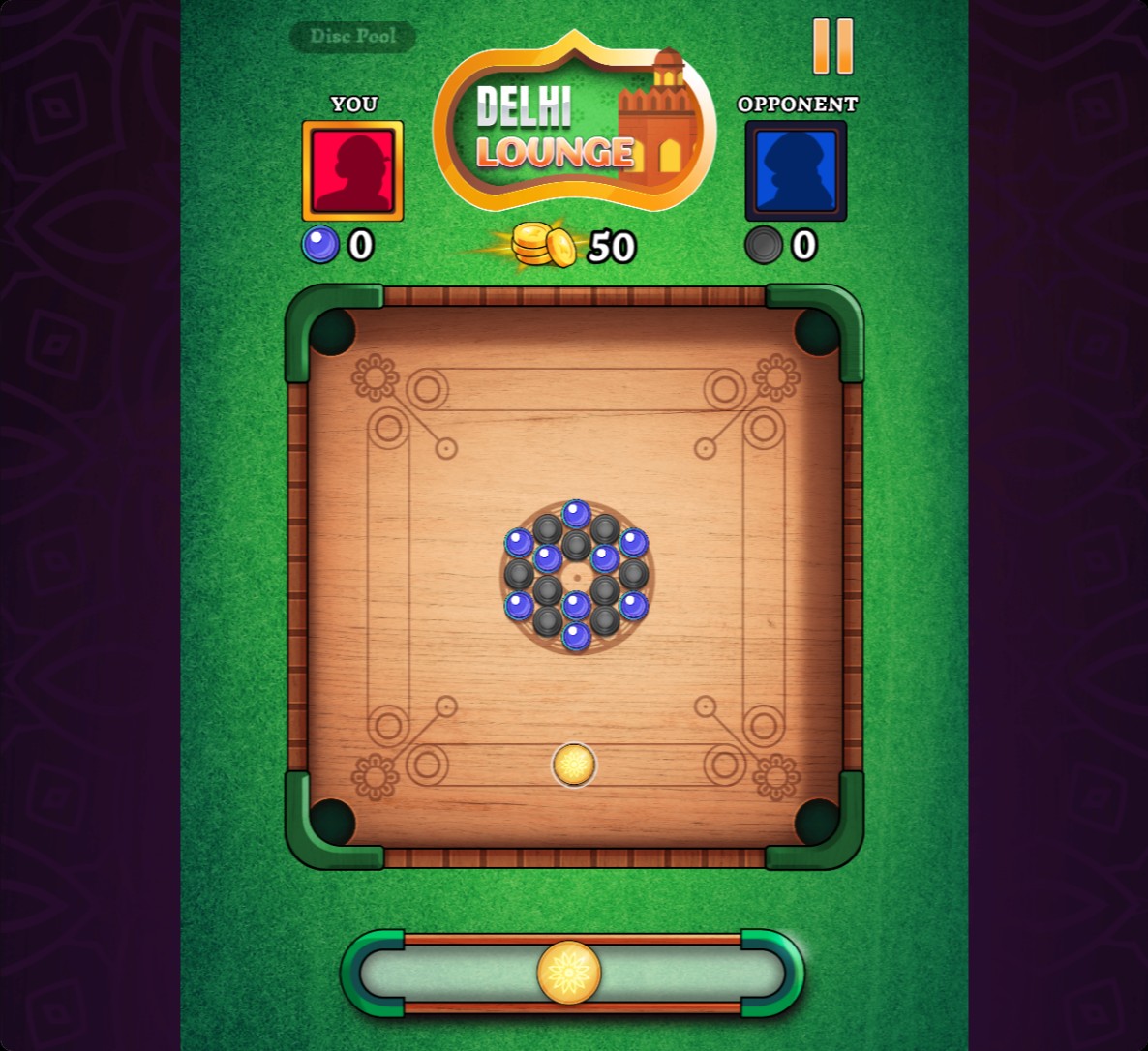
Unlock all strikers
Choose from all nine strikers in the shop, then bring your choice to the table.
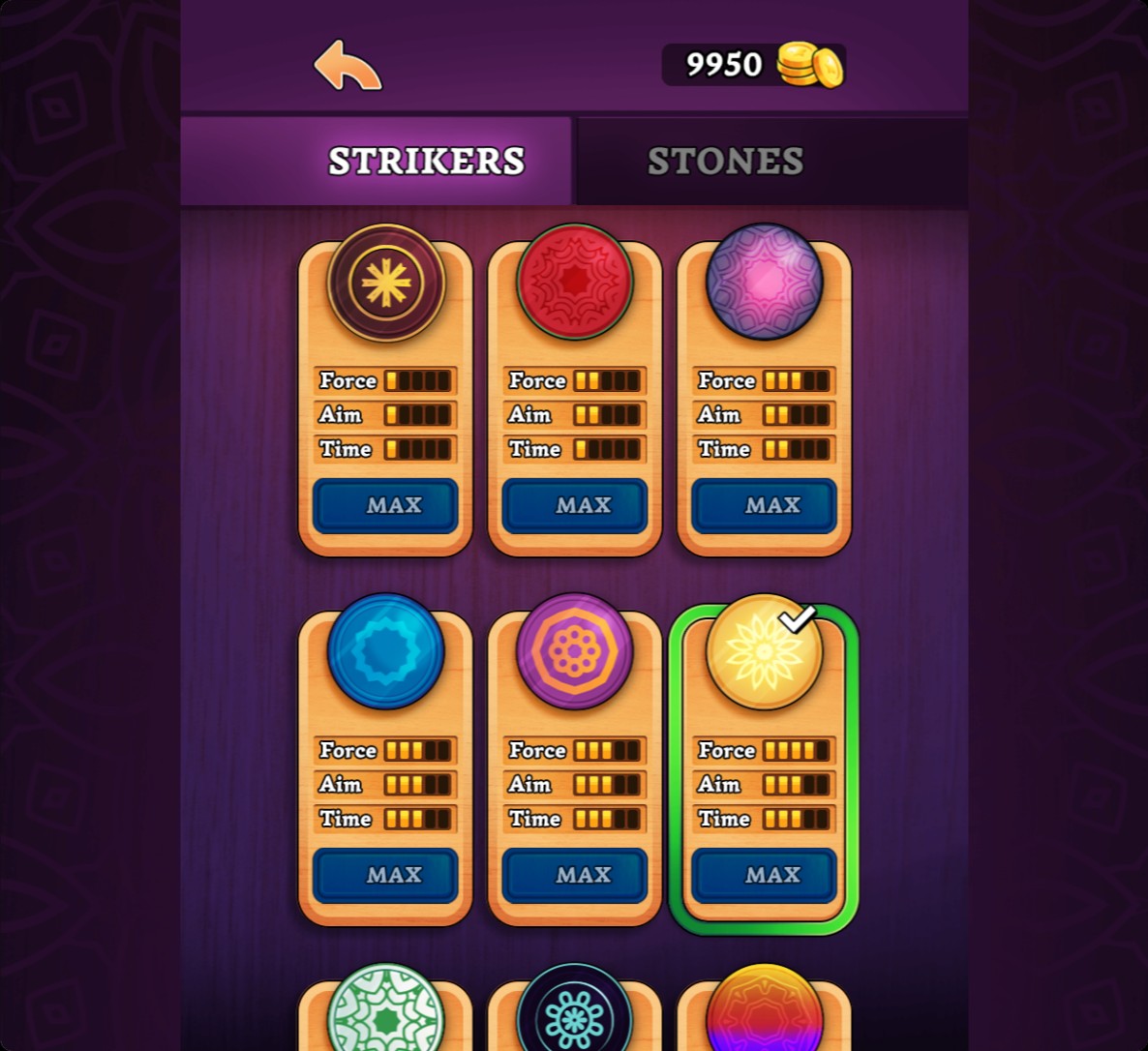
Max striker upgrades
Bring each striker to its normal upgrade cap, with improved Force, Aim and Time stats shown in the shop.
Download the Windows app and follow the setup prompts.
Set up the browser extension in Chrome or Edge, then open the supported YouTube Playable. Follow the connection guide if the game is already running.
Open Customise in Bytonian Mods, choose an option and follow its instructions. Check the available values and any limits before making your change.