
Coins, heroes and market offers
Set up your next run from one place: enter your coin balance, select the hero unlocks you want and choose a market preset. Apply your changes, then select your hero and buy gear in the game.
Requires the Windows app and the Bytonian Mods browser extension for Chrome or Edge. Browser setup guide
Coins for your next run
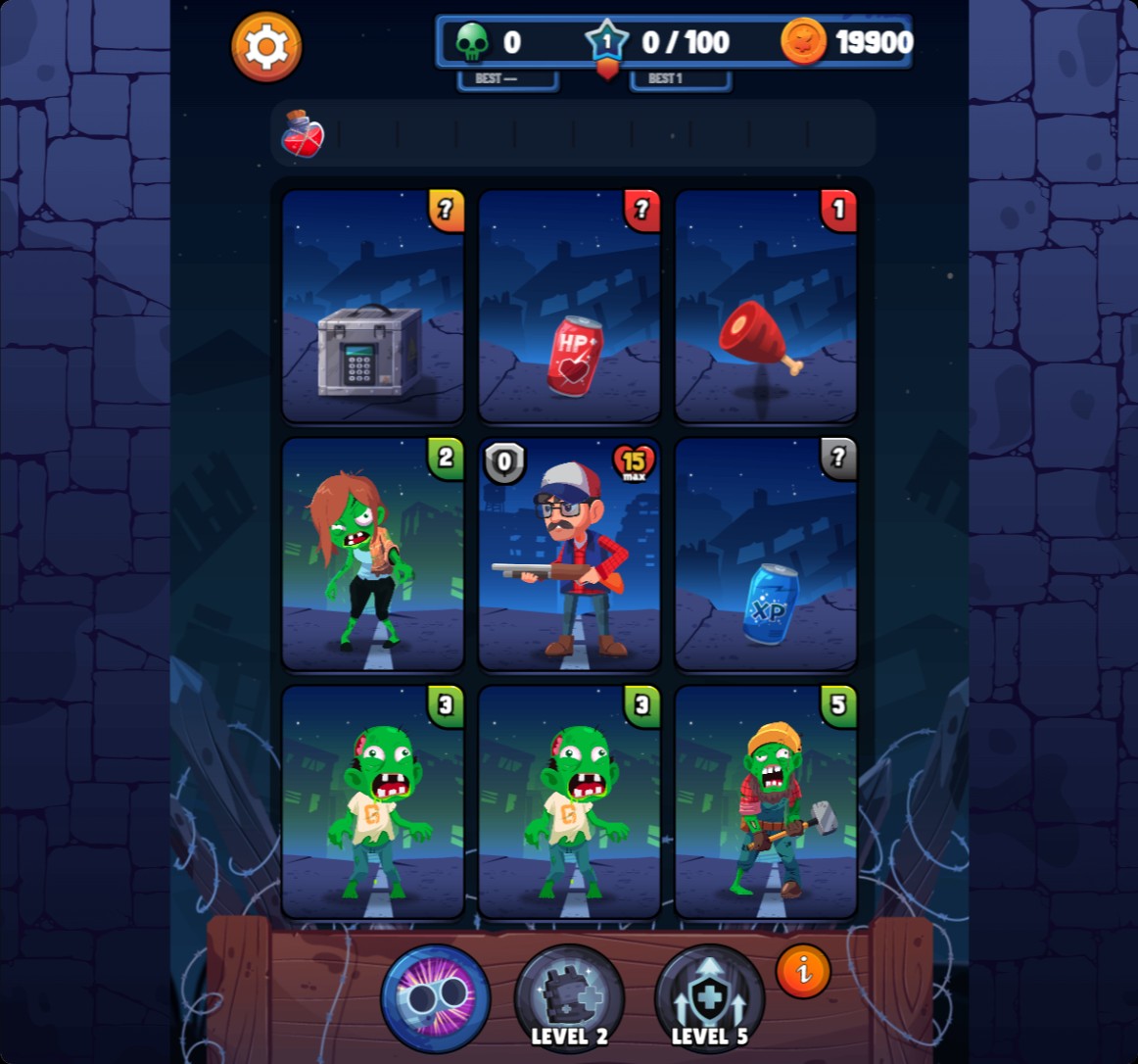
Buy market items with your chosen coin balance. Paul enters this run with a purchased Health Boost and 19,900 coins remaining.
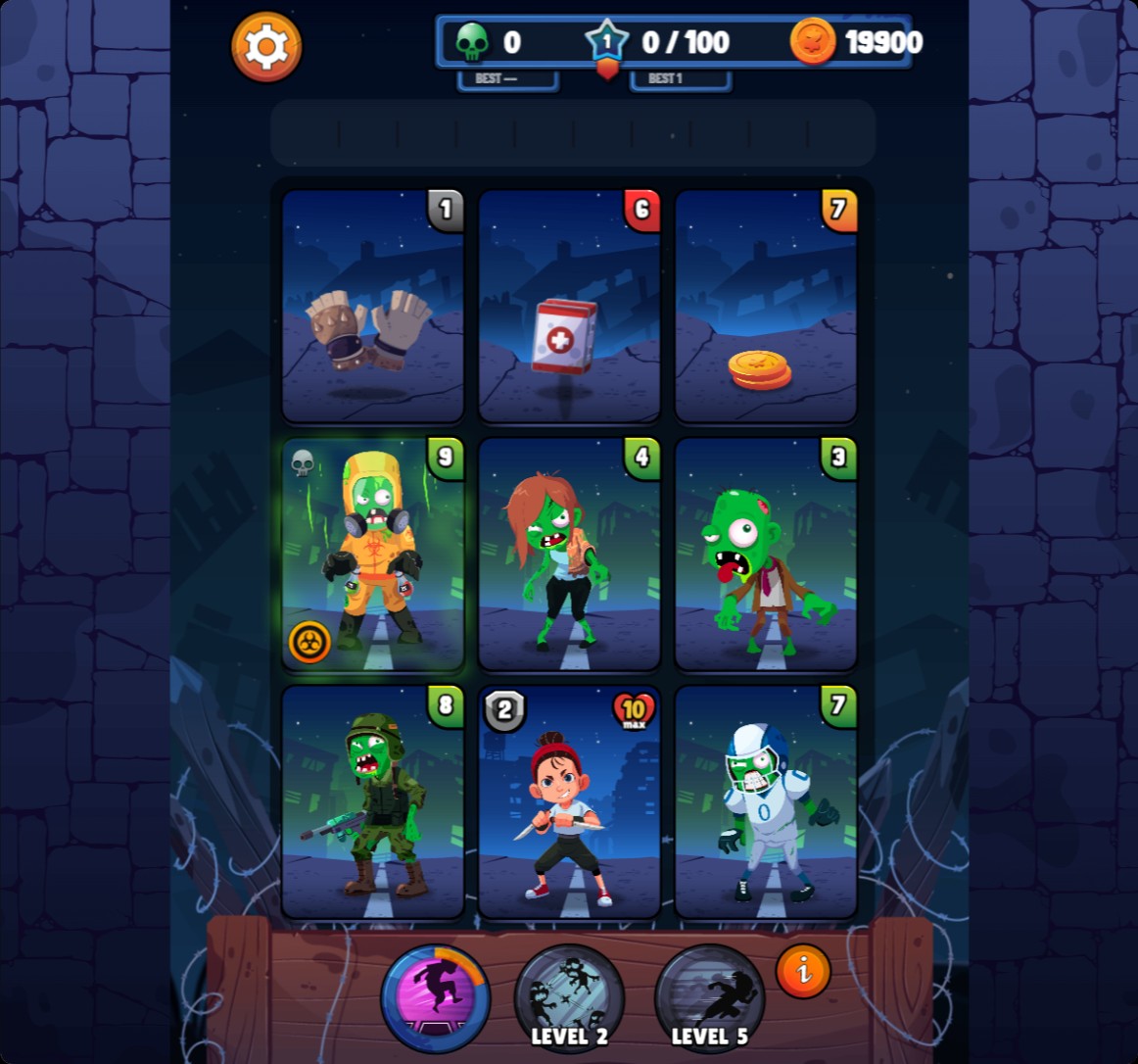
Play as Sneaky Sadie
Unlock Sneaky Sadie, select her in the hero menu and start your next card run.
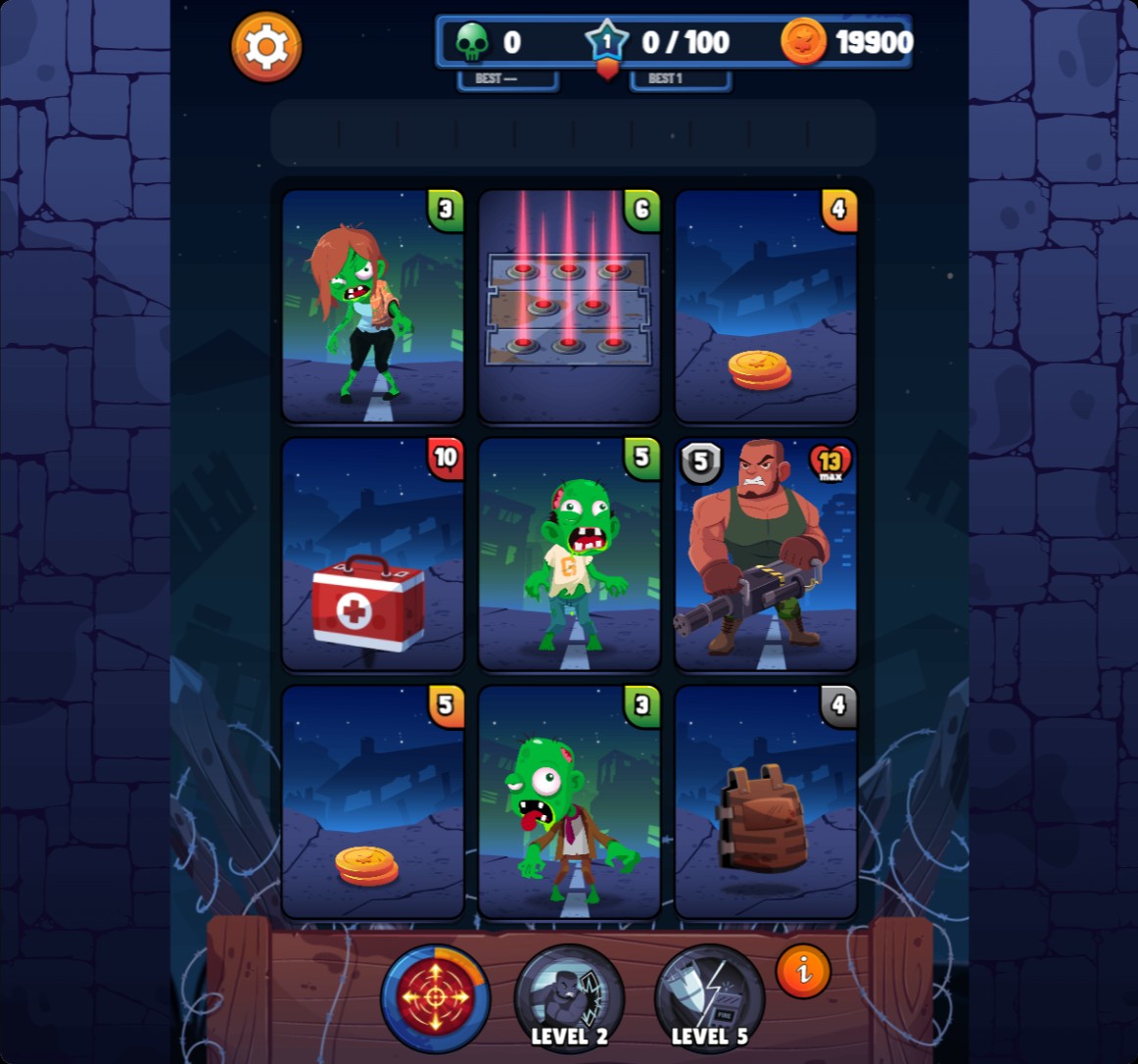
Play as Beefy Brody
Unlock Beefy Brody, select him from the hero menu and take him into your next card run.
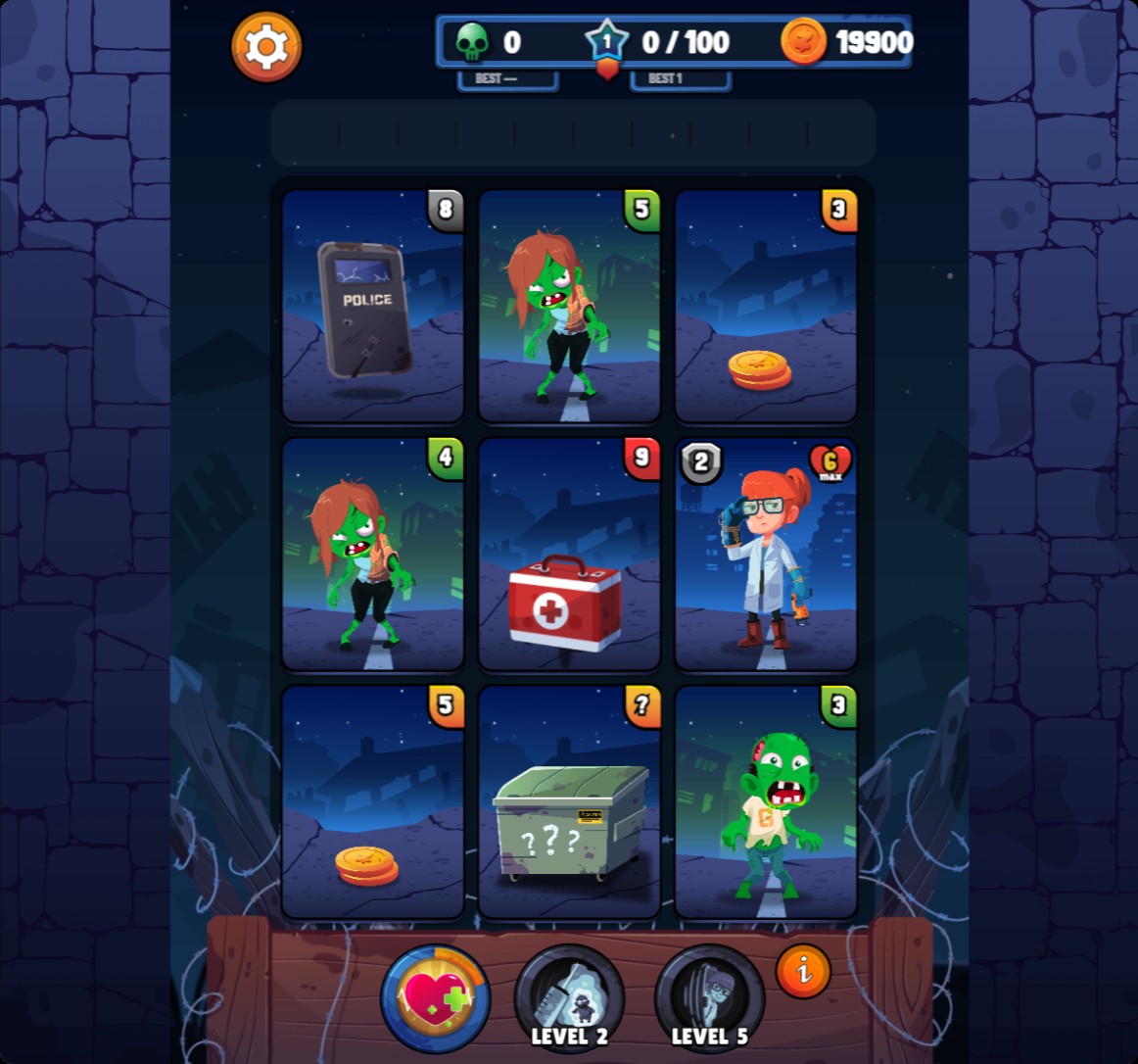
Play as Nerdy Niki
Unlock Nerdy Niki, select her in the hero menu and start your next card run.
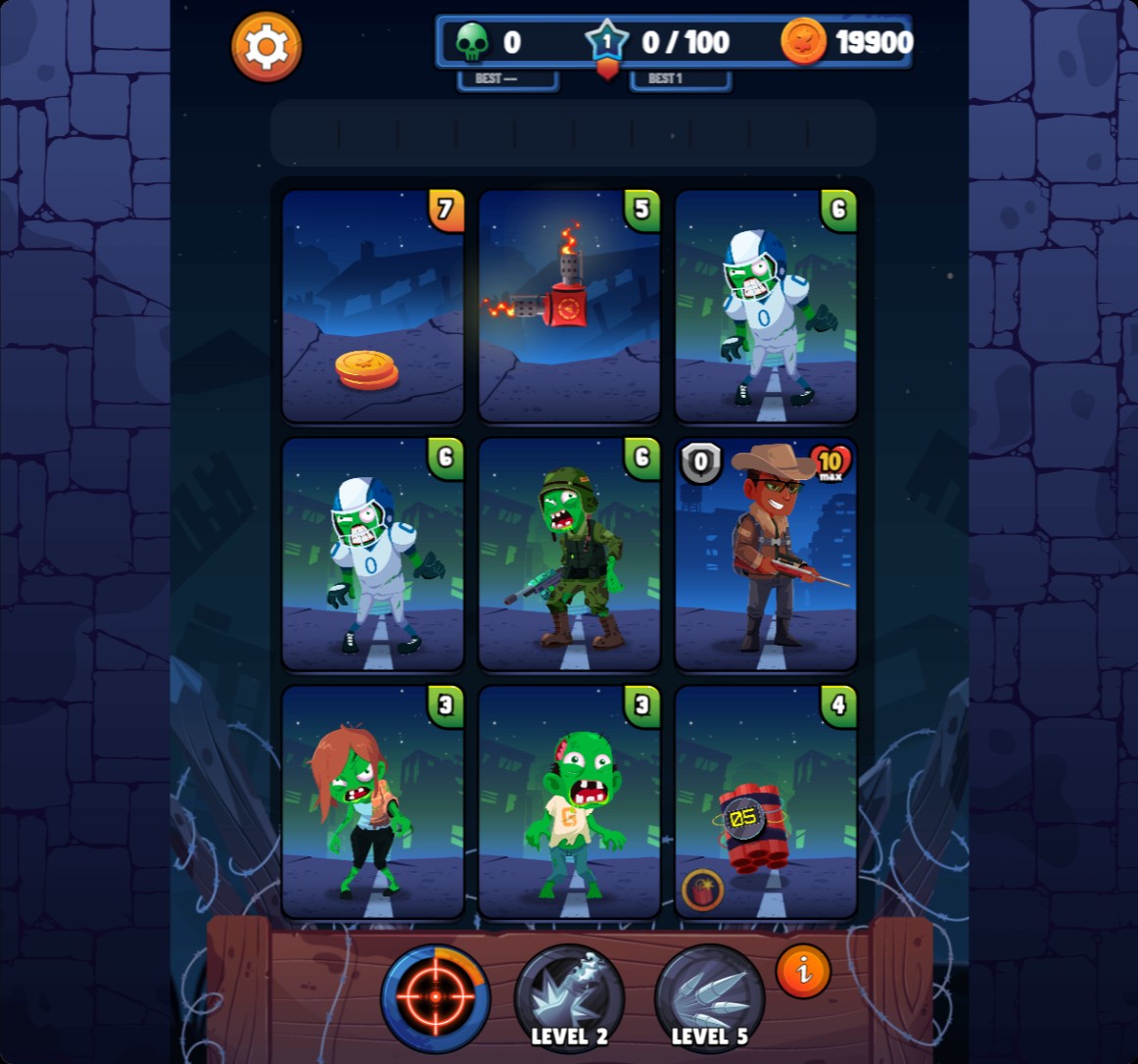
Play as Hunter Hector
Unlock Hector, choose Hunter Hector in the hero menu and start your next card run.
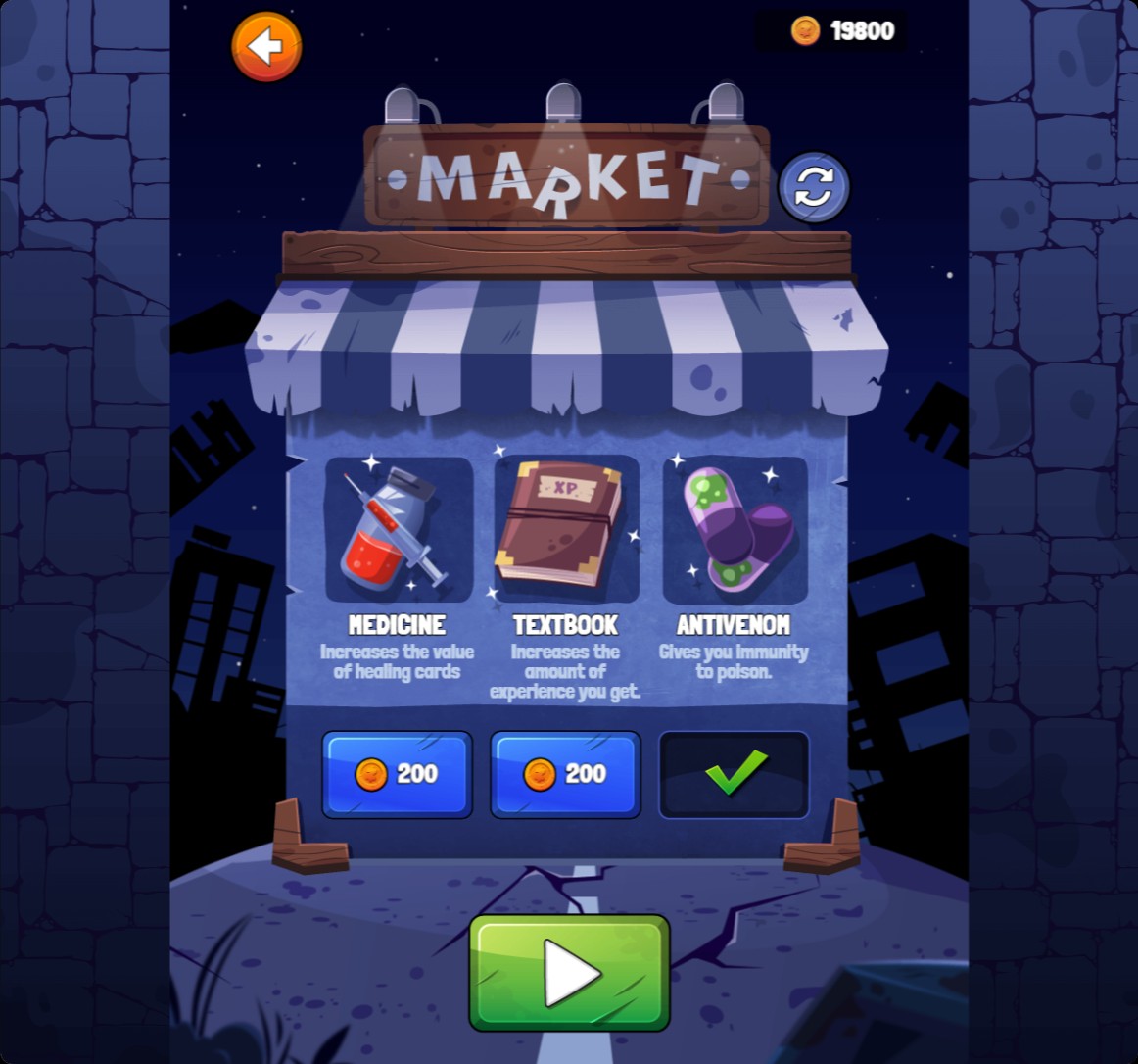
Choose your market offers
Bring Medicine, Textbook and Antivenom into the market. Buy the items you want with coins before starting your run.
Set coins for normal purchases
Enter a whole-number coin balance from 0 to 1,000,000. Apply it before your run, then spend coins through the game's normal hero and market purchase buttons.
Unlock the hero you want
Sneaky Sadie, Beefy Brody, Nerdy Niki and Hector each have a separate unlock action. Select the unlocks you want and apply your changes.
After the game reloads, use the hero-menu arrows to select your character and press Play. Hector appears in that menu as Hunter Hector.
Choose one of three market presets
Health Boost, Armor Boost and Clock.
Medicine, Textbook and Antivenom.
Antivenom, Lock Pick and Fire Gear.
Each preset supplies three market offers at their normal prices. Buy your chosen items with coins before pressing Play to enter the run.
Apply changes before starting
Applying changes reloads the game to its menu. Finish your current run first, then apply your settings, select your hero and prepare your market items for the next run.
Available customisation options
CoinsFree
Set coins for normal hero and market purchases.
Enter a whole-number balance from 0 to 1,000,000 and apply your changes. After the game reloads, use the normal hero and market purchase buttons.
Unlock Sneaky SadiePremium
Make Sneaky Sadie available for hero selection.
Select this unlock and apply your changes. After the reload, use the hero-menu arrows to choose Sneaky Sadie and press Play.
Unlock Beefy BrodyPremium
Make Beefy Brody available for hero selection.
Select this unlock and apply your changes. After the reload, use the hero-menu arrows to choose Beefy Brody and press Play.
Unlock Nerdy NikiPremium
Make Nerdy Niki available for hero selection.
Select this unlock and apply your changes. After the reload, use the hero-menu arrows to choose Nerdy Niki and press Play.
Unlock Hector the HunterPremium
Make Hunter Hector available in the hero menu.
Select Hector's unlock and apply your changes. After the reload, choose Hunter Hector with the hero-menu arrows and press Play.
Market offersPremium
Choose a preset of three market offers for your next run.
Pick a preset and apply your changes. Select a hero, visit the market and buy your chosen items with coins before starting the run. Items keep their normal prices.
Questions about customisation options
- Which controls are Free?
- Coins is Free. Sneaky Sadie, Beefy Brody, Nerdy Niki and Hector unlocks, along with market offer presets, require Premium.
- Where do I select Hector?
- After applying Hector's unlock, use the hero-menu arrows to find Hunter Hector and press Play.
- How do I use the items in my chosen market preset?
- Open the market after selecting a hero, buy the items you want with coins and press Play. Purchased items appear in the run's item bar.
Using these features
Connect your game, then open Customise in the Windows app. Choose an option, check its available values and follow its instructions. Each option lists its own requirements and limits.
Setup for Cards of the Undead →