
Game Actions
1 optionA one-press action to leave the current vehicle and load the next job.
View game actions →Use Next Car to leave the current job and meet the next customer in Car Wash DIY. Accept their request, then clean or repair the new vehicle with the workshop's tools.
Requires the Windows app and the Bytonian Mods browser extension for Chrome or Edge. Browser setup guide
Start with free mods
Download Bytonian Mods for Windows and try these free features. Choose one to see how it works and any requirements.
Leave the current vehicle behind and load the next customer's car.
With a customer vehicle loaded, press Next Car once. Wait for the new introduction, then accept the customer's request to start the next job.
Moves past the current job; it does not finish cleaning that vehicle.
Open the Game Actions category and choose Next Car while your current job is loaded. After the next customer arrives, accept their request to begin working on the new vehicle.
A one-press action to leave the current vehicle and load the next job.
View game actions →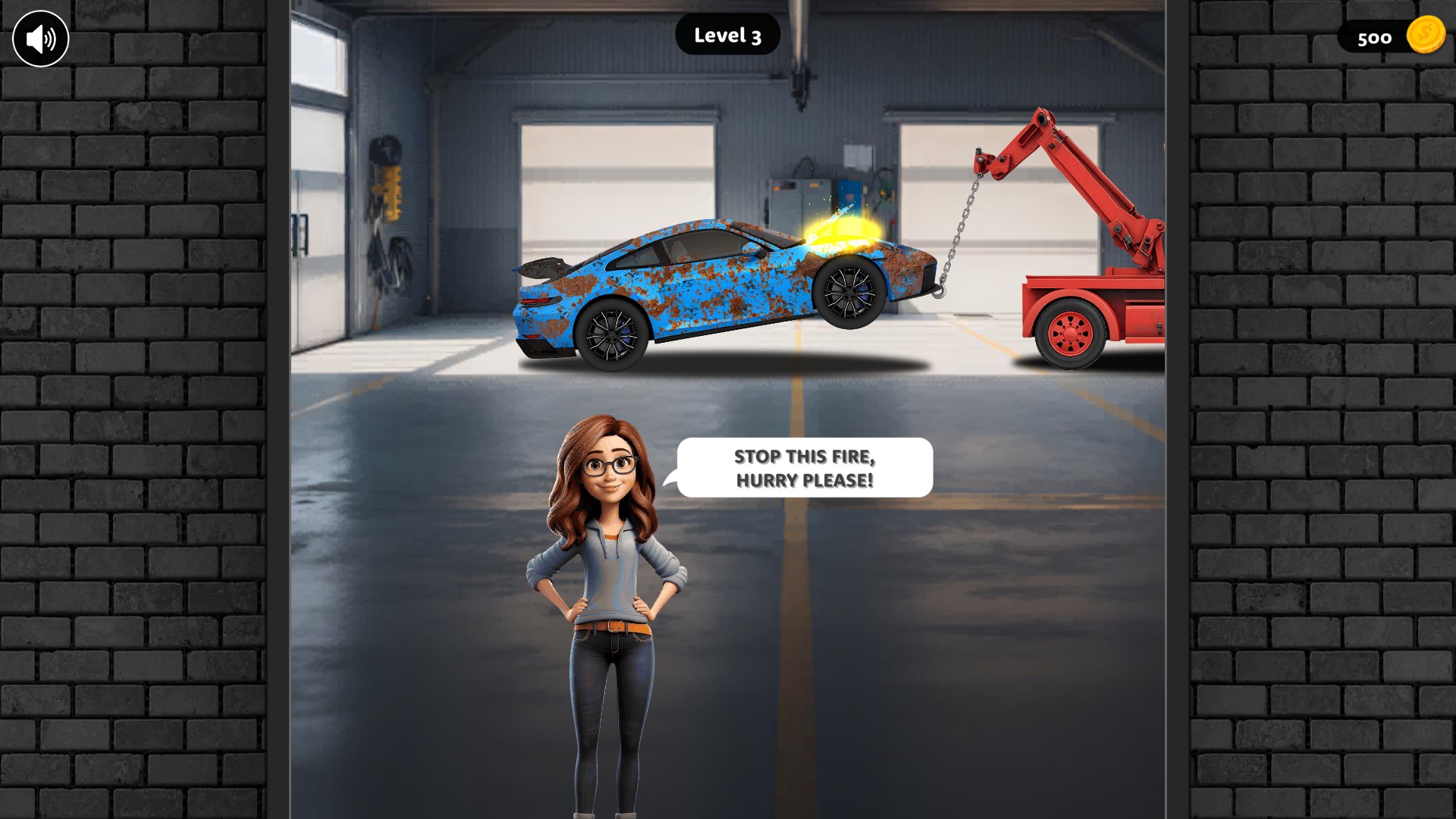
Choose a different workshop job
Move on from the current car and meet the next customer with the free Next Car action.
Download the Windows app and follow the setup prompts.
Set up the browser extension in Chrome or Edge, then open the supported YouTube Playable. Follow the connection guide if the game is already running.
Review the available options in the app and choose the ones that suit how you play.