
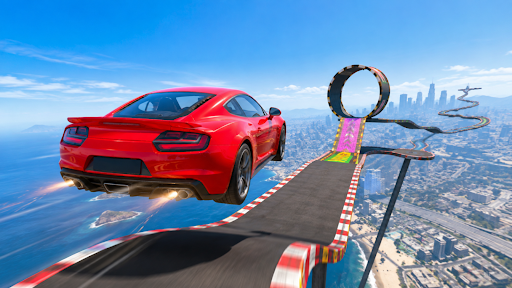
Make another attempt your way
Return to the start for a fresh run, get back to your checkpoint or choose another course. You can also open the current level's completion screen and apply a top-speed limit to your car.
Requires the Windows app and the Bytonian Mods browser extension for Chrome or Edge. Browser setup guide

Retry or move on
Restart Course starts the current level again. Return to Checkpoint brings your car back to its current checkpoint. Complete Level opens the completion screen.
To change courses, choose Next Level or Previous Level and apply your choice. The selected course starts from the beginning.
Choose a top-speed limit
Choose the limit you want, then apply it to your current car. A lower setting gives you a gentler pace for lining up your next attempt.
Available game actions
Choose a levelPremium
Move to the next course or revisit the previous one.
Choose Next Level or Previous Level, then apply your choice.
Changing courses starts the selected course from the beginning.
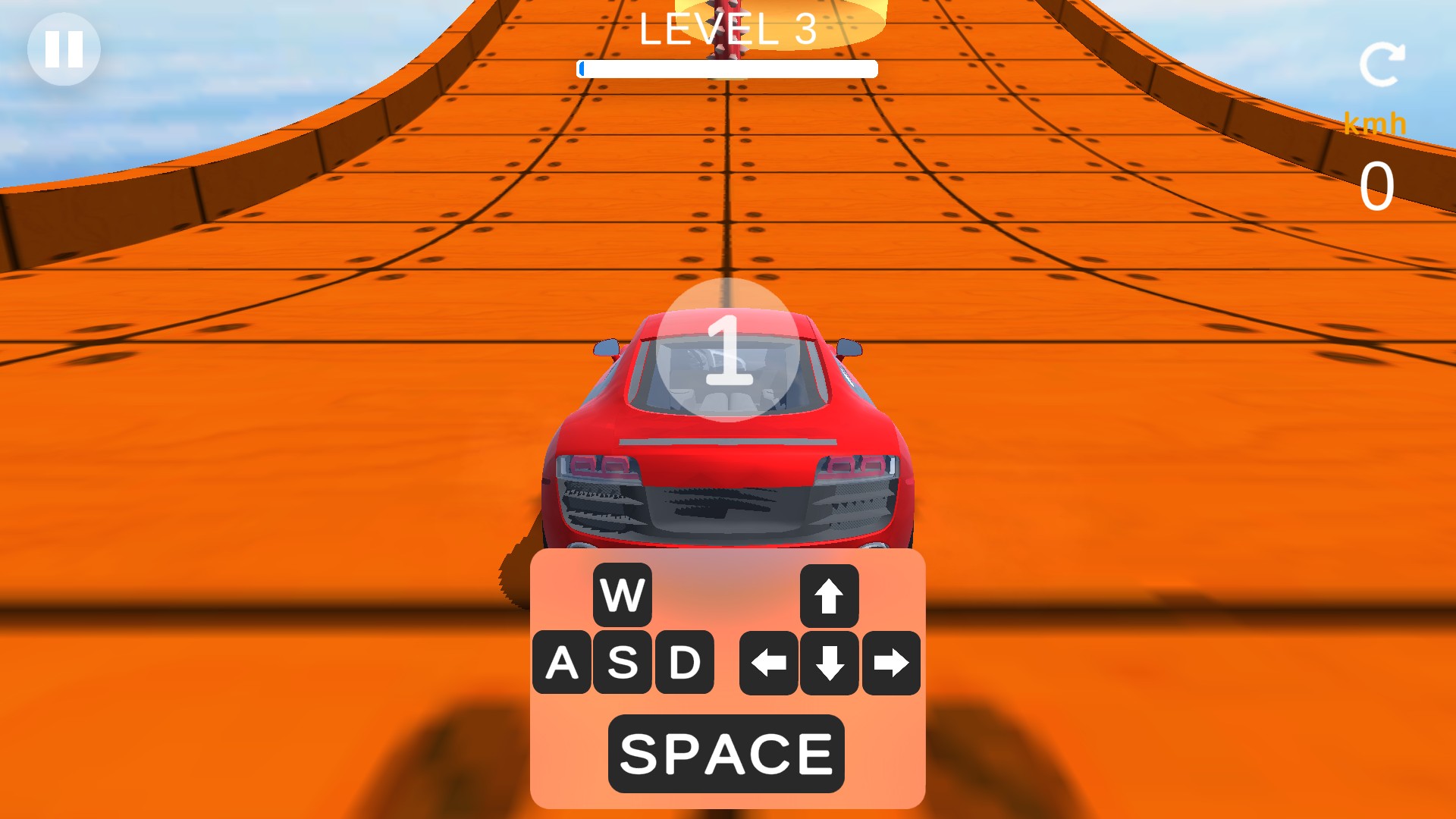
Choose your next course
Move to the next course or revisit the previous one, ready for a fresh attempt.
Complete levelPremium
Finish the current level and open its completion screen.
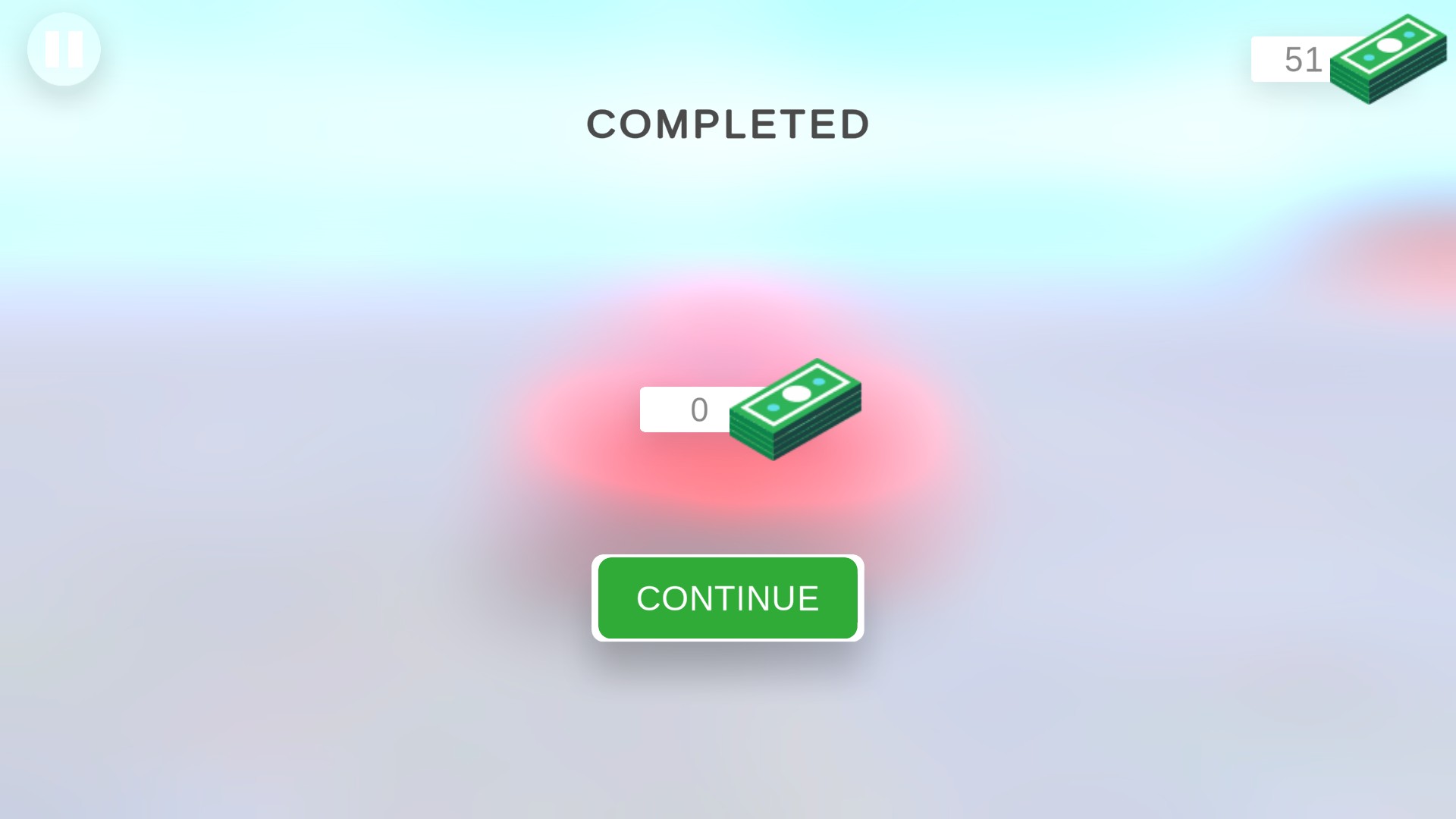
Finish the current course
Open the completion screen when you're ready to move on from the current level.
Restart levelFree
Restart the current course and return your car to the start.
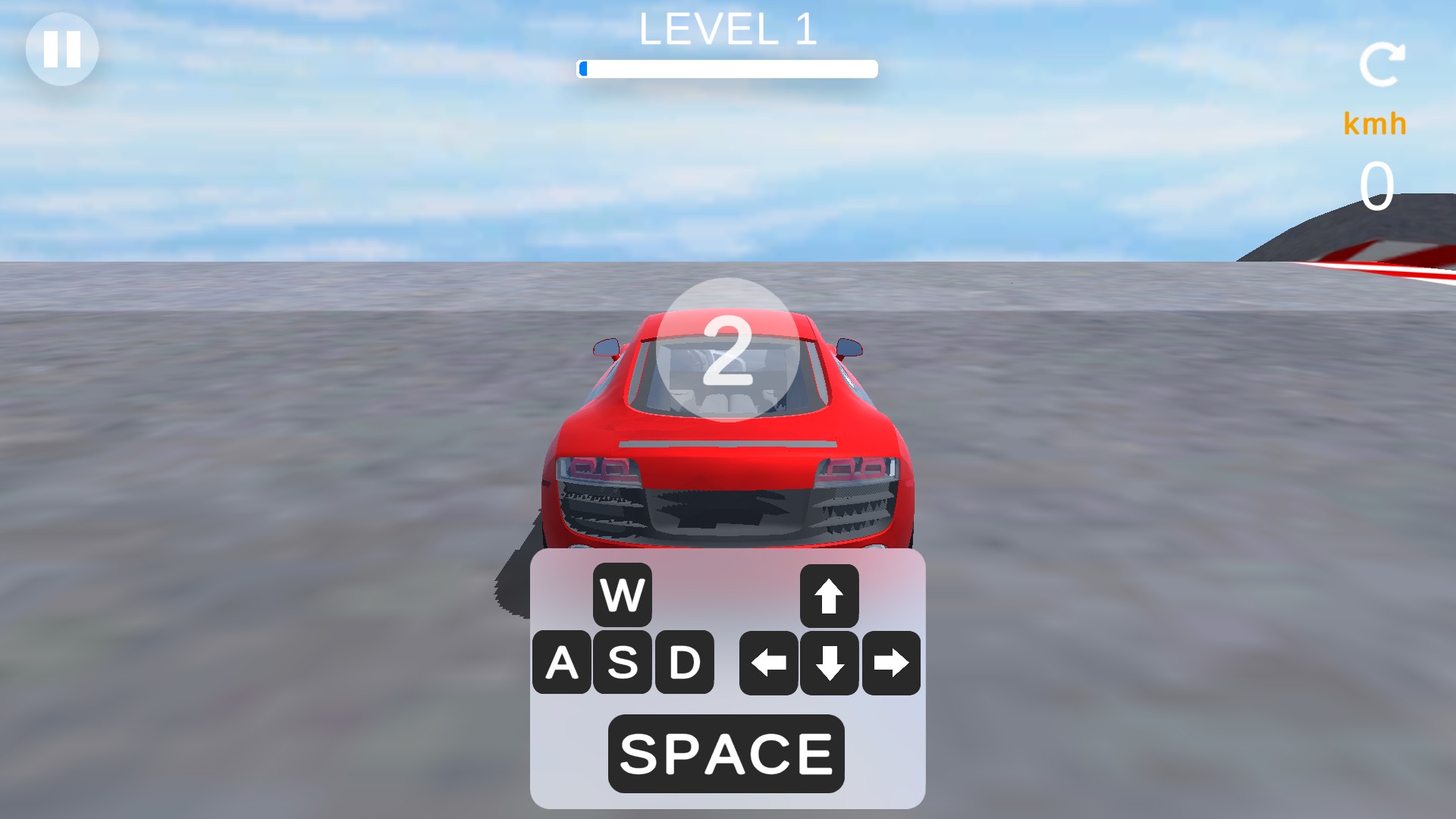
Take another run at the course
Return to the start of your current level and line up your next attempt.
Return to checkpointPremium
Return your car to its current checkpoint.
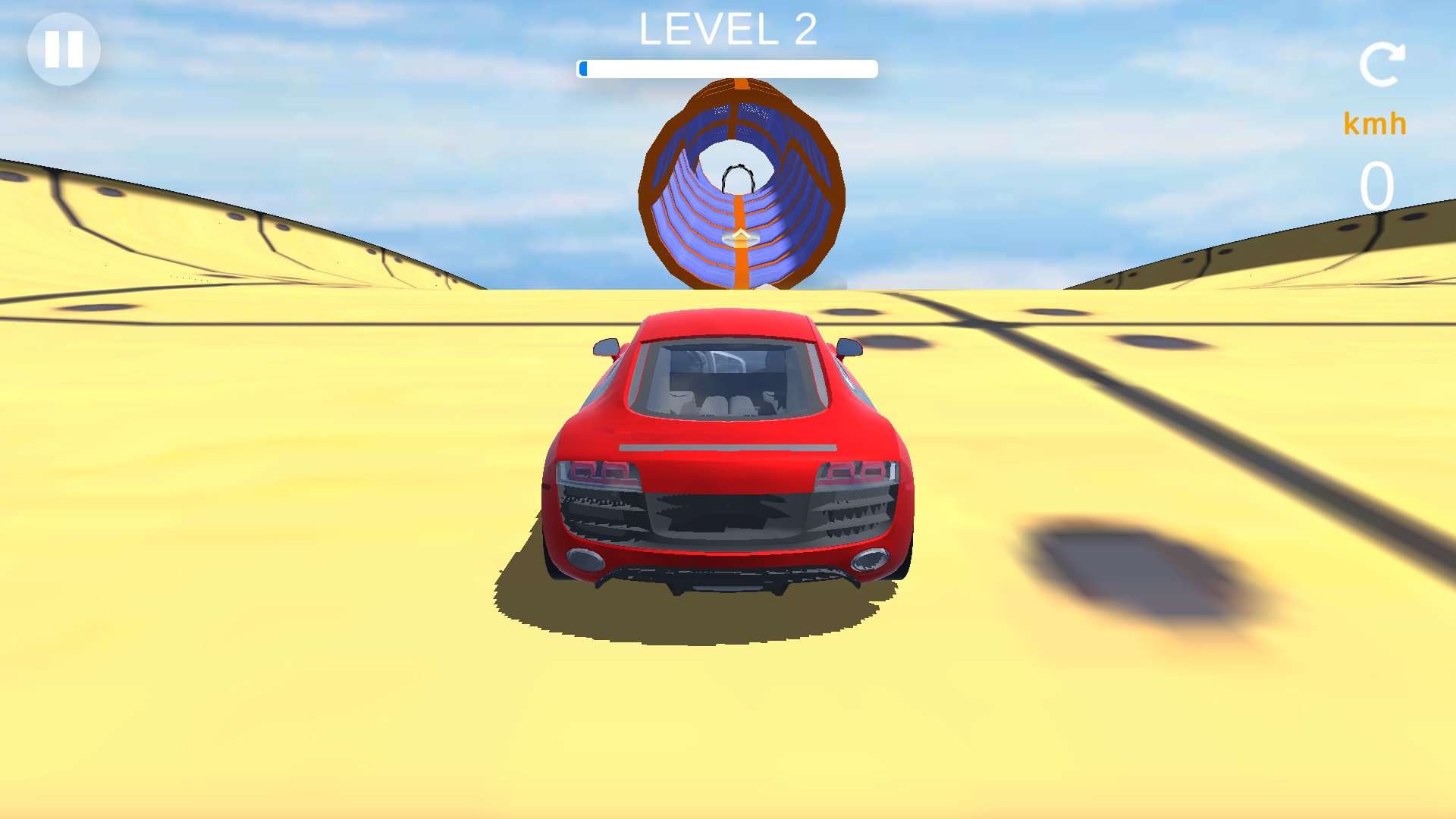
Get back on the course
Return your car to its current checkpoint and line up another attempt.
Top-speed limitPremium
Choose a top-speed limit and apply it to your current car.
Choose a top-speed limit, then apply it to your current car.
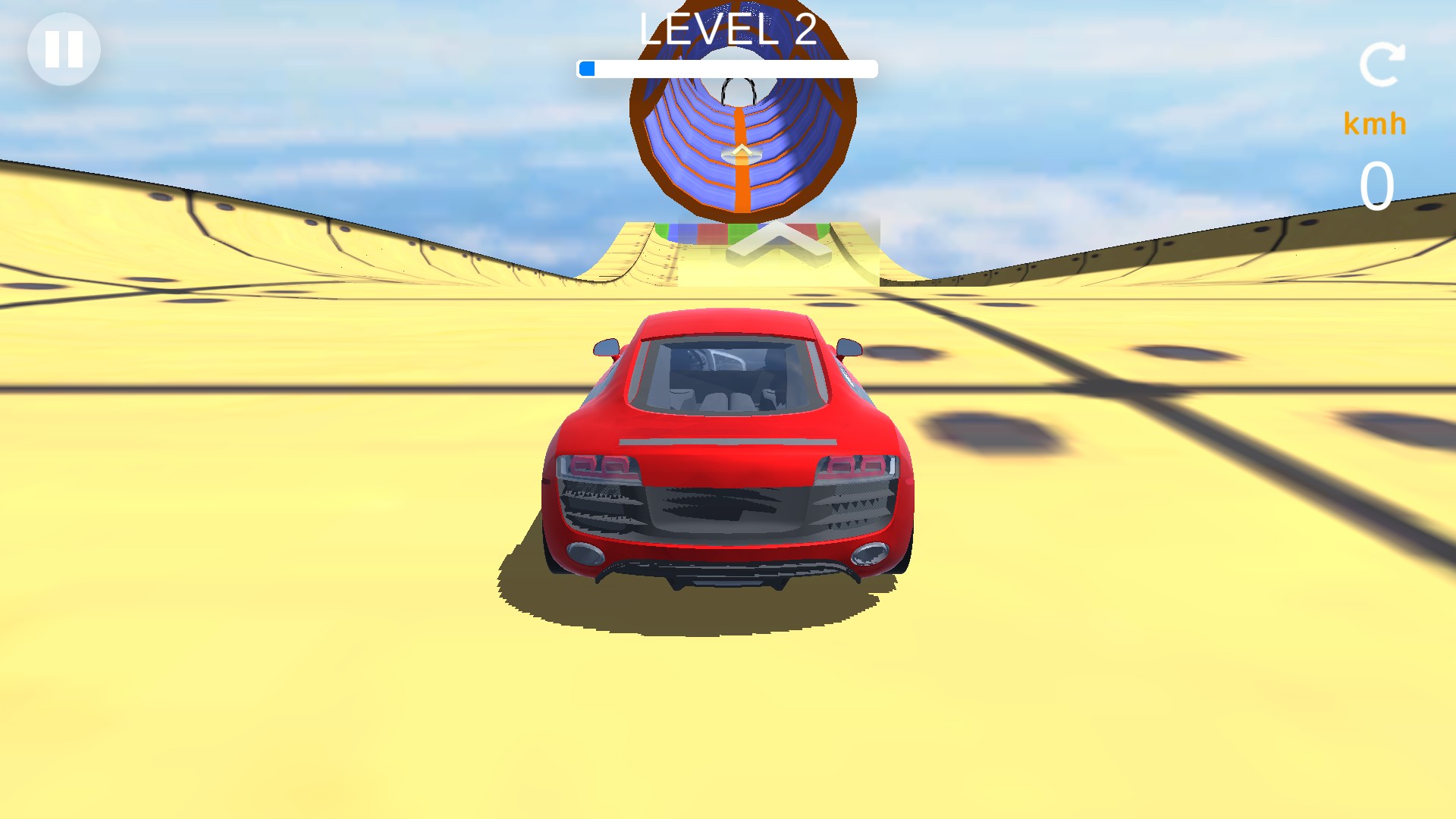
Set your car's speed limit
Choose a top-speed limit and apply it to your current car.
Using these features
Choose the feature in the Windows app after connecting your game. Check its requirements before making a change.
Setup for Car Stunts Driving →