
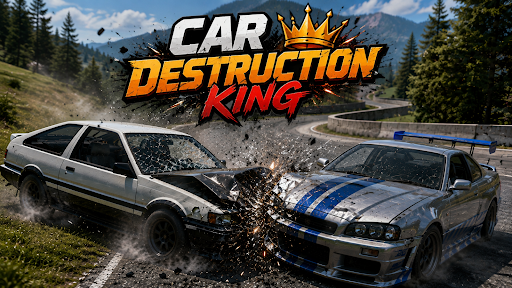
More control over your next drive
Keep experimenting with your current car: top up the nitro for another boost, repair the bodywork after a crash or take the action at a slower pace.
Requires the Windows app and the Bytonian Mods browser extension for Chrome or Edge. Browser setup guide

A fresh tank when you need it
Refill nitro brings your current car's tank back to its usual full capacity. Hold Shift to use boost, then refill again when you want another top-up.
Ready for another crash
Repair car restores battered bodywork on the car you are driving. Apply it after a collision when you want your car looking ready for another run.
Take it slower
Slow motion cycles between normal, half and quarter speed. Apply it again to move to the next pace.
Available game actions
Refill nitroFree
Fill your current car's nitro tank back to full.
Start driving your car, apply the refill, then hold Shift to use boost.
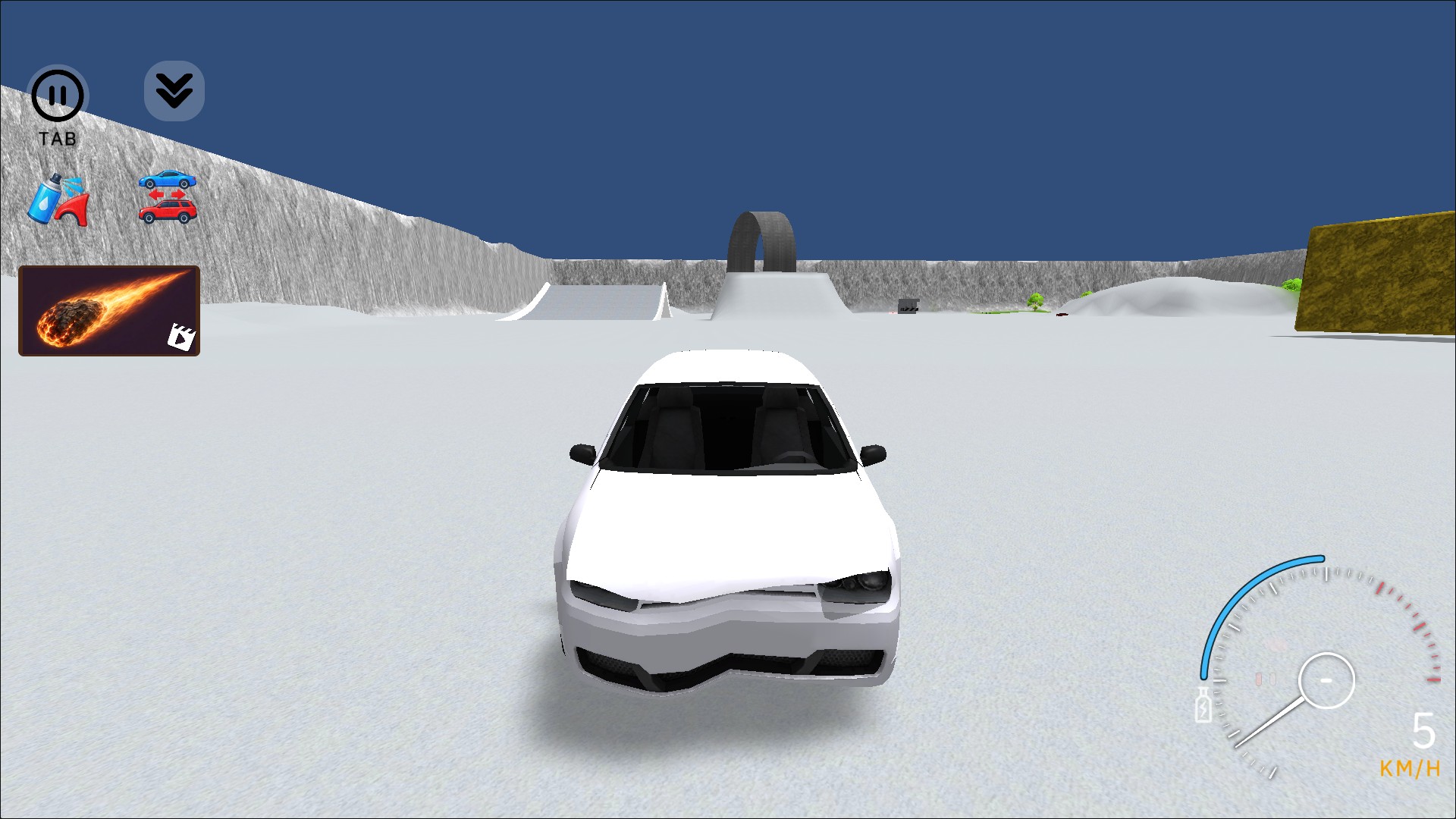
A full nitro tank for your next run
Refill your current car's nitro tank, then use boost as you drive around the test arena.
Repair carPremium
Repair the bodywork on the car you are driving.
Apply after a crash to get your car looking ready for another run.
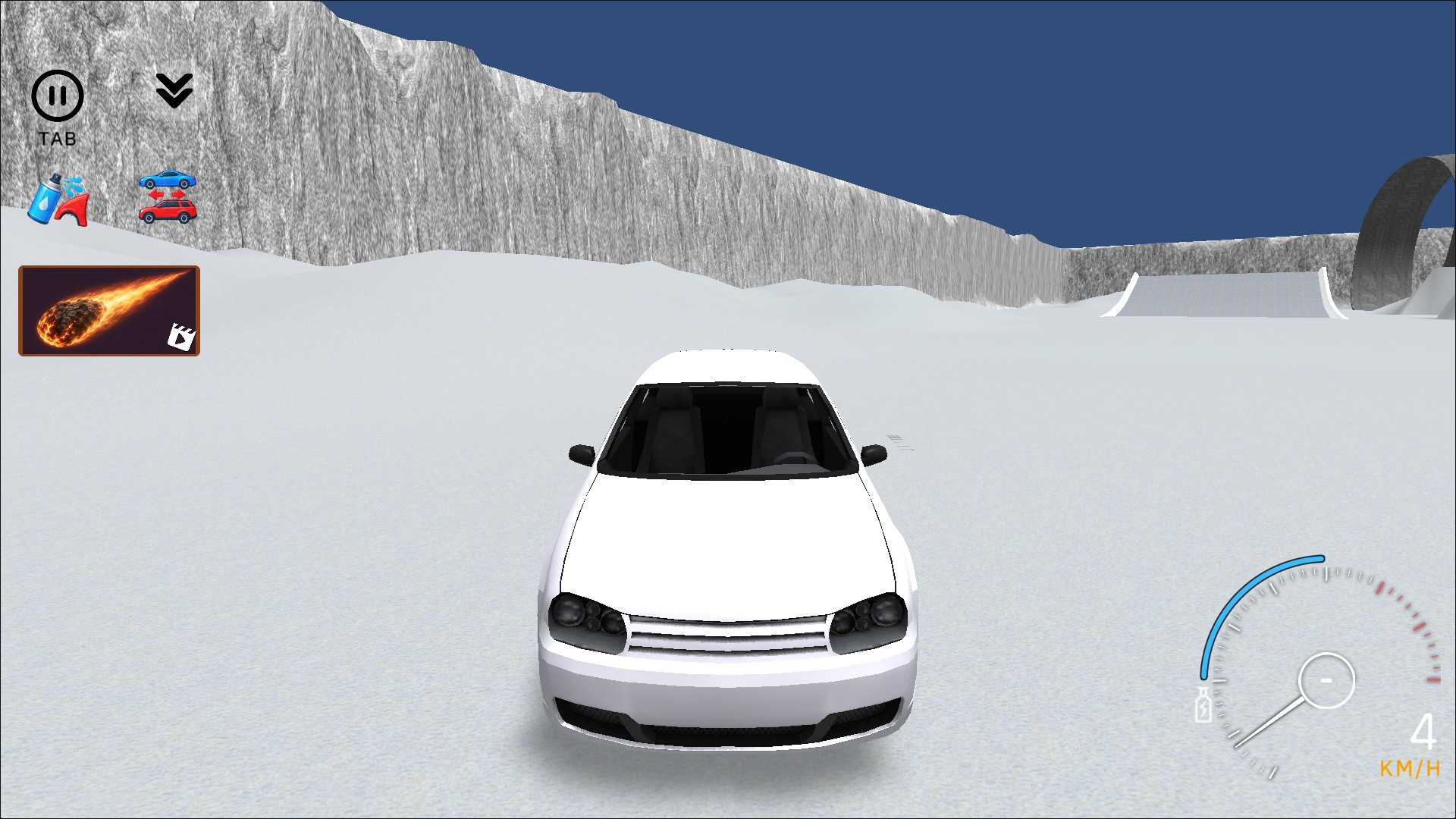
Get your car looking ready for another run
Repair your current car's crash damage and head back into the test arena with restored bodywork.
Slow motionPremium
Slow the action down with normal, half and quarter speed settings.
Apply while driving to cycle to the next speed.
Questions about game actions
- When can I use these actions?
- Start a single-player drive in your own car, then choose the action you want.
Using these features
Choose the feature in the Windows app after connecting your game. Check its requirements before making a change.
Setup for Car Destruction King →