
Choose Your Extra Cannon Balls
Enter the reserve you want, apply it and return to the game. Regular stage ammunition is used first, followed by your extra shots.
Requires the Windows app and the Bytonian Mods browser extension for Chrome or Edge. Browser setup guide

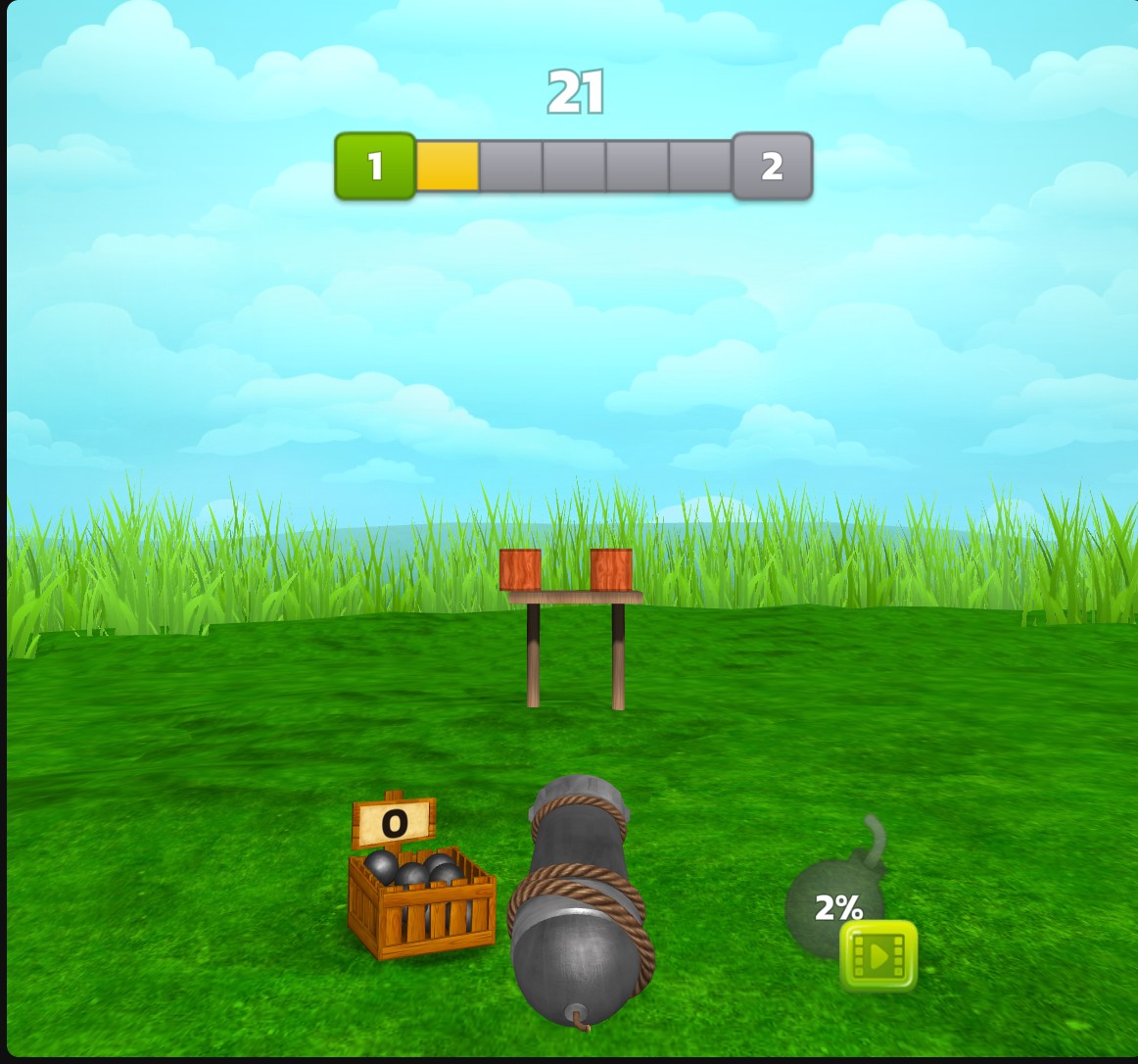
Extra shots after the regular supply runs out
Keep firing with reserve cannon balls after the stage's regular shots reach zero.
Set Your Reserve
Choose an amount with Extra cannon balls and apply your choice before starting. Aim and shoot using the game's normal controls.
Use Shots Beyond the Regular Supply
Keep aiming when the regular counter reaches zero. Your reserve supplies further shots until it is used up. The regular counter does not show the size of that reserve.
Available customisation options
Extra cannon ballsFree
Choose a reserve of extra shots for when regular cannon balls run out.
Enter your amount and apply it. Start playing, use the regular stage supply, then keep aiming and shooting with your reserve.
Regular shots are used first. The regular counter can stay at zero while reserve shots remain.
Questions about customisation options
- Does this fill the bomb meter?
- No. Extra cannon balls supplies reserve shots. The bomb meter is a separate game mechanic.
Using these features
Connect your game, then open Customise in the Windows app. Choose an option, check its available values and follow its instructions. Each option lists its own requirements and limits.
Setup for Cannon Balls 3D →