
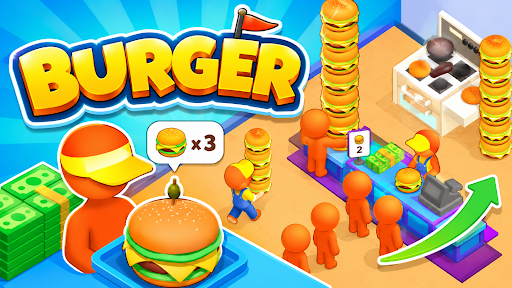
Fund your next shop project
Building a Burger shop means paying for each new part of the floor. Set the cash you want available, then step onto a building spot to buy it as usual.
Requires the Windows app and the Bytonian Mods browser extension for Chrome or Edge. Browser setup guide

Plan a building budget
A larger balance gives you more room to work through the shop's building prompts. The Cash control sets an amount you choose, so you can fund the next project without changing how you place and buy it.
Available resources
CashFree
Choose the cash available for building and expanding your Burger shop.
Read your current balance, enter the amount you want and apply it. Move onto the shop's building spots to spend it as usual.
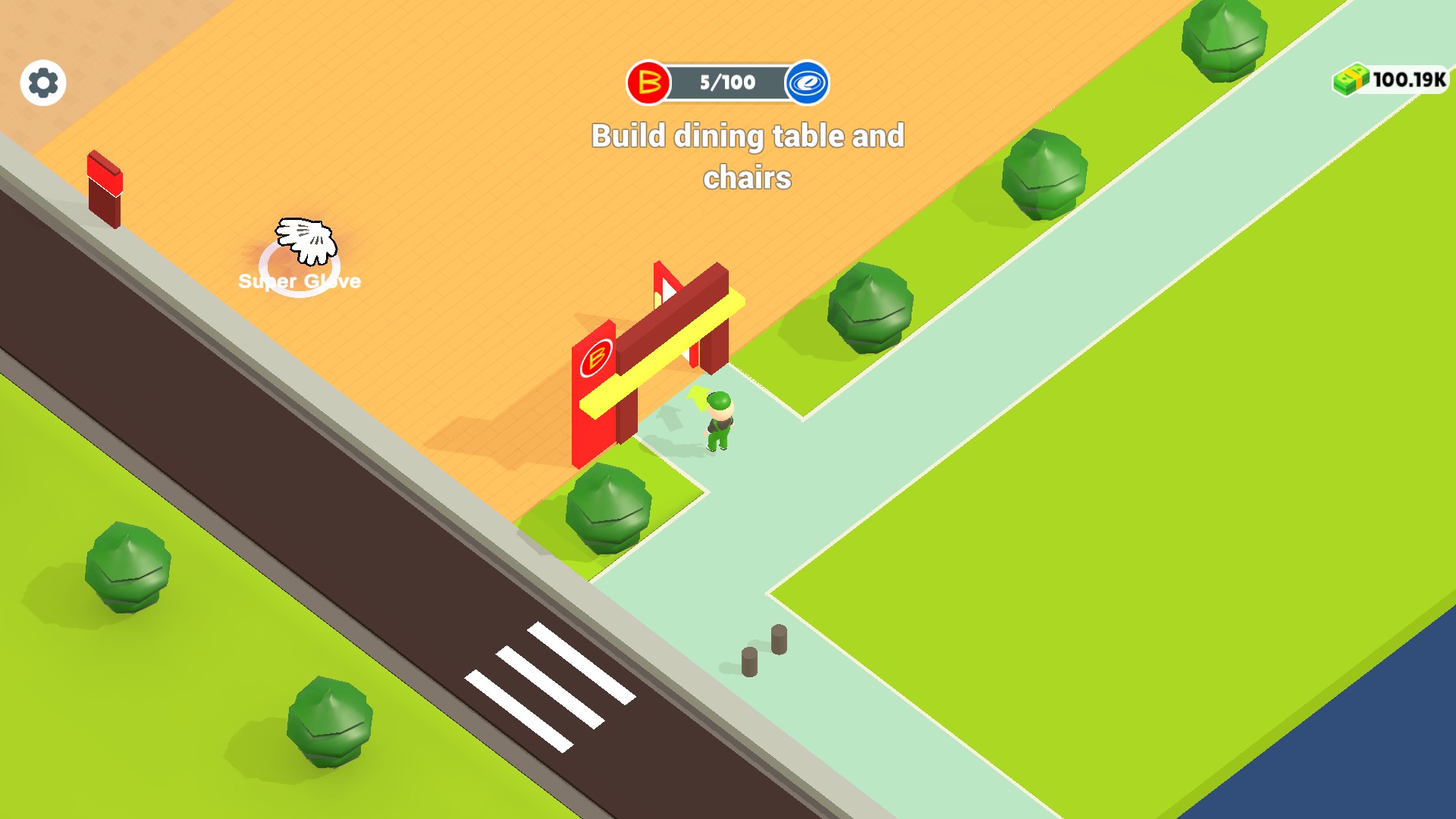
Cash for your burger shop
Build your shop with more than 100,000 cash ready for the next expansion.
More ways to customise Burger
- Burger stat modifiers
Adjust your walking pace and carry more burgers or packages per trip.
Questions about resources
- Does Cash build the shop for me?
- You still move to the building spots and follow Burger's prompts. Cash gives you the budget for those purchases.
Using these features
Choose the feature in the Windows app after connecting your game. Check its requirements before making a change.
Setup for Burger →