

Frame the scene at a comfortable scale
Use Camera zoom for a wider view at lower percentages or a closer look at higher percentages. The control ranges from 75% to 150%, with 100% matching the view captured when it is enabled.

Change the view as you play
Choose a new percentage while Camera zoom is on to apply it straight away. Switch it off to restore the view it captured.
Keep your displays readable
The scene and its particles zoom together. Health, energy, coins and skill displays keep their normal size. Camera zoom waits while the game is paused or in the main menu, then resumes in the standard level view.
Available perspective modifiers
Camera zoomFree
Choose a wider or closer view of the scene while keeping the HUD at its normal size.
Turn on Camera zoom during a level, then choose a percentage. Switch it off to restore the captured view.
The control waits in menus and while paused. Switch it off and on if another camera change stops it.
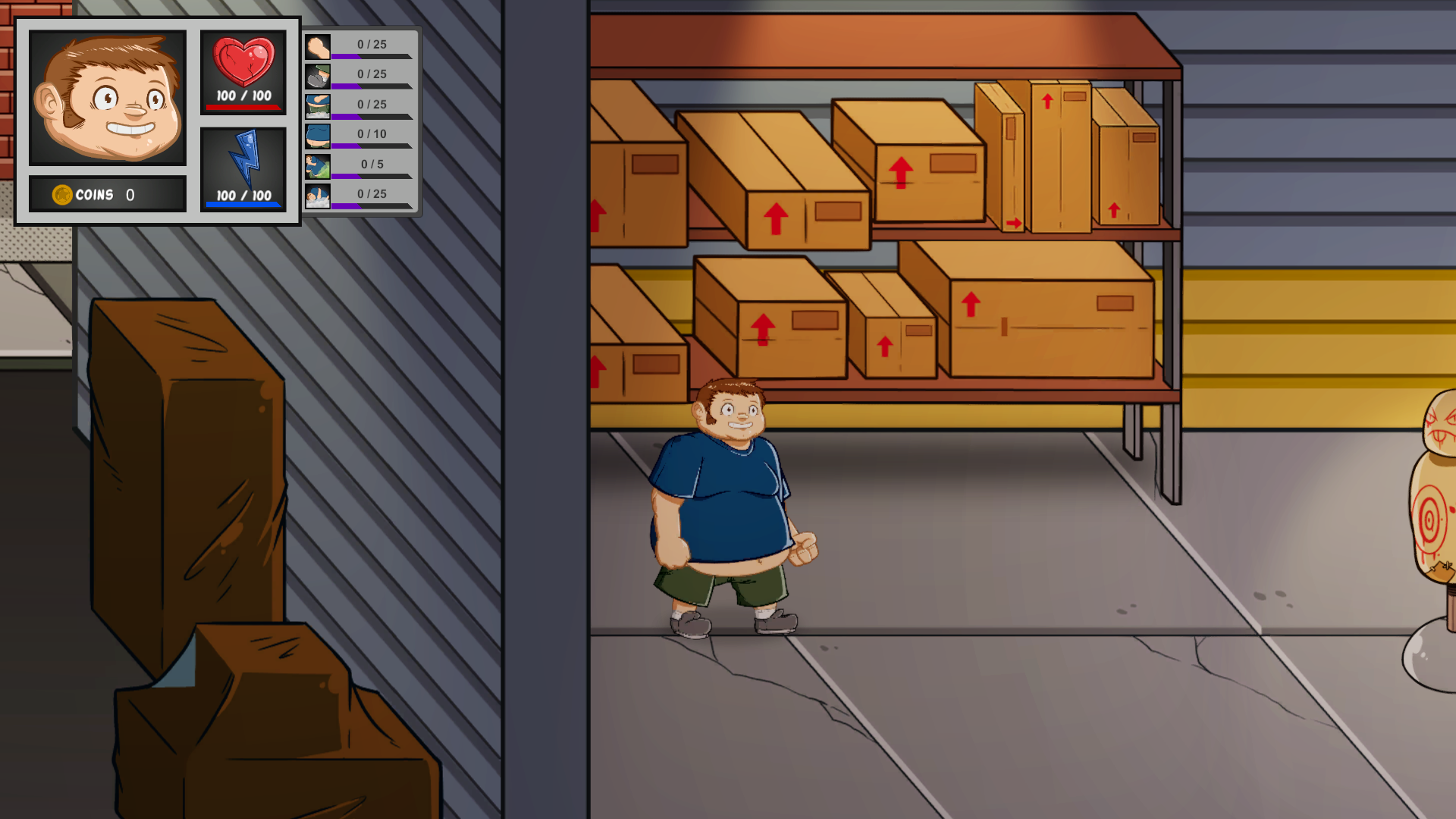
Bring the scene closer
Choose a closer view with Camera zoom while keeping the health, energy and skill displays at their normal size.
Questions about perspective modifiers
- What if another camera change stops the zoom?
- Switch Camera zoom off and on to use your selected percentage again.
Using these features
Choose the feature in the Windows app after connecting your game. Check its requirements before making a change.
Setup for Bully Beatdown →