
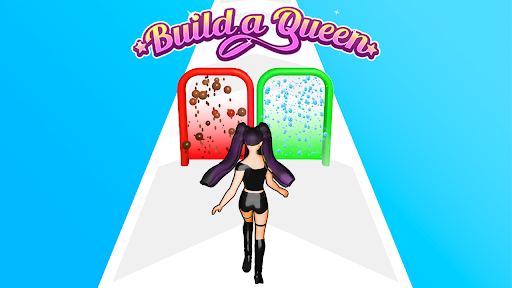
Give your runner a larger silhouette
Change the runner's silhouette with a larger torso appearance while keeping the course in view.
Requires the Windows app and the Bytonian Mods browser extension for Chrome or Edge. Browser setup guide

Change your runner's silhouette
Enter a level and apply Torso size once for a larger torso. Use it to give your runner a different look as you move through the makeover course.
Available presentation modifiers
Torso sizePremium
Give the current runner a larger torso appearance.
Enter a level, then apply Torso size once.
This control changes your runner's appearance.
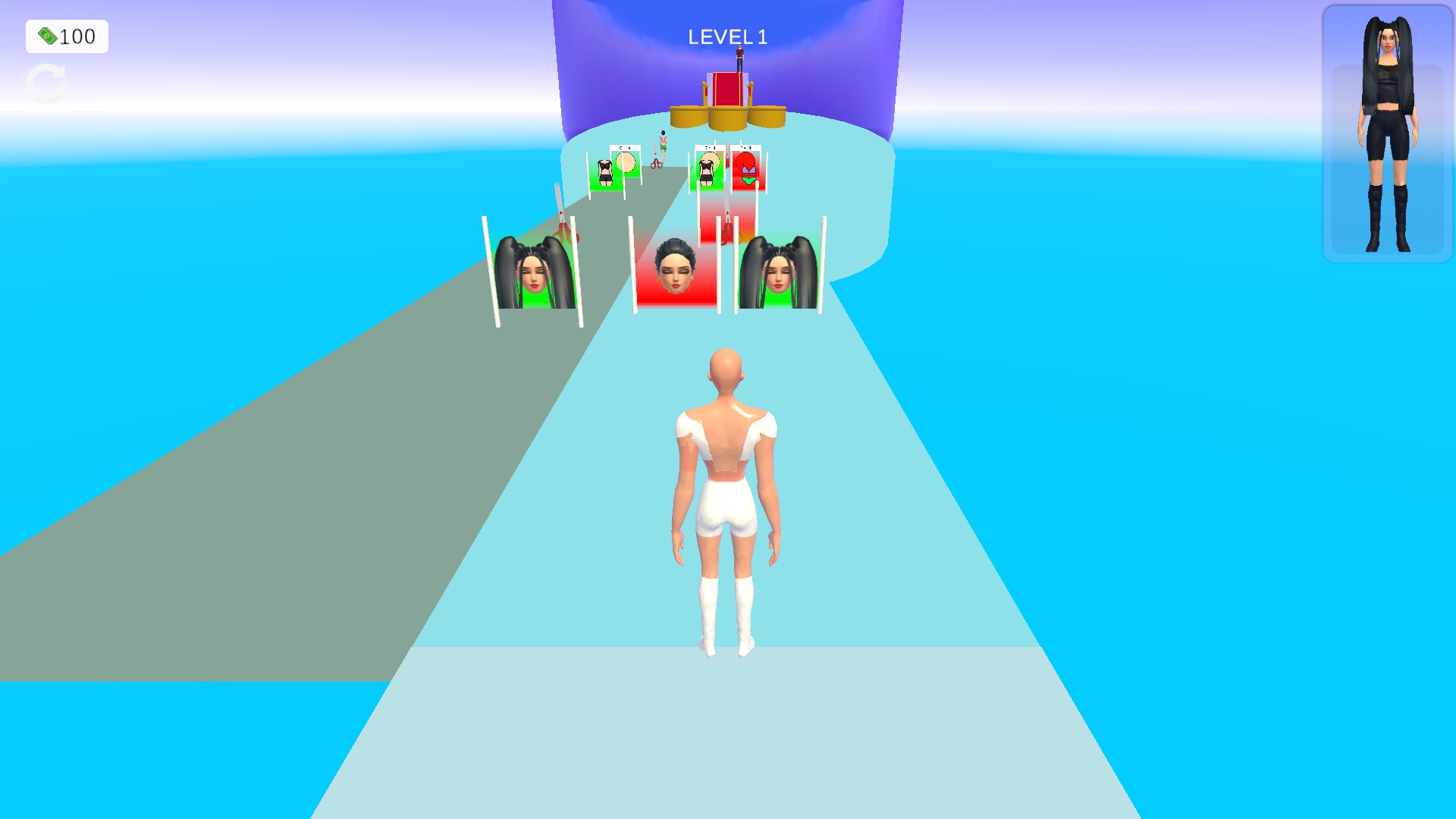
Larger torso appearance
The runner has a larger torso appearance on the Level 1 course.
More ways to customise Build a Queen
- Build a Queen resources
Check and adjust your cash from one handy control.
- Build a Queen stat modifiers
Raise the current runner's maximum pace setting during a level.
- Build a Queen ability modifiers
Activate the current runner's shield bubble.
Using these features
Choose the feature in the Windows app after connecting your game. Check its requirements before making a change.
Setup for Build a Queen →