
Resources
6 optionsControl coins, remaining shots and four booster supplies.
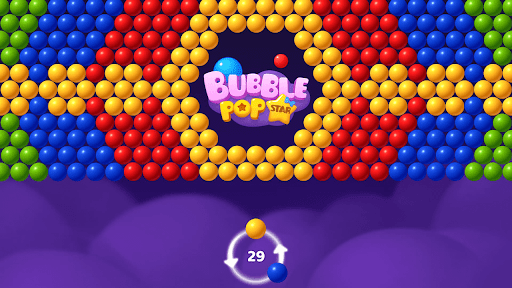
View all resources →Choose your remaining shots and booster supplies, or open later puzzles on the level map. Aim colored bubbles and clear clusters in Bubble Pop Star.
Requires the Windows app and the Bytonian Mods browser extension for Chrome or Edge. Browser setup guide
Start with free mods
Download Bytonian Mods for Windows and try these free features. Choose one to see how it works and any requirements.
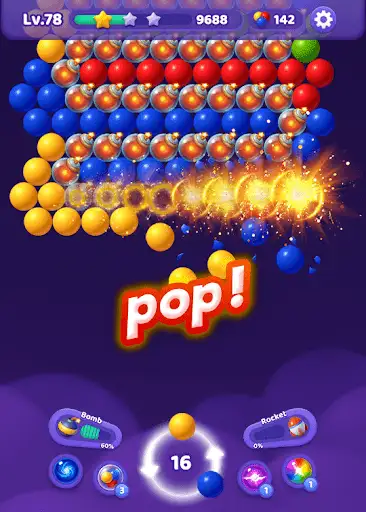
Give yourself more shots in the puzzle you are playing.
Start a puzzle, then choose your remaining shots.
Each shot uses one as usual.
Choose how many vortex boosters you have ready for your puzzles.
Choose your booster supply, then use its button during a puzzle.
Use this booster once its button is available in the puzzle.
Set your remaining shots while a puzzle is open, or choose your coin balance and supplies of vortex, extra bubble, lightning and rainbow boosters. Extra bubble boosters add more bubbles to the holder.
Open map levels up to your chosen puzzle and select where to play next. Map access leaves other feature locks separate, so use booster buttons when they become available.
Plan your next Bubble Pop Star shot
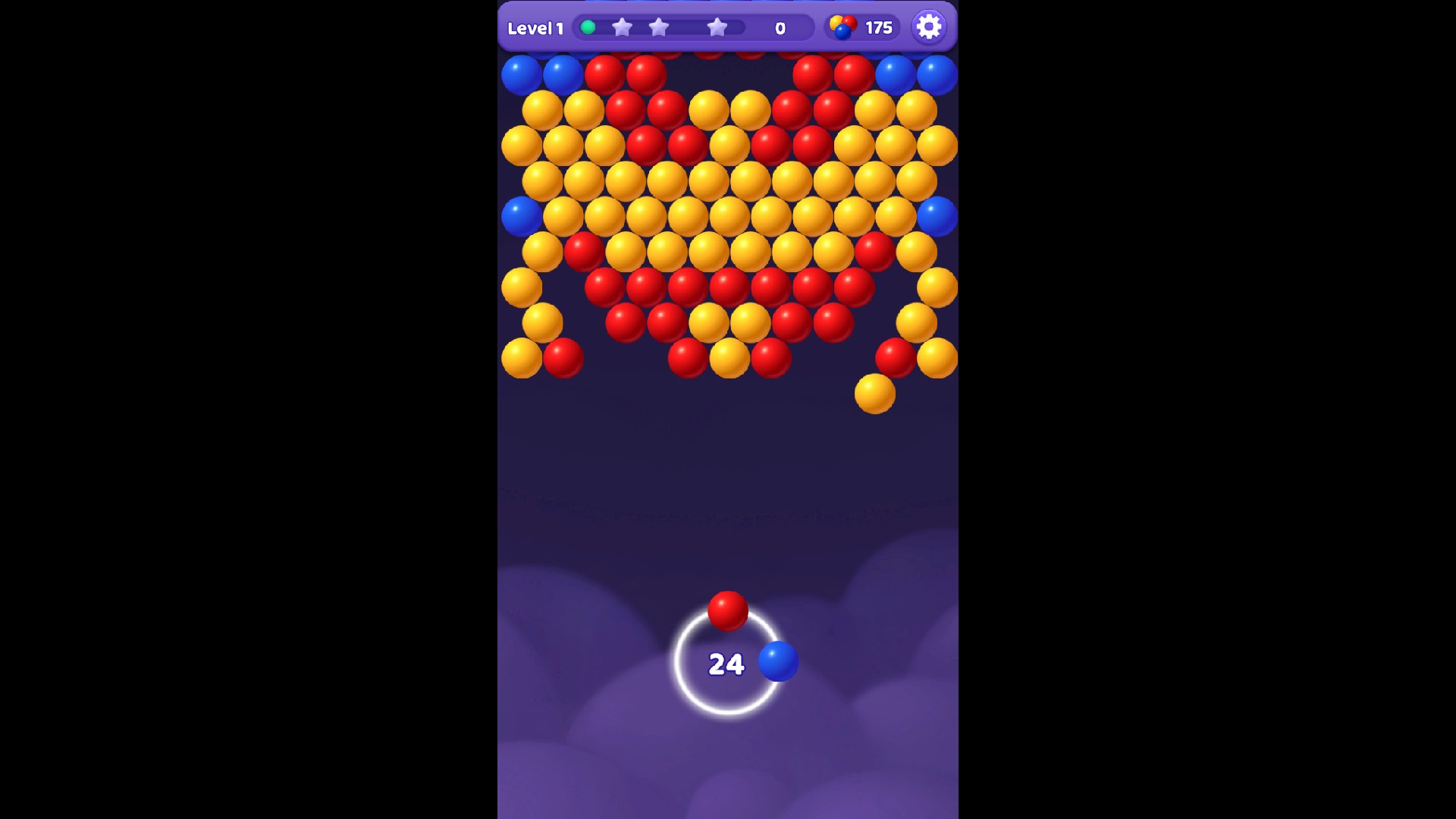
Aim colored bubbles, clear clusters and work through the level map.
Control coins, remaining shots and four booster supplies.
View all resources →Open map access through your chosen level.
View progression systems →Download the Windows app and follow the setup prompts.
Set up the browser extension in Chrome or Edge, then open the supported YouTube Playable. Follow the connection guide if the game is already running.
Review the available options in the app and choose the ones that suit how you play.