

Bubble Pop coins and bombs
Choose a coin balance or bomb quantity and apply it, then return to the puzzle to buy or use a booster.
Requires the Windows app and the Bytonian Mods browser extension for Chrome or Edge. Browser setup guide

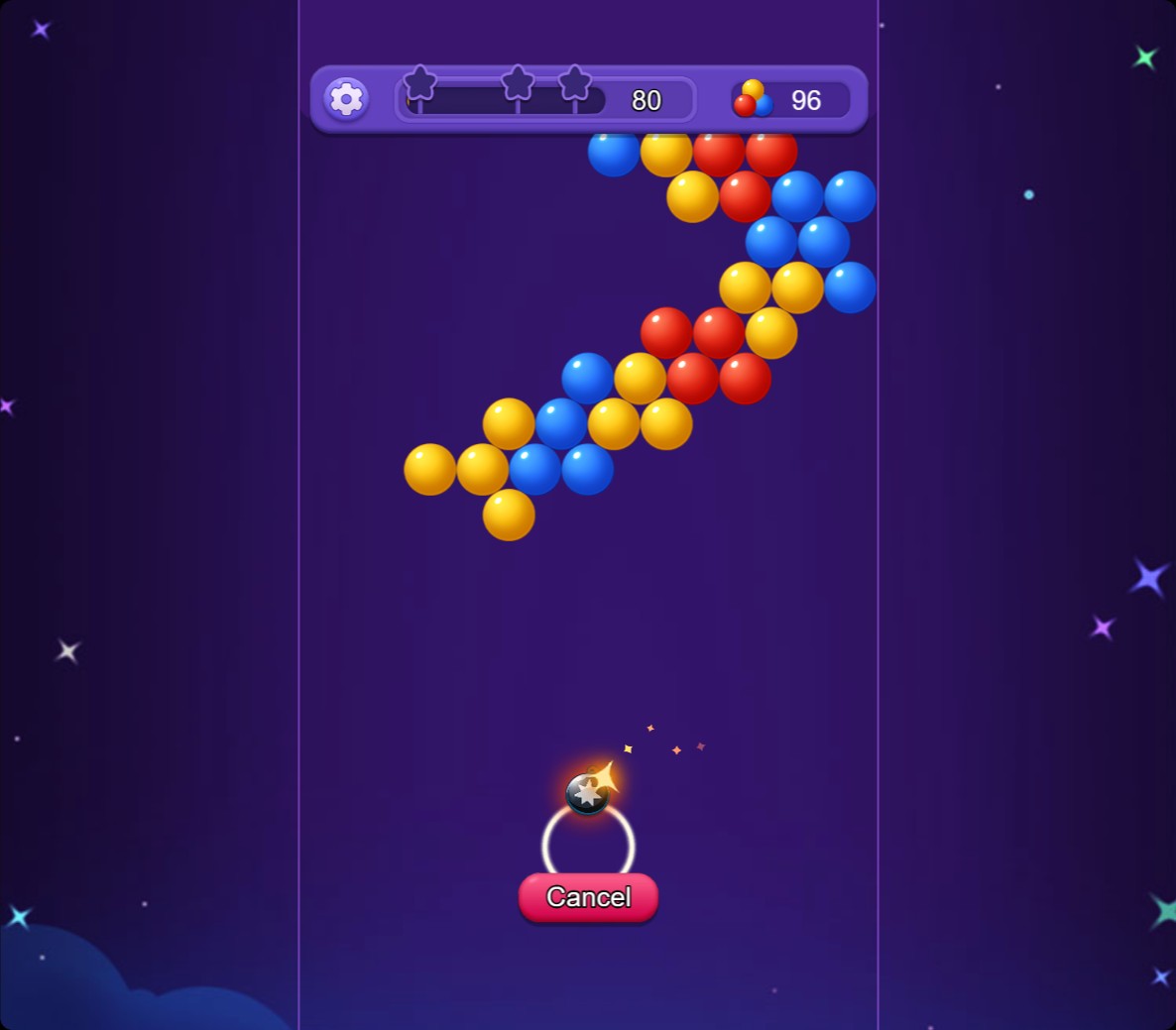
Buy a bomb for your next shot
Spend coins on a bomb, then aim it at the bubbles you want to clear.
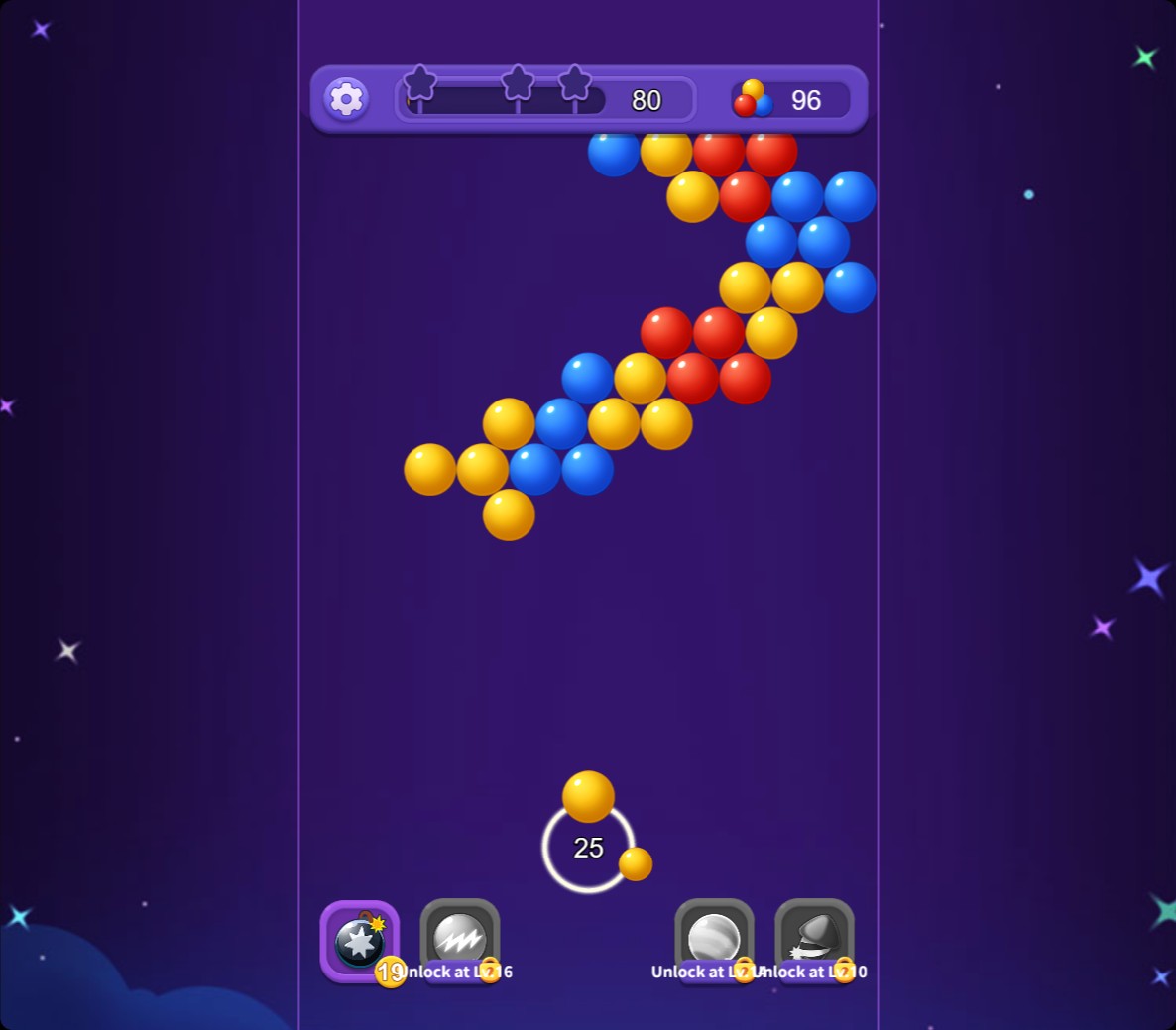
Keep bombs ready
Set your bomb stock and fire one to blast bubbles near its impact.
Spend coins on unlocked boosters
Set your coin balance and apply the change. If you need a bomb during a level, open its purchase screen and buy it with coins. The listed price is deducted from your balance.
Keep bombs in stock
Set the number of bombs you want, apply the change and select the bomb button during a level. Aim the shot and release it to blast nearby bubbles. Each stocked bomb you fire uses one from your quantity.
Start with the opening levels
Continue through the opening levels until bombs unlock. If the controls are not available yet, finish a few opening levels and load your progress again.
Available customisation options
CoinsFree
Set coins to buy bombs and other unlocked boosters.
Choose a coin amount and apply it. During a level, open an unlocked booster's purchase screen to spend coins.
BombsFree
Set your bomb stock to blast nearby bubbles during a level.
Choose a bomb quantity and apply it. Select the unlocked bomb button, aim and release a shot.
Questions about customisation options
- Are Coins and Bombs free controls?
- Yes. Both controls are free to use.
- Can a bomb clear every bubble at once?
- A bomb blasts nearby bubbles around its impact. Aim at a useful cluster to make the most of it.
Using these features
Connect your game, then open Customise in the Windows app. Choose an option, check its available values and follow its instructions. Each option lists its own requirements and limits.
Setup for Bubble Pop: Dream Journey →