
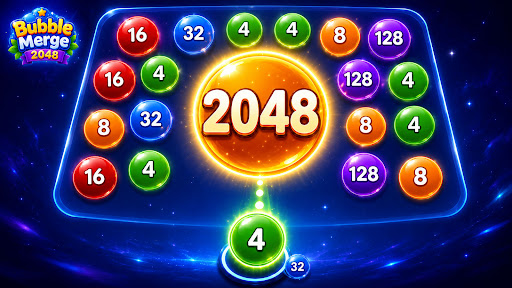
Bubble choices, replacement stock and backgrounds
Choose the loaded bubble before taking your next shot, set how many replacements are available, or select a new backdrop.
Requires the Windows app and the Bytonian Mods browser extension for Chrome or Edge. Browser setup guide
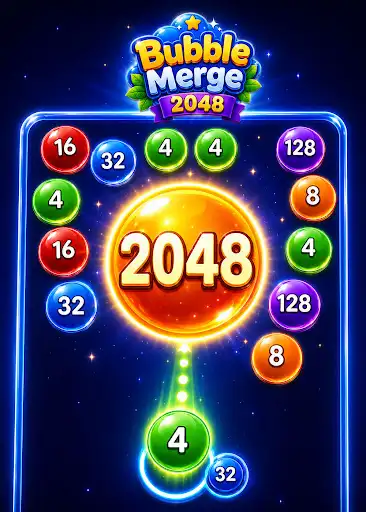
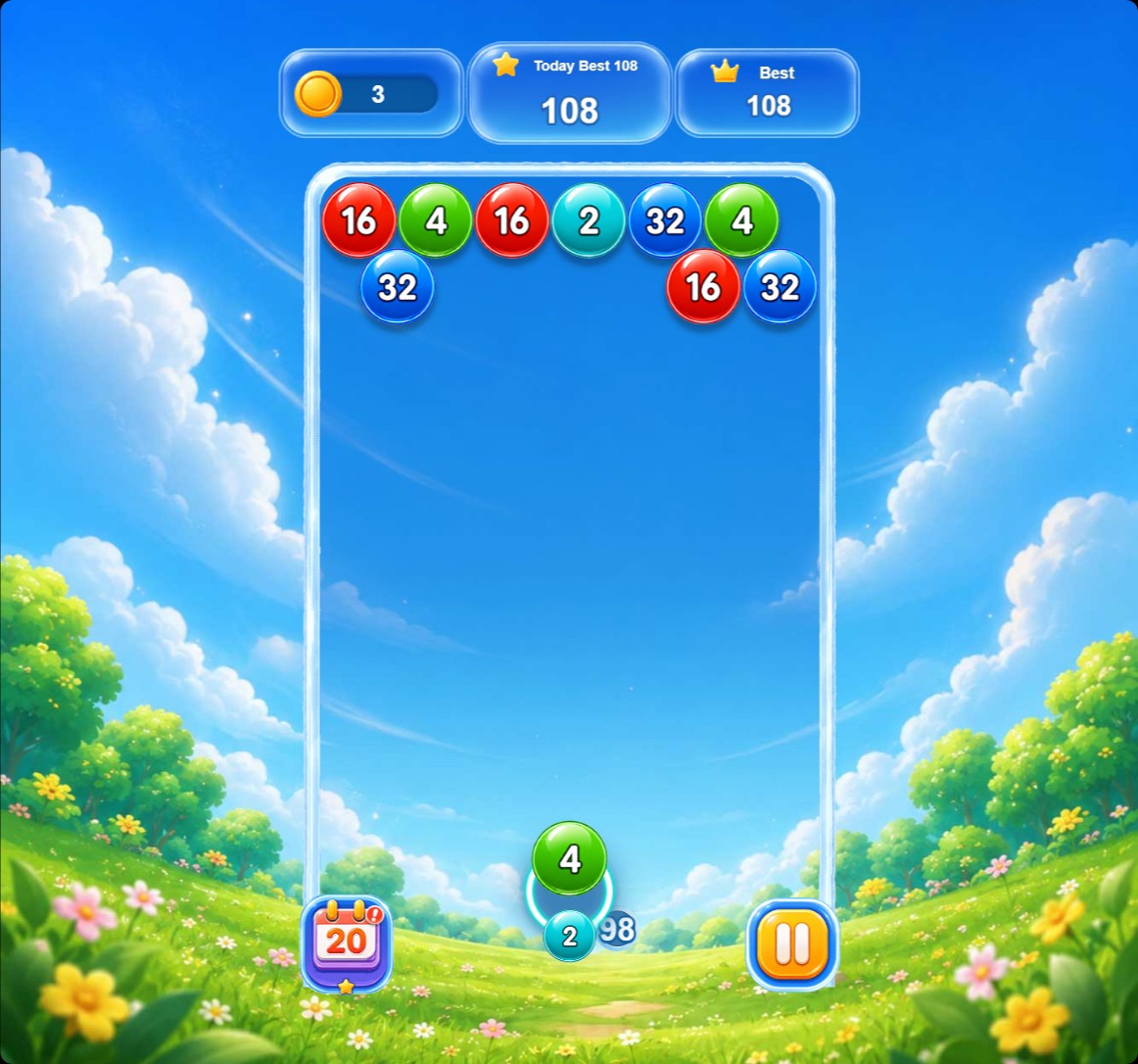
More bubble replacements
Keep more replacements available when you want a different loaded bubble.
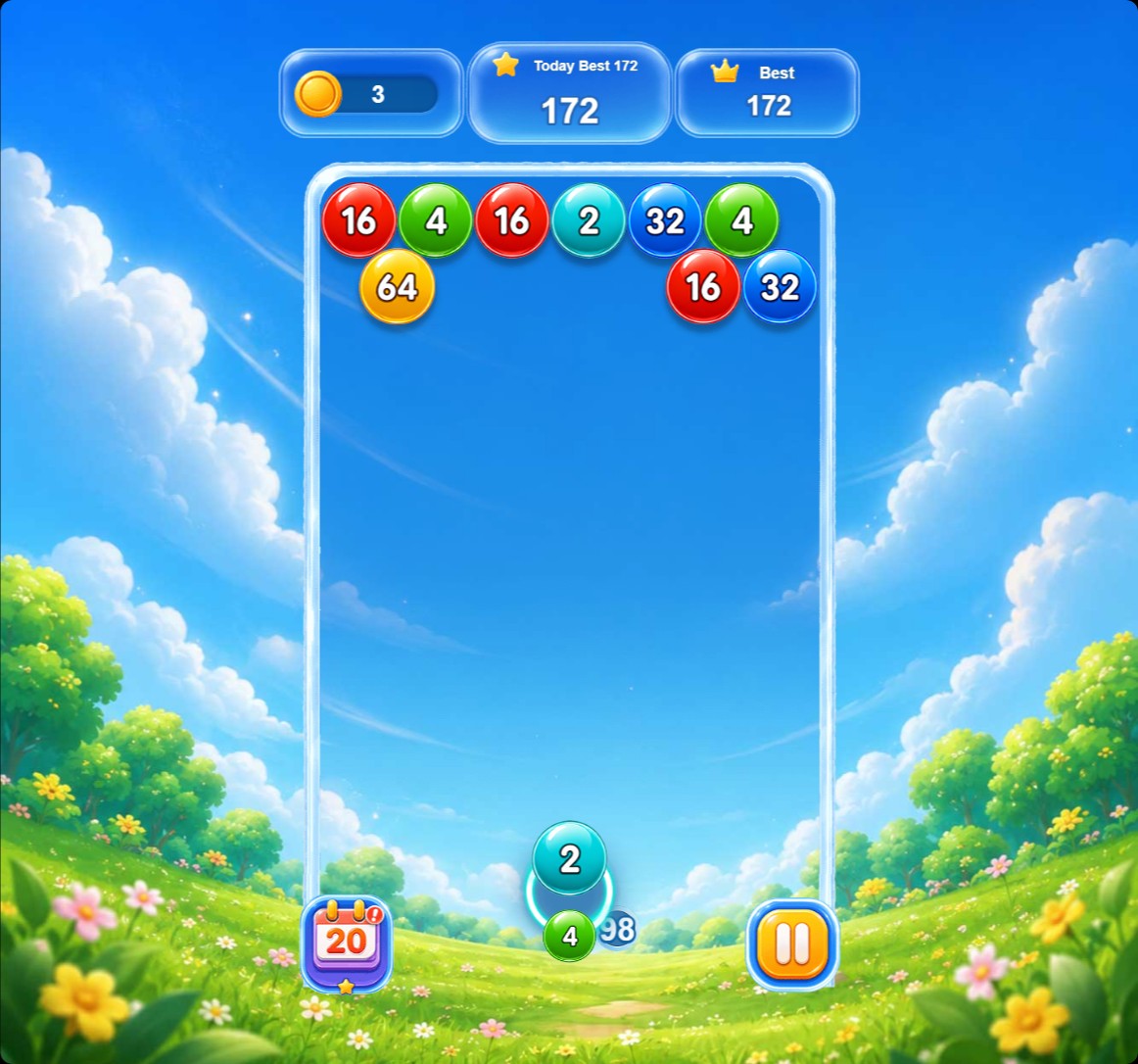
Choose your next bubble
Select a loaded bubble from2,4,8,16 or32, then aim for matching bubbles.
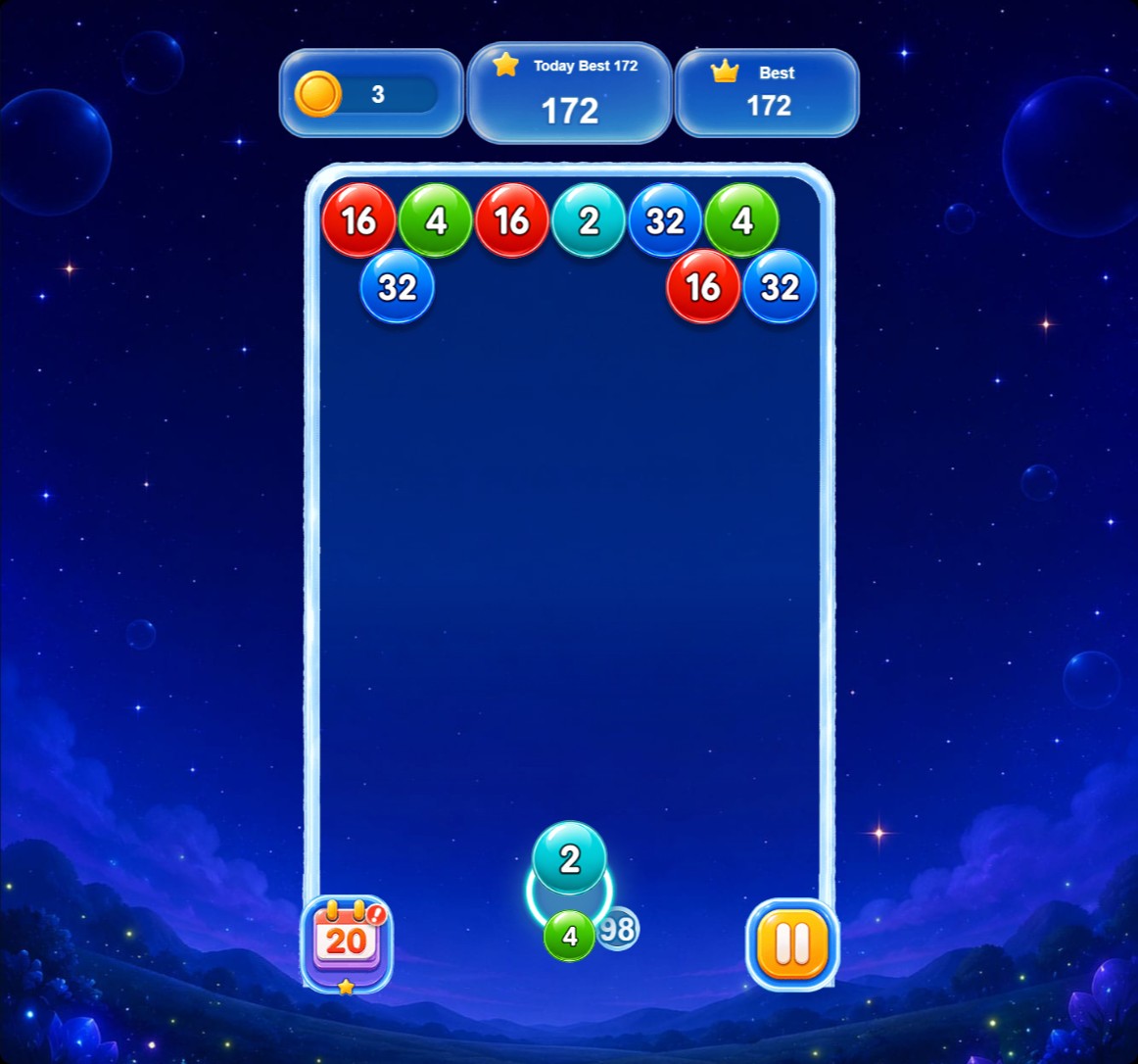
Change the board background
Choose a different backdrop for your bubble-merging board.
Choose the bubble ready to shoot
Pick 2, 4, 8, 16 or 32 for the launcher. Aim toward another bubble of the same value to make a larger one.
Keep replacements available
Set replacement stock between 0 and 999. A normal replacement discards the loaded bubble and brings the queued bubble into the launcher.
Pick a background for free
Choose one of six board backgrounds. The background control is free; loaded-bubble choices and replacement stock are Premium features.
Available customisation options
Bubble replacementsPremium
Set the number of replacements available, from 0 to 999.
Apply the amount, then use the normal replacement control to discard the loaded bubble and load the queued one.
Loaded bubblePremium
Choose 2, 4, 8, 16 or 32 as the bubble ready to shoot.
Apply your choice, then aim and shoot toward a matching value.
BackgroundFree
Pick one of six backgrounds for the board.
Select a background and apply your choice.
Using these features
Connect your game, then open Customise in the Windows app. Choose an option, check its available values and follow its instructions. Each option lists its own requirements and limits.
Setup for Bubble Merge 2048 →