

Customise
3 optionsSet Lightning and Multiball stock from 0 to 99, or choose a Diamond balance up to 1,000,000.
View customisation options →Stock up on Lightning to weaken bricks and Multiball to add to your next volley. Keep Diamonds ready for the retry offer as you aim to clear the bricks before they reach the bottom.
Requires the Windows app and the Bytonian Mods browser extension for Chrome or Edge. Browser setup guide

Start with free mods
Download Bytonian Mods for Windows and try these free features. Choose one to see how it works and any requirements.
Stock up on Lightning boosts to weaken the remaining bricks before your next shot.
Apply your chosen stock, enter a level and wait for the first volley to return. Use the lightning button to spend one boost.
Each use consumes a boost. Applying changes reloads the game.
Use Lightning to reduce the numbers on the remaining bricks before your next shot. Choose Multiball when you want more balls in the next volley, then aim for a useful chain of bounces.
If the bricks reach the bottom, the game's Diamond retry can lift the remaining bricks and keep the run going. Accept that offer before its timer runs out.
Install Bytonian Mods on Windows and choose Bricks Breaker: Deluxe Crusher. Open Customize to set your resources, apply the changes, then continue in the game after it reloads.
Lightning is a free control. Diamonds and Multiball are premium controls. Level packs still use the game's normal unlock conditions.
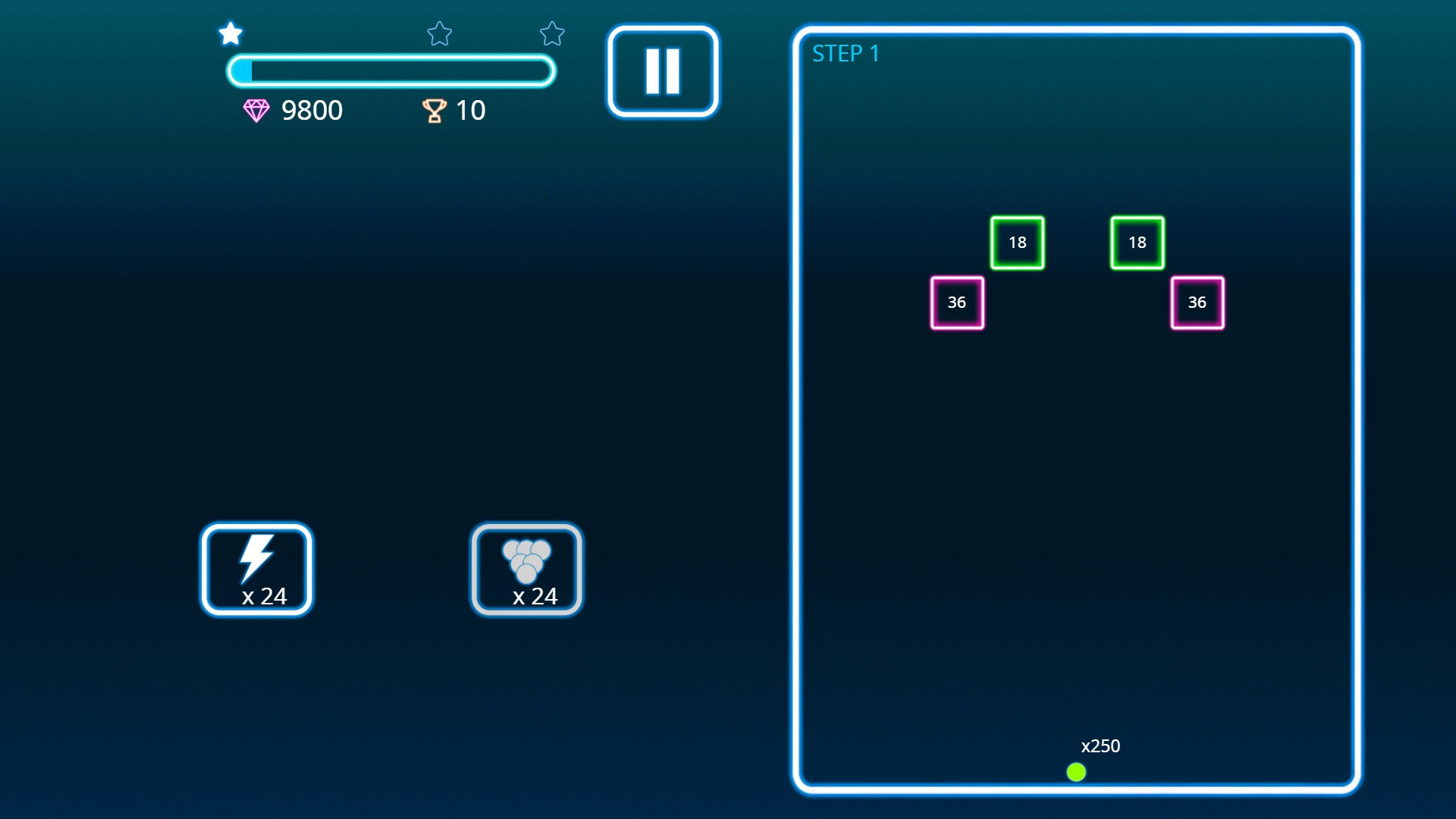
More balls for your next shot
Prepare a bigger volley with Multiball boosts, weaken bricks with Lightning, and keep Diamonds ready for a retry.
Set Lightning and Multiball stock from 0 to 99, or choose a Diamond balance up to 1,000,000.
View customisation options →Download the Windows app and follow the setup prompts.
Set up the browser extension in Chrome or Edge, then open the supported YouTube Playable. Follow the connection guide if the game is already running.
Open Customise in Bytonian Mods, choose an option and follow its instructions. Check the available values and any limits before making your change.