

Choose your bulb balance
Keep bulbs available for the puzzles that leave you stuck. Choose an amount, then use Brain Out's own clue or Skip button.
Requires the Windows app and the Bytonian Mods browser extension for Chrome or Edge. Browser setup guide
A clue when you need it
Use bulbs to reveal a clue for the current Brain Out puzzle.
Using your bulbs
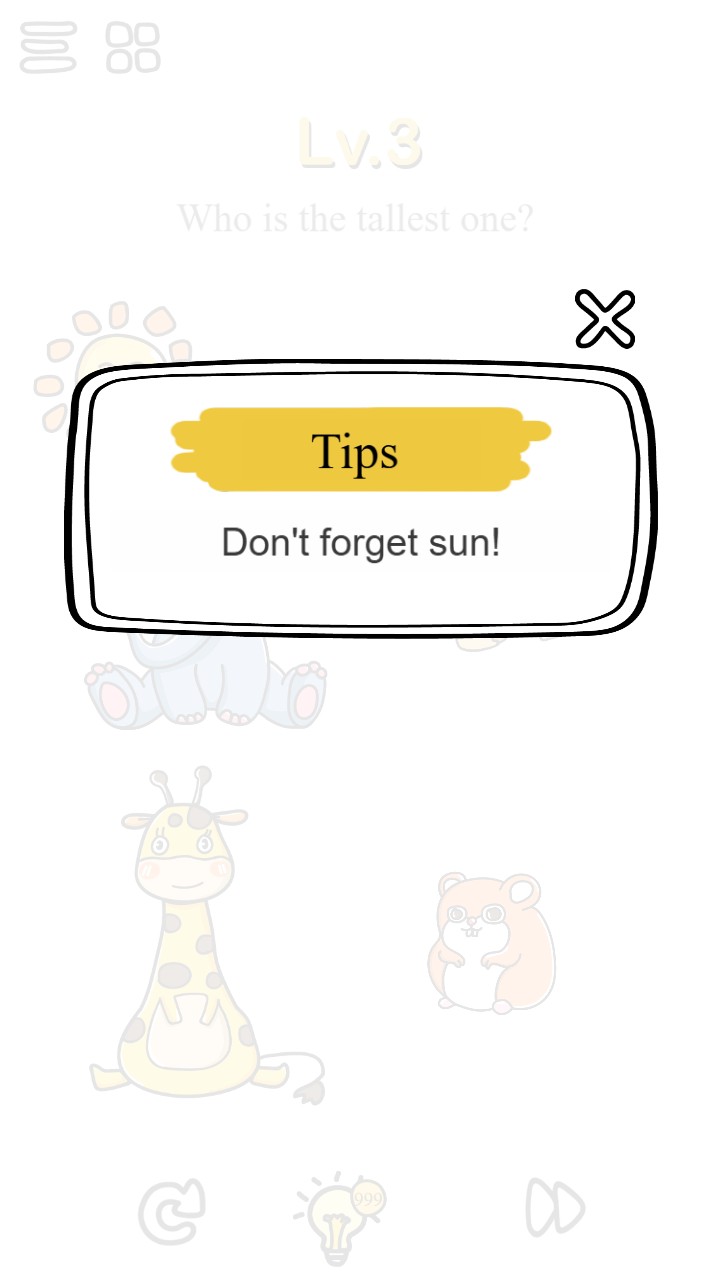
Tap the lightbulb to reveal a clue for the current puzzle. The Skip button asks for two bulbs before advancing to the next challenge.
The small in-game badge can shorten four-digit balances. Choose a three-digit amount if you want the full number to fit.
Available customisation options
BulbsFree
Set your bulb balance for puzzle clues and skips.
Choose an amount, then tap the game's lightbulb for a clue or use Skip to advance past a challenge.
Clues and skips still spend bulbs at their normal cost.
Questions about customisation options
- Do clues still spend bulbs?
- Yes. A new clue spends one bulb, and Skip spends two.
Using these features
Connect your game, then open Customise in the Windows app. Choose an option, check its available values and follow its instructions. Each option lists its own requirements and limits.
Setup for Brain Out →