

Player health controls
Set health for your active Bounty of One character, with a separate control for each of the four player slots.

Use the matching player slot
Start your solo or co-op run, then choose the matching player's health control. Enter a value between one and the character's current maximum.
Changing health disables score uploads until the game closes. Daily runs, absent players and defeated characters cannot use these controls.
Available resources
Player 1's HealthFree
Set Player 1's health within their current maximum during a non-daily run.
Start a run with Player 1 present and alive, then enter the desired health value.
Values stay between one and the current maximum. Changing health disables score uploads until the game closes.
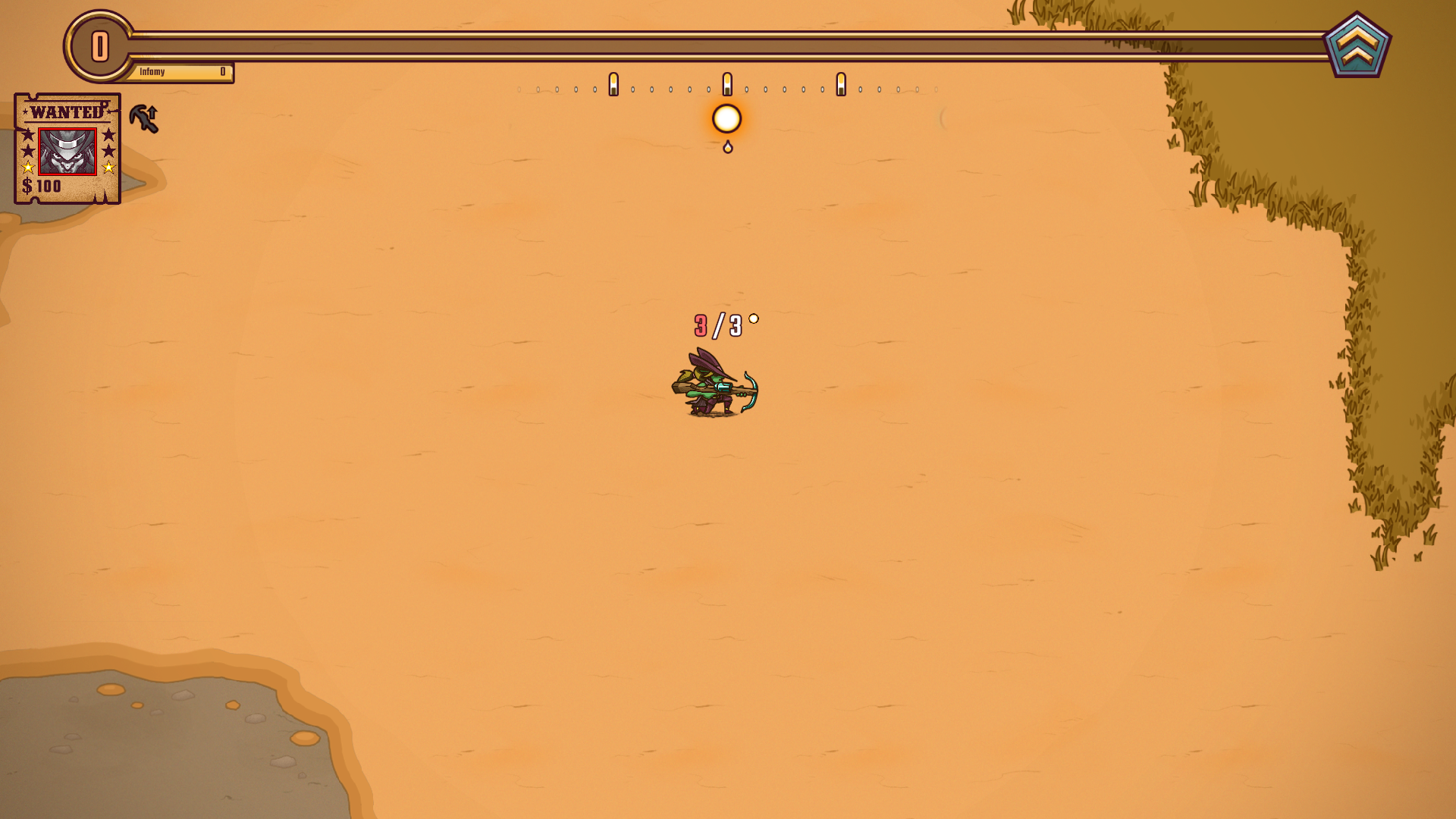
Restore your health for the next wave
Adjust your active player's health up to their current maximum in a non-daily run. Changing health disables score uploads until the game closes.
Player 2's HealthFree
Set Player 2's health within their current maximum during a non-daily run.
Start a run with Player 2 present and alive, then enter the desired health value.
Values stay between one and the current maximum. Changing health disables score uploads until the game closes.
Player 3's HealthFree
Set Player 3's health within their current maximum during a non-daily run.
Start a run with Player 3 present and alive, then enter the desired health value.
Values stay between one and the current maximum. Changing health disables score uploads until the game closes.
Player 4's HealthFree
Set Player 4's health within their current maximum during a non-daily run.
Start a run with Player 4 present and alive, then enter the desired health value.
Values stay between one and the current maximum. Changing health disables score uploads until the game closes.
Using these features
Choose the feature in the Windows app after connecting your game. Check its requirements before making a change.
Setup for Bounty of One →