

Resources
4 optionsAdjust health during a non-daily run, within each active character's current maximum.
View all resources →Give yourself more room to enjoy a run with health controls for Bounty of One. Set the health of your active character, or choose a separate health value for each player in local co-op.

Start with free mods
Download Bytonian Mods for Windows and try these free features. Choose one to see how it works and any requirements.
Set Player 3's health within their current maximum during a non-daily run.
Start a run with Player 3 present and alive, then enter the desired health value.
Values stay between one and the current maximum. Changing health disables score uploads until the game closes.
Set Player 2's health within their current maximum during a non-daily run.
Start a run with Player 2 present and alive, then enter the desired health value.
Values stay between one and the current maximum. Changing health disables score uploads until the game closes.
Set Player 1's health within their current maximum during a non-daily run.
Start a run with Player 1 present and alive, then enter the desired health value.
Values stay between one and the current maximum. Changing health disables score uploads until the game closes.
Set Player 4's health within their current maximum during a non-daily run.
Start a run with Player 4 present and alive, then enter the desired health value.
Values stay between one and the current maximum. Changing health disables score uploads until the game closes.
Use the matching Player 1 to Player 4 control to set a health value. Each control stays within that character's current maximum and keeps at least one health point.
Start a non-daily run before using the controls. A player must be present and alive; the controls do not revive characters.
Changing health disables score uploads until you close the game, even if you turn the health mod off during the run. Daily runs are excluded.
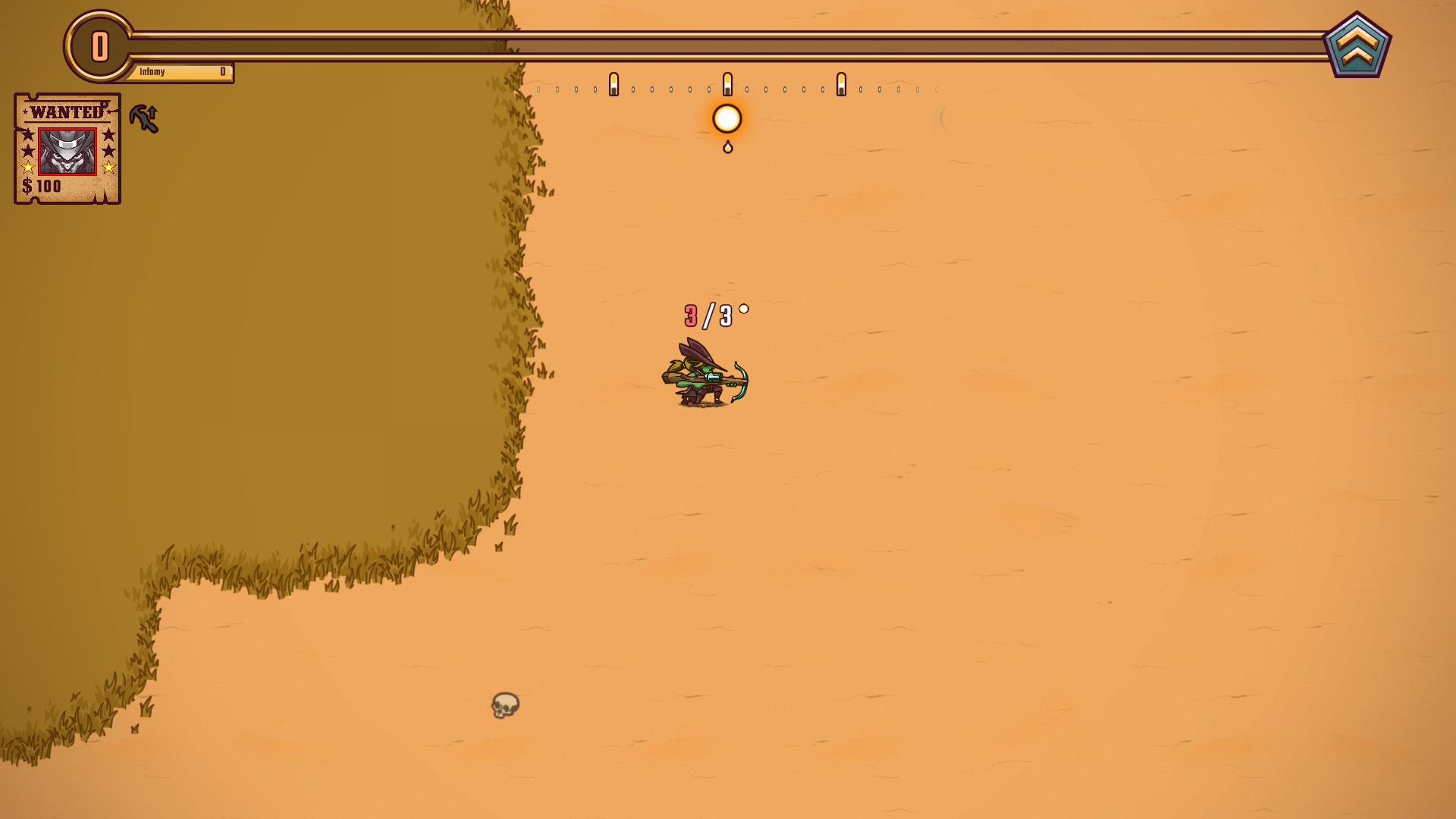
Manage your health in the desert arena
Adjust your active player's health during a non-daily solo or co-op run, within the character's current maximum.
Adjust health during a non-daily run, within each active character's current maximum.
View all resources →Browse the Steam achievement names and descriptions for Bounty of One. Choose and unlock achievements for free with Bytonian Mods in the Windows app.
View all achievements →Download the Windows app and follow the setup prompts.
Open Bounty of One and select it in Bytonian Mods. Follow the app’s connection prompts.
Review the available options in the app and choose the ones that suit how you play.