
Choose Coins or an Early Course
Choose a coin balance for the bottle shop, or return to one of the first two courses.
Requires the Windows app and the Bytonian Mods browser extension for Chrome or Edge. Browser setup guide
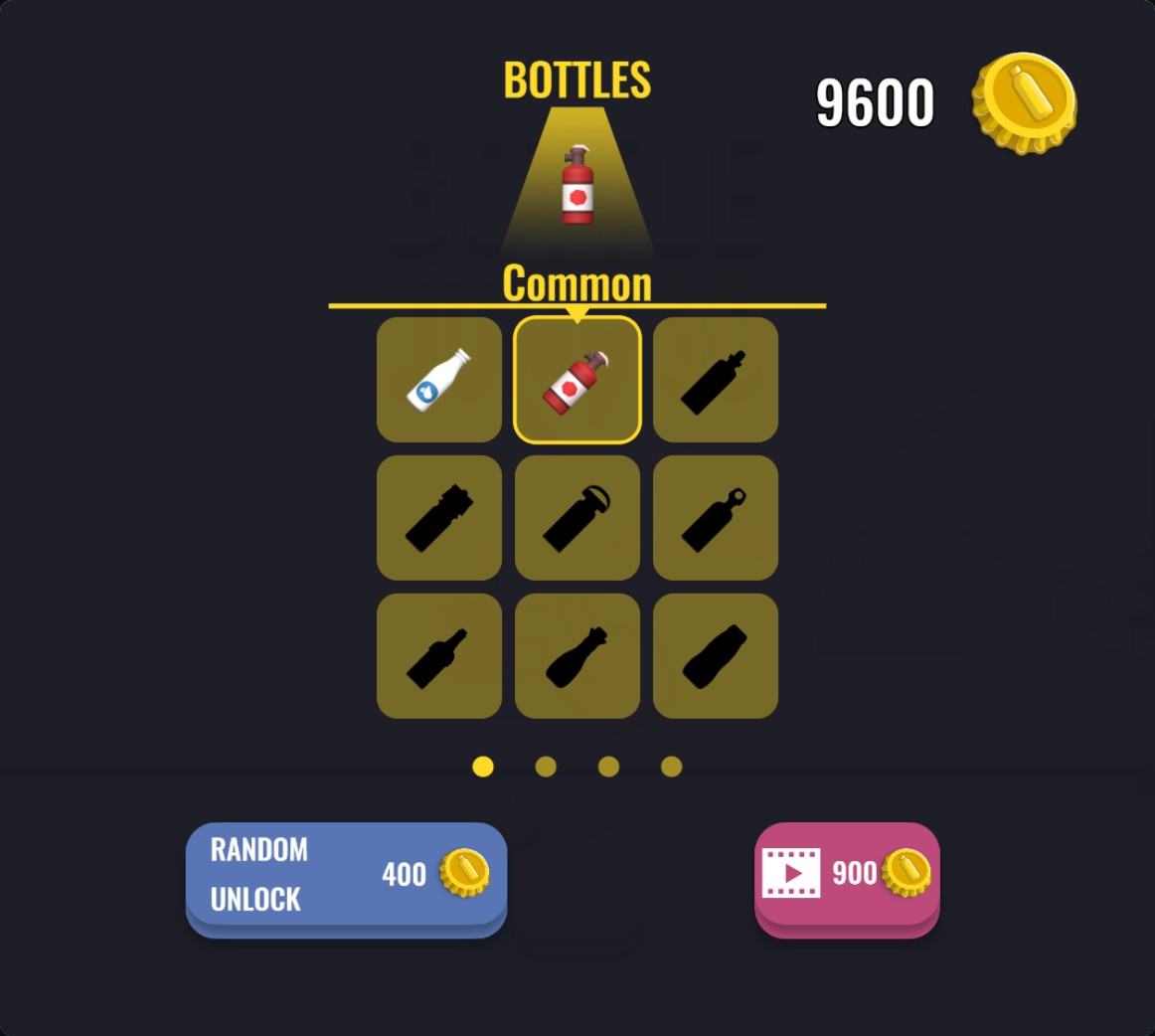
Coins for Bottle Unlocks
Use Coins at Random Unlock in the bottle shop, then select a bottle from your collection.
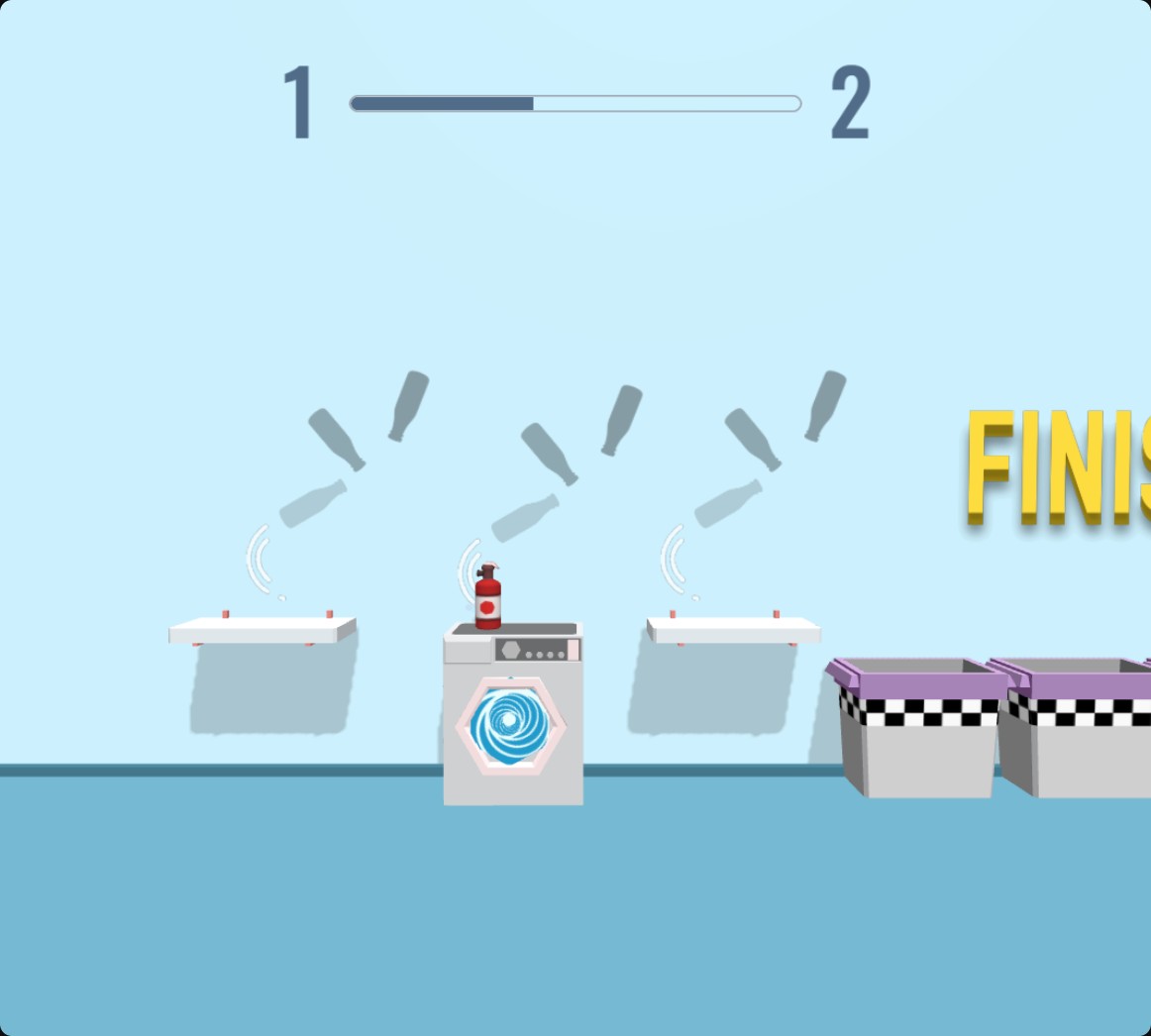
Revisit an Early Course
Choose an early level and flip your bottle across its household platforms.
Coins for the bottle shop
Set Coins before opening the shop. Use Random Unlock to add a bottle, then tap its picture to select it. The shop chooses which bottle the unlock gives you.
Choose level 1 or 2
Select an early level before starting the course. The Level control covers levels 1 and 2.
Available customisation options
CoinsFree
Set Coins for bottle shop unlocks.
Set a balance, open the bottle shop and use Random Unlock. Select an unlocked bottle to use it.
LevelPremium
Choose an early bottle-flipping course.
Choose level 1 or 2 before starting a course.
Covers levels 1 and 2.
Questions about customisation options
- Does Coins choose a specific bottle?
- Coins fund the shop's Random Unlock. You select from bottles you have unlocked.
- Which courses can I choose?
- The Level control lets you choose level 1 or 2.
Using these features
Connect your game, then open Customise in the Windows app. Choose an option, check its available values and follow its instructions. Each option lists its own requirements and limits.
Setup for Bottle Jump 3D →