

Choose the language for quiz controls
Open Bored.Day in the connected browser, select an interface language and apply it. The game reloads with your selected language for its normal labels.
Requires the Windows app and the Bytonian Mods browser extension for Chrome or Edge. Browser setup guide

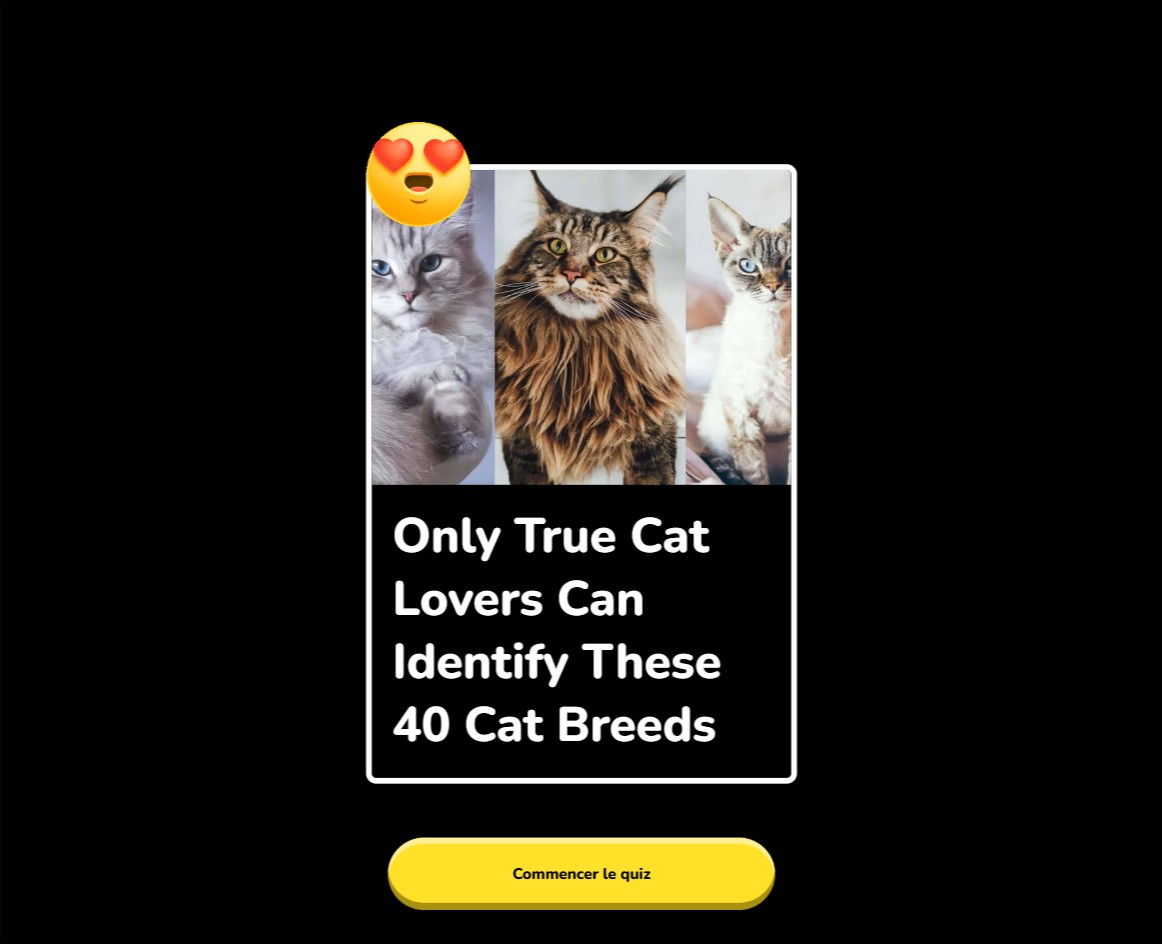
Choose your interface language
French interface labels, including Commencer le quiz, with quiz content in its supplied language.
Pick and apply a language
Use the Interface language dropdown to select your preferred language, then apply the change. The game can load a different quiz when it reloads.
What stays in its supplied language
Quiz titles, question text and supplied answers are provided separately from the interface labels. They remain in the quiz's supplied language.
Available customisation options
Interface languageFree
Choose the language used by buttons and interface labels.
Select a language and apply it with Bored.Day open in the connected browser.
Quiz titles, questions and supplied answers keep their provided language. The game can select a different quiz when it reloads.
Questions about customisation options
- Can I switch back to English?
- Choose English in Interface language and apply the change.
- Why did a different quiz appear?
- Bored.Day selects a quiz when it loads. Applying the language setting reloads the game.
Using these features
Connect your game, then open Customise in the Windows app. Choose an option, check its available values and follow its instructions. Each option lists its own requirements and limits.
Setup for Bored.Day →