
Saved Coins for Bomb Sapper
Set your Coins balance, then choose when to spend it in Bomb Sapper's Shop.
Requires the Windows app and the Bytonian Mods browser extension for Chrome or Edge. Browser setup guide
Spend Coins your way
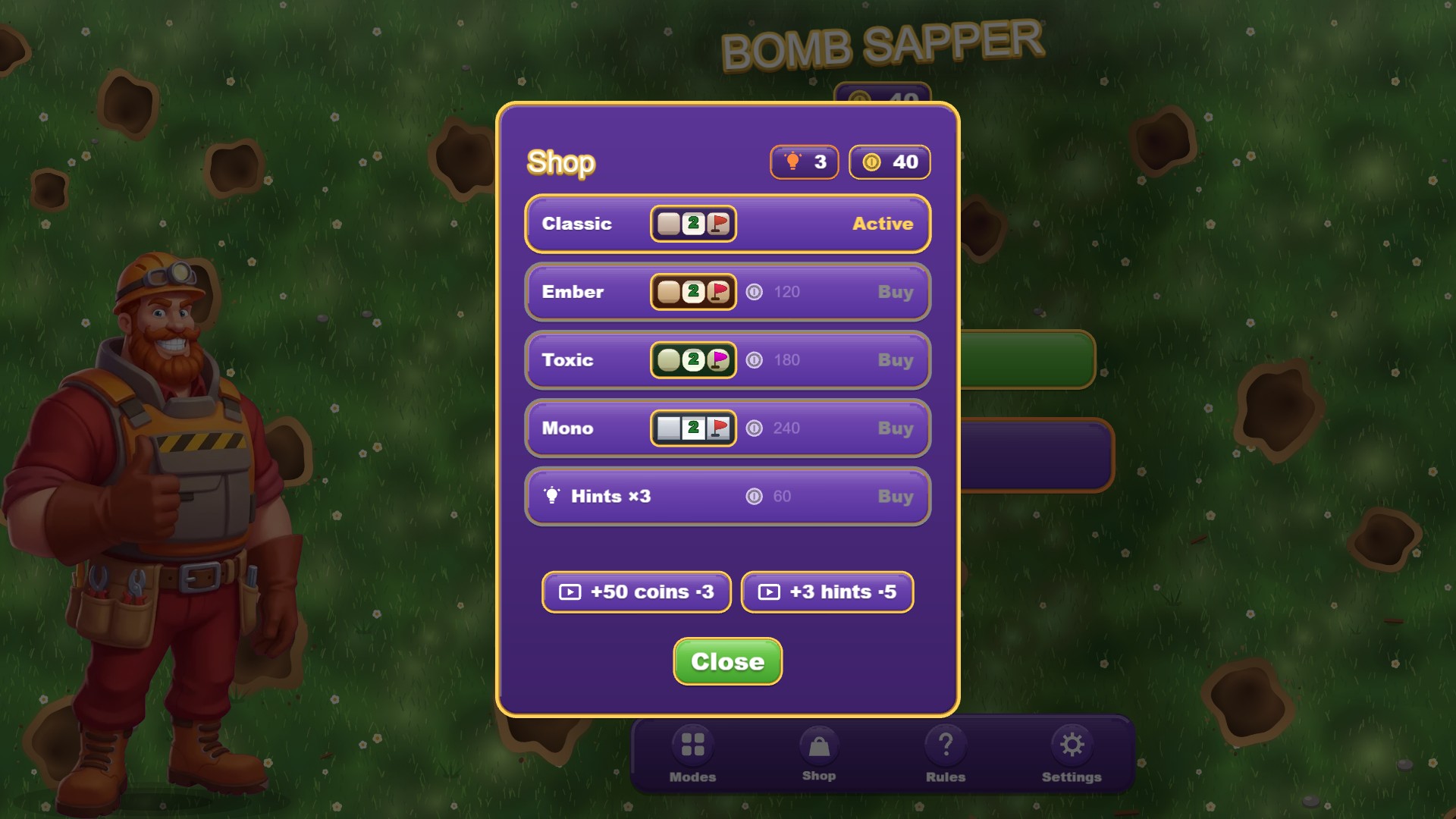
The Shop offers Hints x3 for Coins. Saved Coins changes the balance you can spend there; it does not add Hints directly or change puzzle results.
Available customisation options
CoinsFree
Choose your Bomb Sapper Coins balance for regular Shop purchases, including Hints x3.
Set an amount, apply it, then open the in-game Shop when you want to buy Hints.
This changes Coins only. It does not add Hints directly or change puzzle scores and progress.
Saved Coins for Shop hints
Set saved Coins and spend them normally in the Shop. A Hints x3 purchase leaves the remaining Coins and three Hints visible.
Using these features
Connect your game, then open Customise in the Windows app. Choose an option, check its available values and follow its instructions. Each option lists its own requirements and limits.
Setup for Bomb Sapper →