
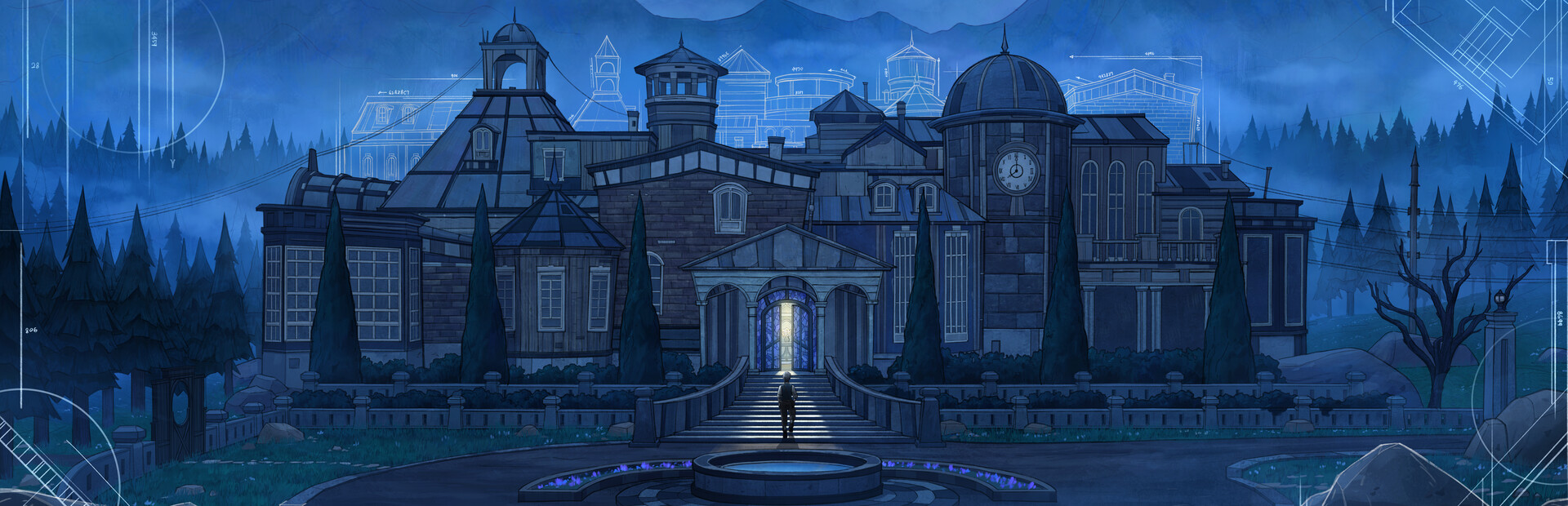
Shape the next draft and its rewards
Choose how much help you want with room costs, room choices and resource rewards.
Adjust room plans and rewards
Set a gem-cost cap before drawing room plans. A cap of zero removes gem requirements.
Prefer rooms with more exits or a lower gem cost. Normal choices remain when too few rooms match.
Use separate reward percentages for gold, gems, keys and dice. 100% keeps normal rewards, while 200% doubles positive gains. Spending stays unchanged.
Available rule modifiers
Draft PreferencesPremium
Prefer rooms with more exits and lower gem costs. Normal choices remain available when too few rooms match.
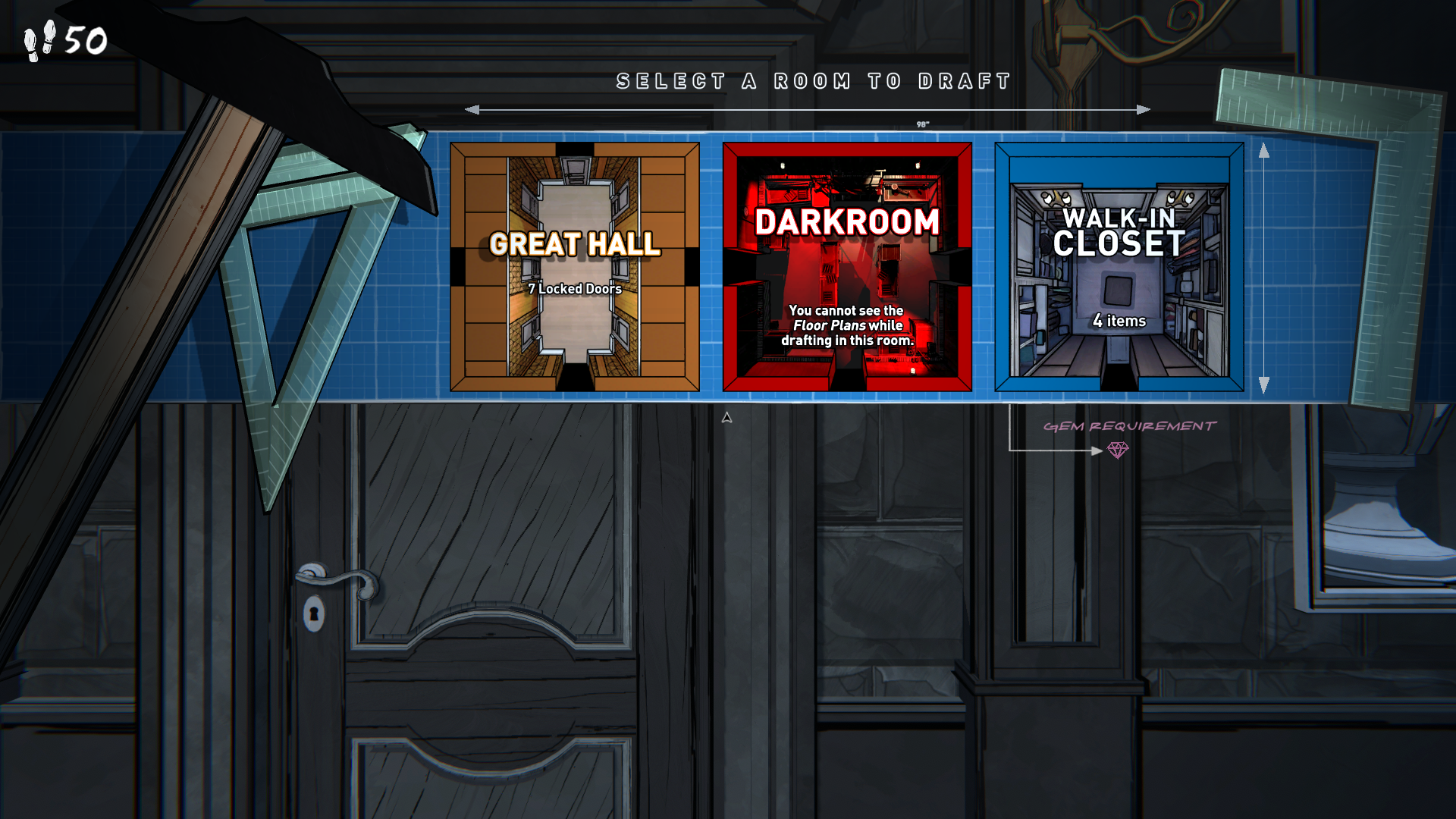
Choose your draft preferences
Prefer rooms with lower gem costs or more exits. Normal choices stay available when too few rooms match.
Resource RewardsPremium
Increase gold, gem, key and dice rewards with separate percentages. 100% keeps normal rewards and spending stays unchanged.
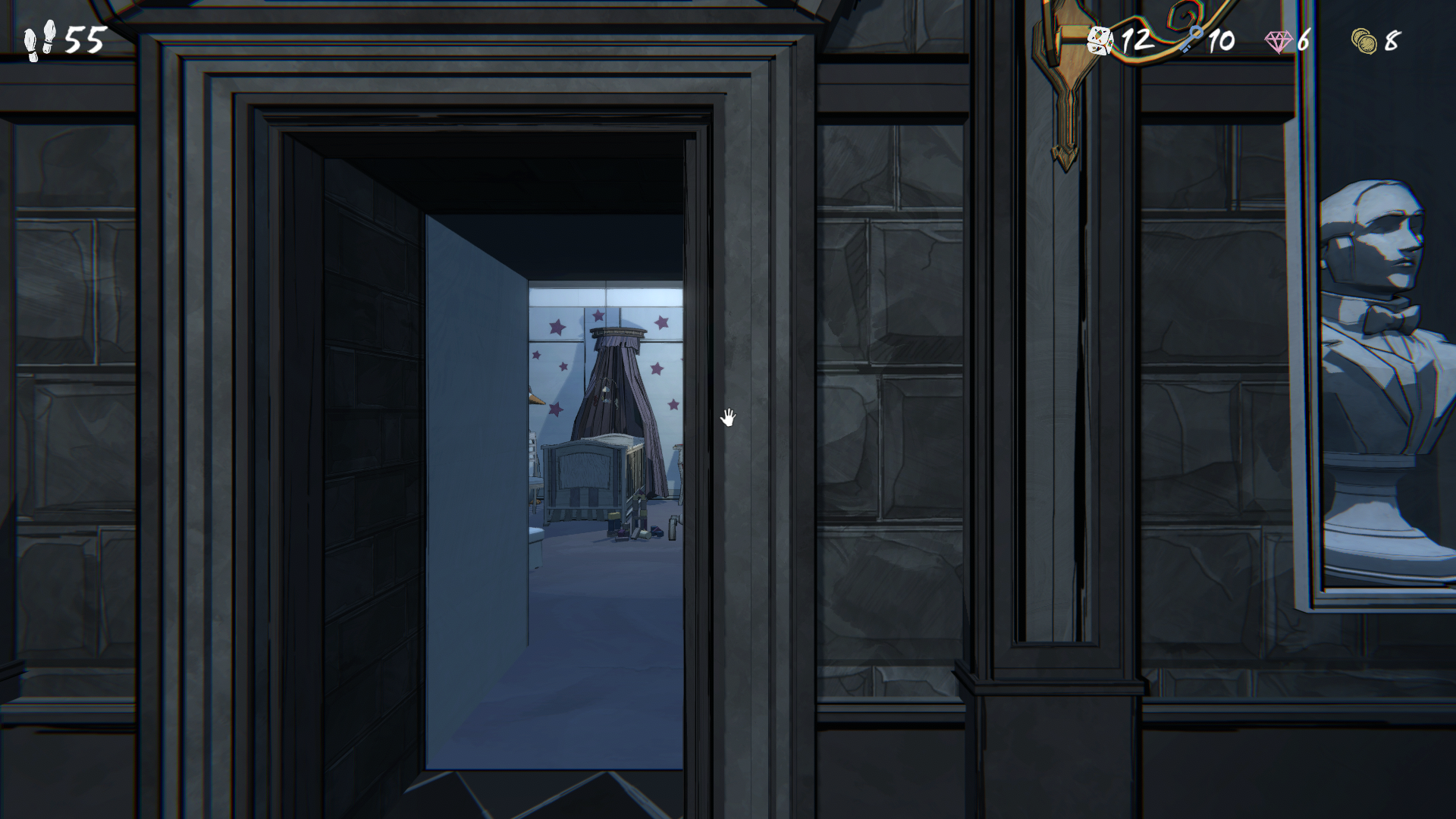
Increase resource rewards
Choose separate reward multipliers for gold, gems, keys and dice.
Room Gem CostsPremium
Cap the gem cost of room plans. Apply the cap before drawing choices, or set it to zero to remove gem requirements.
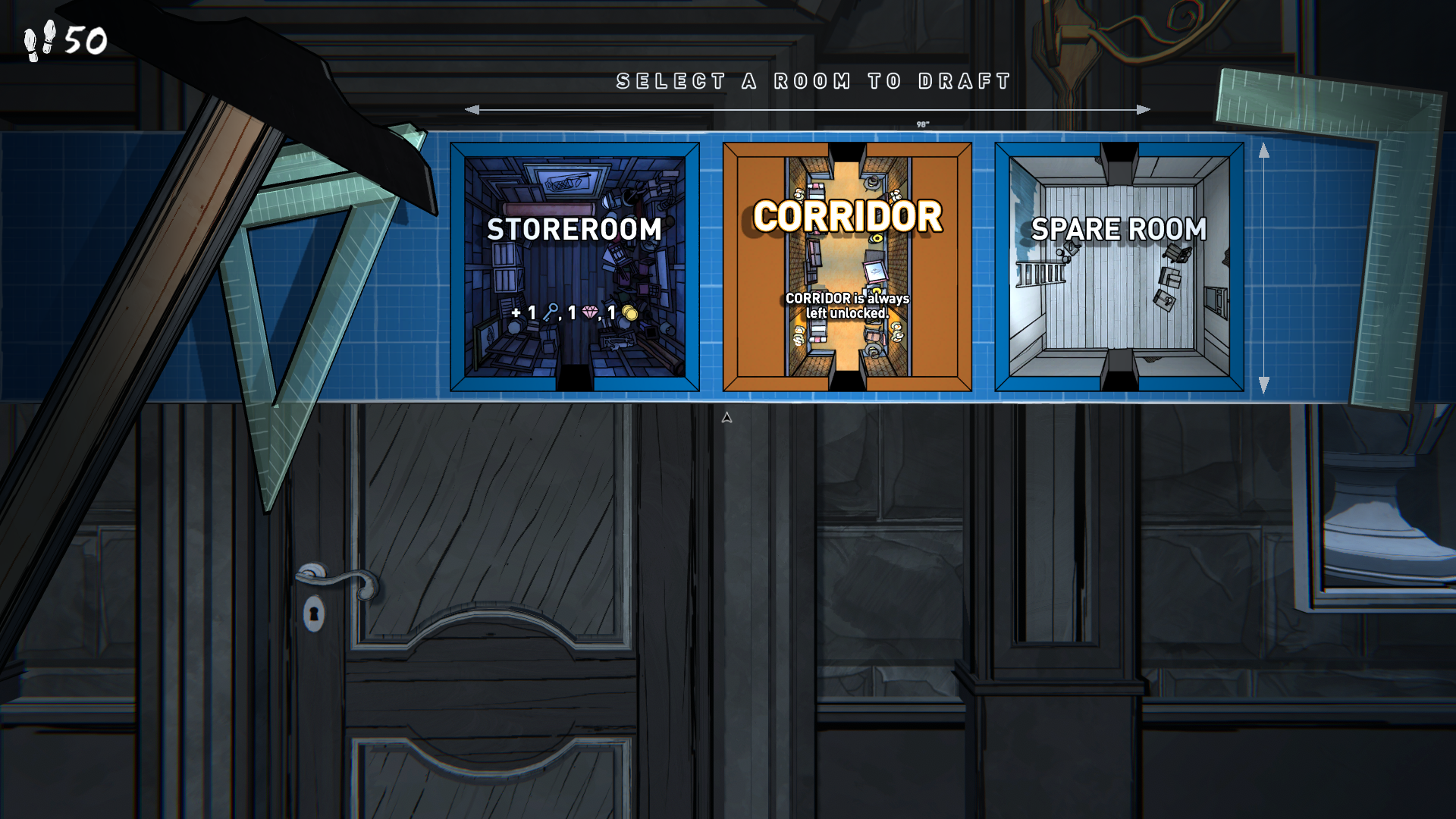
Choose a room gem-cost cap
Set the maximum gem cost for room drafts.
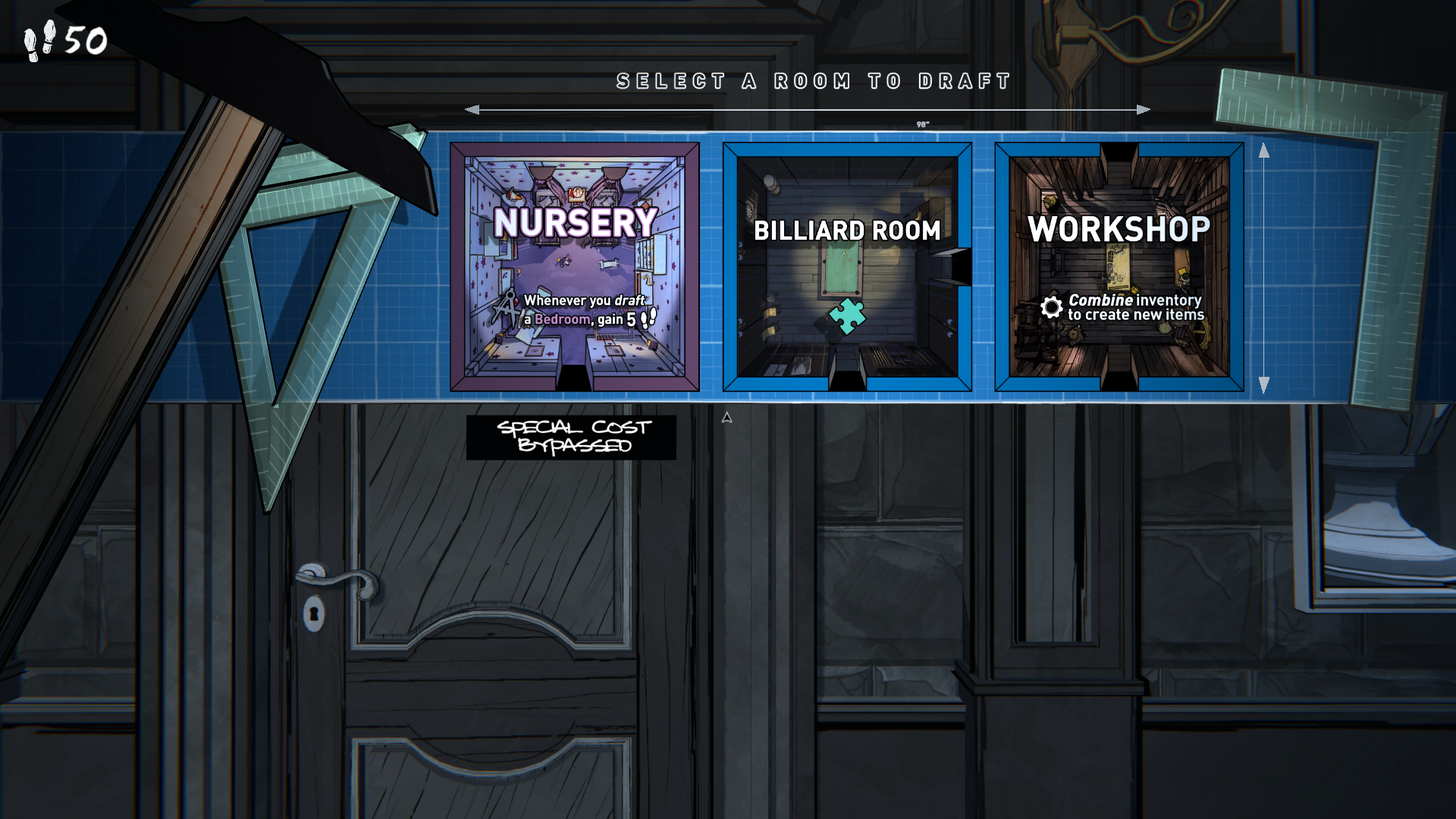
Draft without a gem requirement
Set the gem-cost cap to zero before drawing room choices.
1 / 2
More ways to customise Blue Prince
- Blue Prince resources
Manage gold, gems, keys, dice, and steps while exploring the mansion.
- Blue Prince stat modifiers
Set walking speed, running speed, and luck separately.
- Blue Prince ability modifiers
Fly around the mansion or tune interaction reach and aiming tolerance.
- Blue Prince world modifiers
Speed up or slow down the world as you explore the house.
- Blue Prince game actions
Reroll the three room choices at an empty doorway before you commit.
- Blue Prince utilities
Bookmark up to three positions and return to them during the same day.
Using these features
Choose the feature in the Windows app after connecting your game. Check its requirements before making a change.
Setup for Blue Prince →