
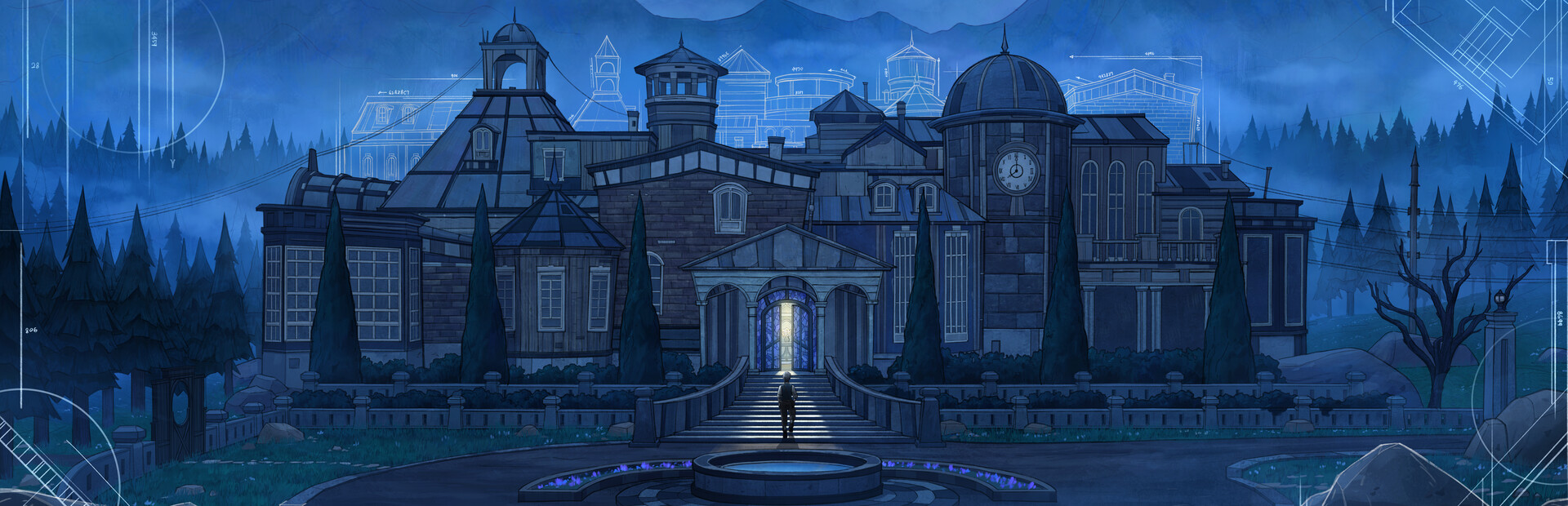
Explore the house your way
Fly above and through the mansion, or adjust how you interact with objects as you explore.

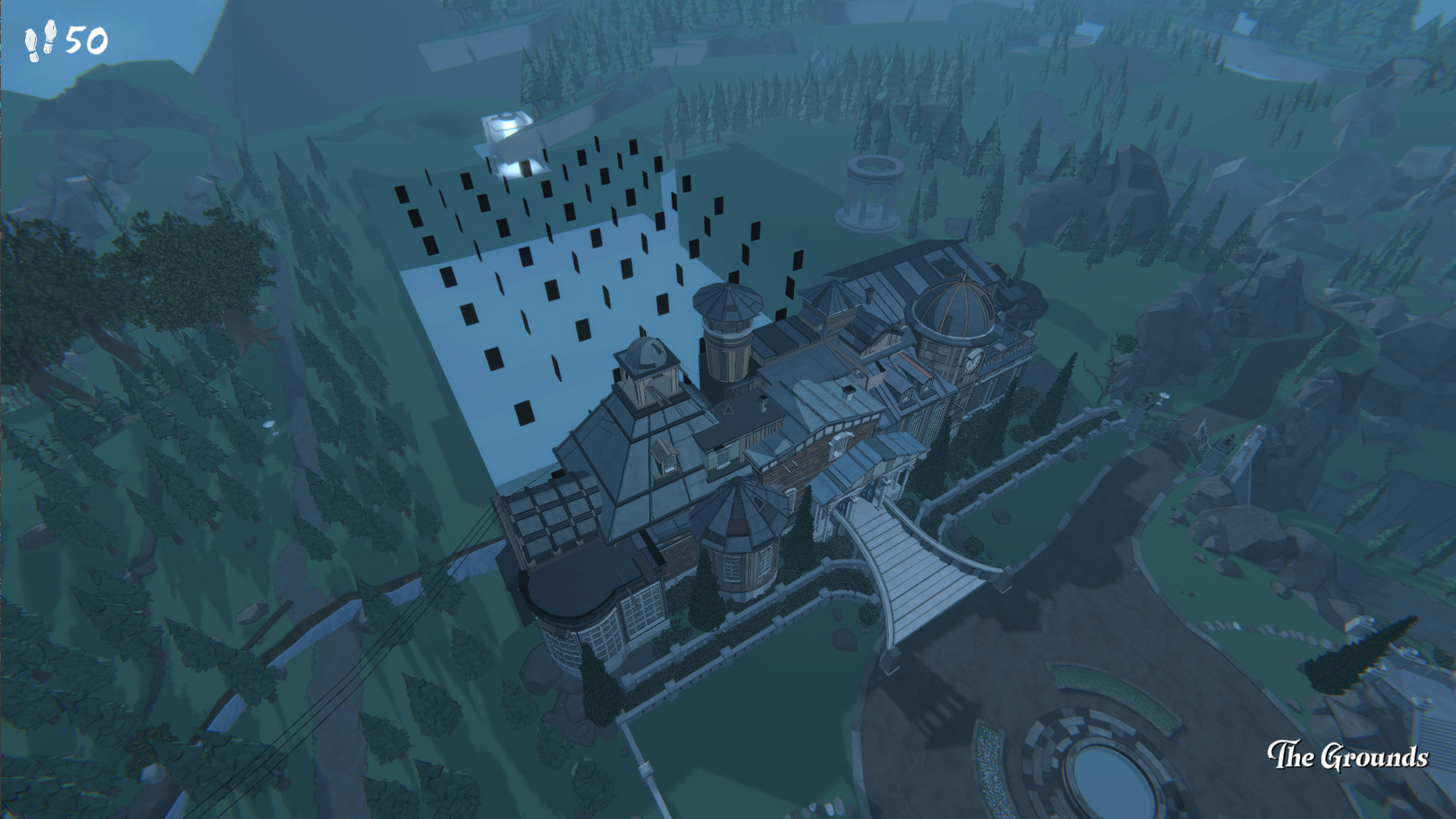
Flying above the mansion
Fly above the mansion for a view of its roof, back and room doorways.
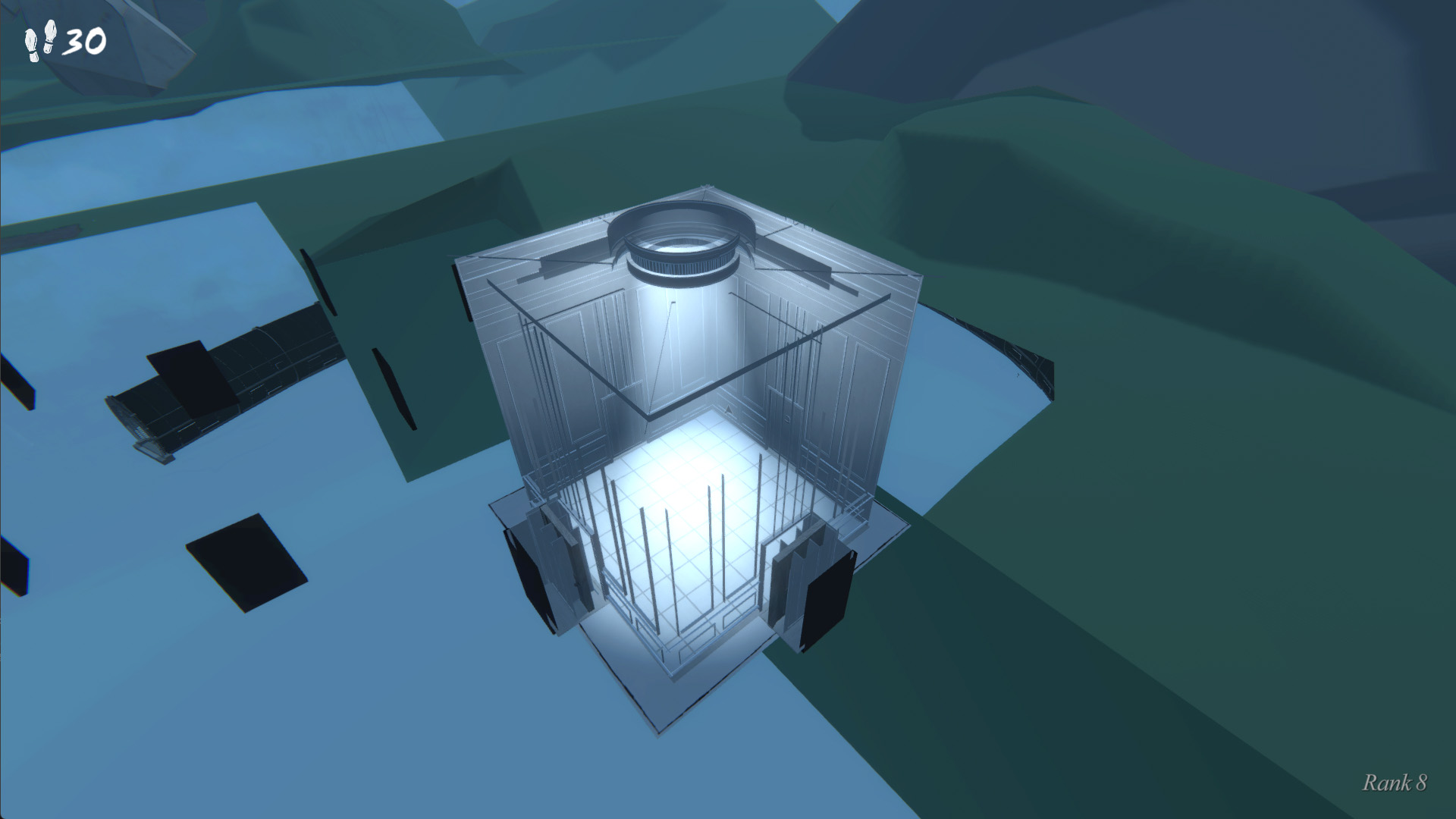
Flying above the Antechamber
Explore above the Antechamber and look at the room from a new angle.
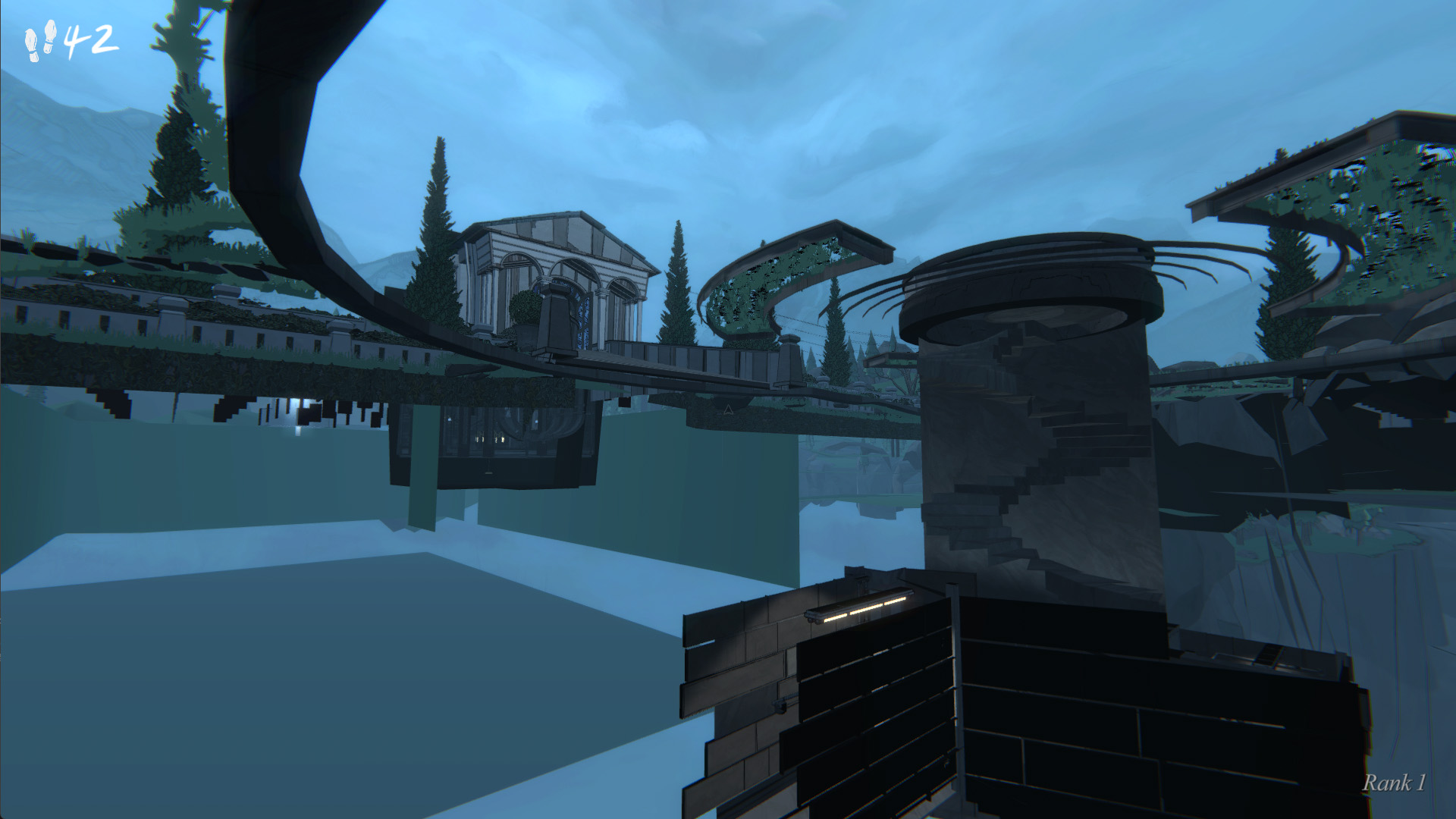
Flying under the fountain
Look beneath the fountain area to see the staircase and nearby basement space.
Fly and interact
Choose Fly to explore above or below the rooms and move through scenery. Turn Movement off above safe ground to return to normal movement.
Adjust interaction reach and aiming tolerance for switches and pickups. Objects and doors keep their own interaction limits.
Available ability modifiers
Interaction AssistanceFree
Adjust interaction reach and aiming tolerance. Objects keep their own interaction limits.
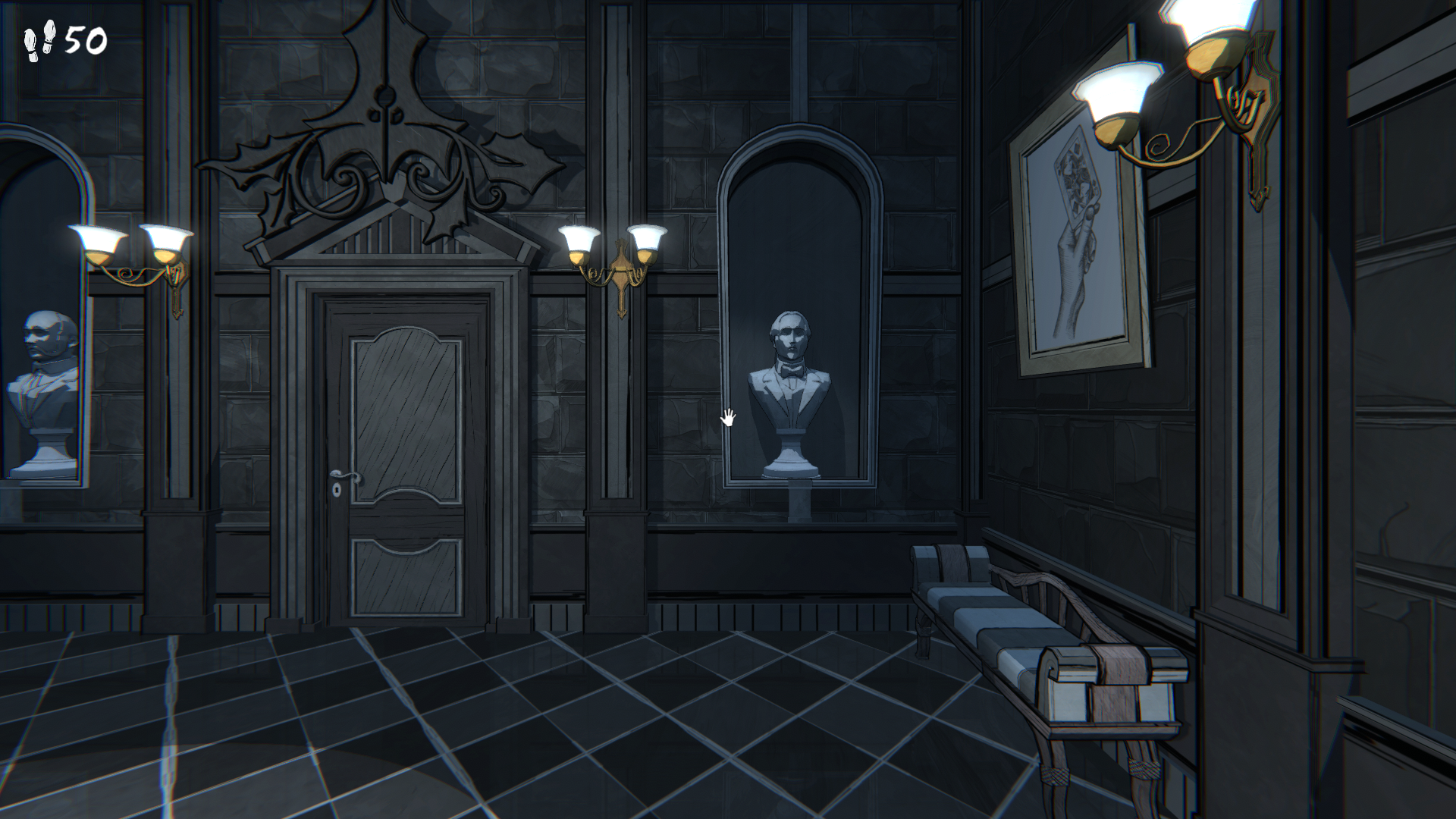
Adjust interaction assistance
Choose the reach and aiming tolerance for interactions. Objects keep their own interaction limits.
MovementPremium
Fly freely around the mansion, pass through scenery and explore above or below the rooms.
Open Movement, select Fly and enable it. Use the directional keys to travel, Space to rise, Ctrl to descend and Shift to boost. Adjust the flight speeds to suit the view you want, then switch Movement off above safe ground to return to normal control.
Supported movement styles: Fly
Flying above the mansion
Fly above the mansion for a view of its roof, back and room doorways.
More ways to customise Blue Prince
- Blue Prince resources
Manage gold, gems, keys, dice, and steps while exploring the mansion.
- Blue Prince stat modifiers
Set walking speed, running speed, and luck separately.
- Blue Prince rule modifiers
Adjust room gem costs, draft preferences, and resource rewards as you plan your route.
- Blue Prince world modifiers
Speed up or slow down the world as you explore the house.
- Blue Prince game actions
Reroll the three room choices at an empty doorway before you commit.
- Blue Prince utilities
Bookmark up to three positions and return to them during the same day.
Using these features
Choose the feature in the Windows app after connecting your game. Check its requirements before making a change.
Setup for Blue Prince →