
Choose your Blossom Master booster charges
Set the charge amounts for Undo and Shuffle separately, then use the game's normal booster buttons while playing.
Requires the Windows app and the Bytonian Mods browser extension for Chrome or Edge. Browser setup guide
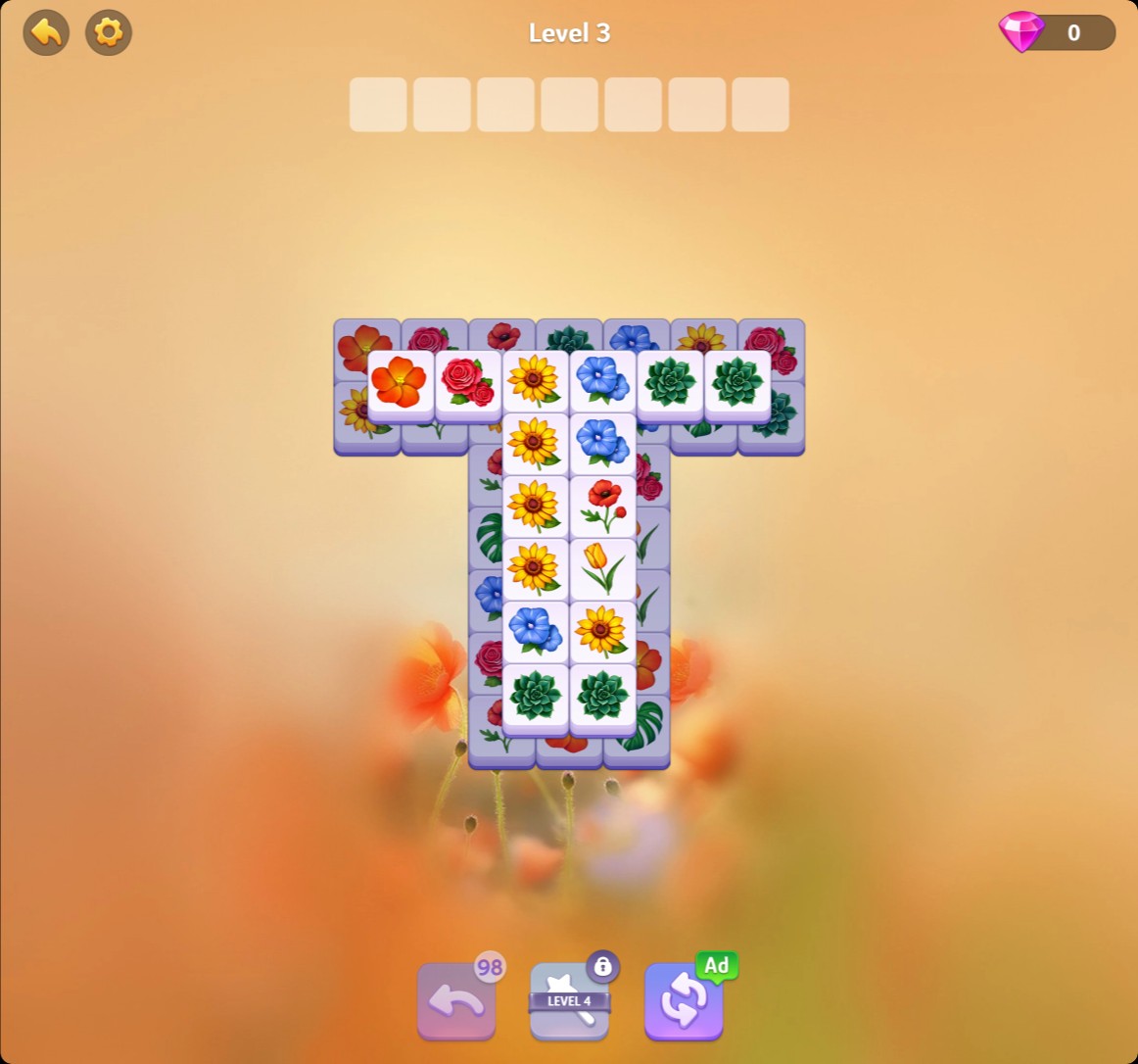
Undo a flower selection
Return the last flower from your tray to the board with Undo charges. Unlock Undo by reaching Level 2 through normal play.
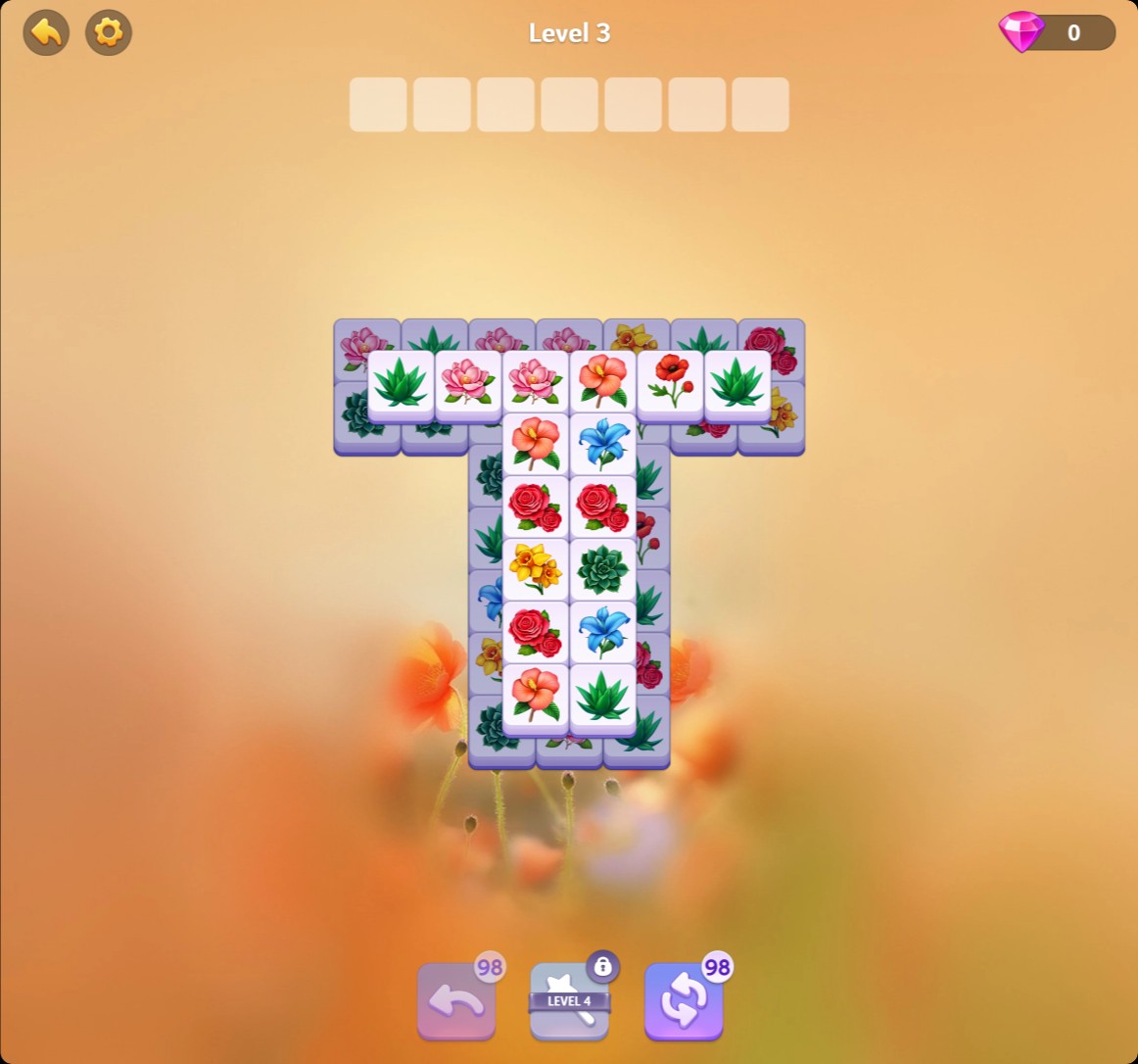
Rearrange the flower board
Use Shuffle charges to rearrange the flowers on the board. Unlock Shuffle by reaching Level 3 through normal play.
Undo charges
Choose an Undo charge amount and apply it. In a level, Undo returns the last flower you selected from the tray to the board.
Reach Level 2 normally to unlock Undo. This charge control is free.
Shuffle charges
Choose a Shuffle charge amount and apply it. The normal Shuffle button rearranges the flowers on the board.
Shuffle unlocks through normal play at Level 3 and is a premium control.
Apply an amount and enter a level
After applying a charge amount, return to a level before using the booster. Keep the normal level unlocks in mind when choosing a control.
Available customisation options
Undo chargesFree
Choose how many Undo charges you have to return the last selected flower from the tray to the board.
Reach Level 2 normally, choose your charge amount and apply it. Enter a level again, select a flower and use Undo when you want to return that pick.
Shuffle chargesPremium
Choose how many Shuffle charges you have to rearrange the flowers on the board.
Reach Level 3 normally, choose your charge amount and apply it. Enter a level again and press the normal Shuffle button for another arrangement.
Questions about customisation options
- Can I set Undo and Shuffle separately?
- Yes. Each booster has its own charge amount, so you can adjust one without changing the other.
- Does changing the charge amount unlock a booster early?
- Progress normally to Level 2 for Undo and Level 3 for Shuffle, then use the unlocked booster in a level.
Using these features
Connect your game, then open Customise in the Windows app. Choose an option, check its available values and follow its instructions. Each option lists its own requirements and limits.
Setup for Blossom Master →