
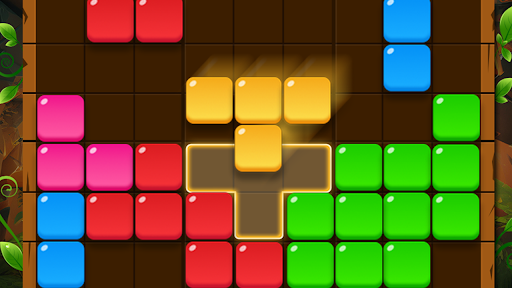
Choose your refresh count
Refreshes gives you a direct choice of the count shown on your puzzle's refresh control. Enter the amount you want before returning through Resume.
Requires the Windows app and the Bytonian Mods browser extension for Chrome or Edge. Browser setup guide
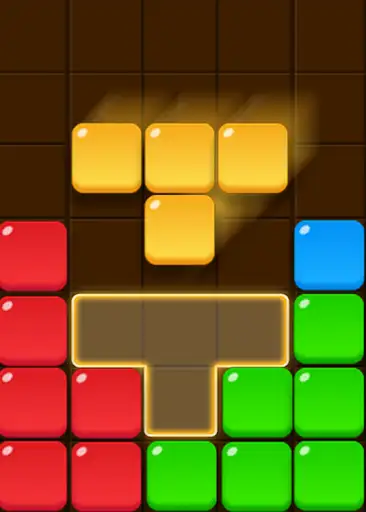
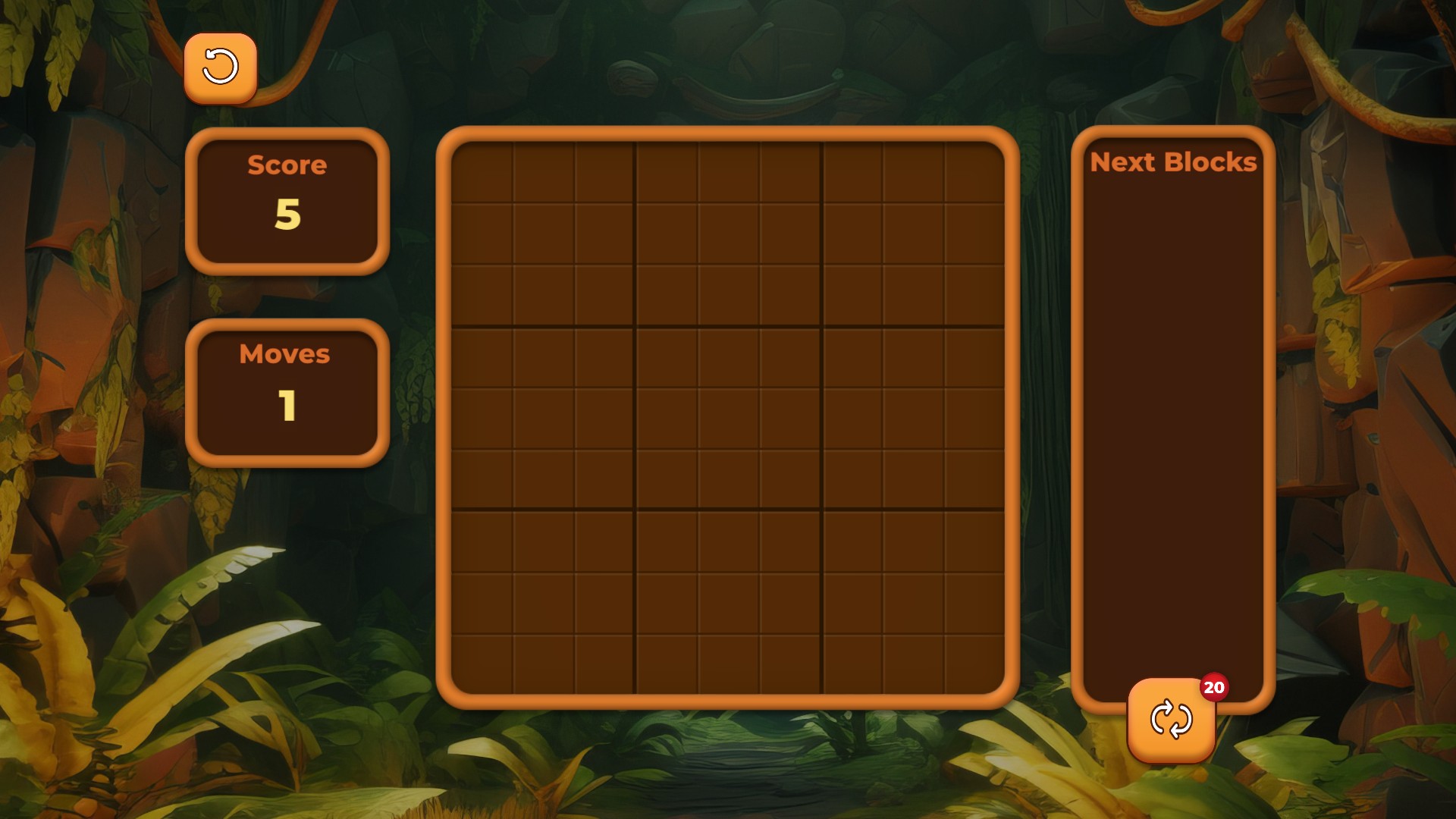
Refresh count set to 20
The saved puzzle shows 20 refreshes on its refresh control. This option changes the count and does not restore missing blocks.
Keep an existing puzzle
Use this control with a puzzle you can resume. It changes the refresh count and does not restore missing board or upcoming blocks.
Available customisation options
RefreshesFree
Choose the refresh count for your existing puzzle.
Enter a whole number from 0 to 99, apply it, then use Resume to return to the puzzle.
This changes the refresh count and does not restore missing blocks.
Questions about customisation options
- Does this change my score?
- No. Refreshes changes the refresh count; your score and move count are separate.
Using these features
Connect your game, then open Customise in the Windows app. Choose an option, check its available values and follow its instructions. Each option lists its own requirements and limits.
Setup for Blocks Adventure Jungle Saga →