
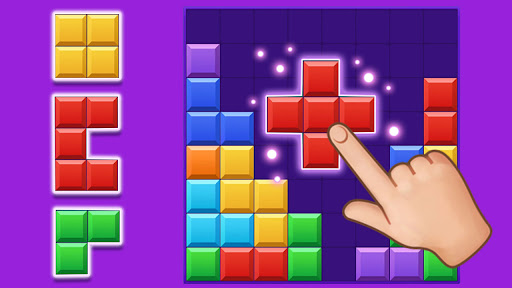
Customize your BlockBuster Puzzle save
Choose the values you want from the game menu, apply your changes, then enter a puzzle normally.
Requires the Windows app and the Bytonian Mods browser extension for Chrome or Edge. Browser setup guide
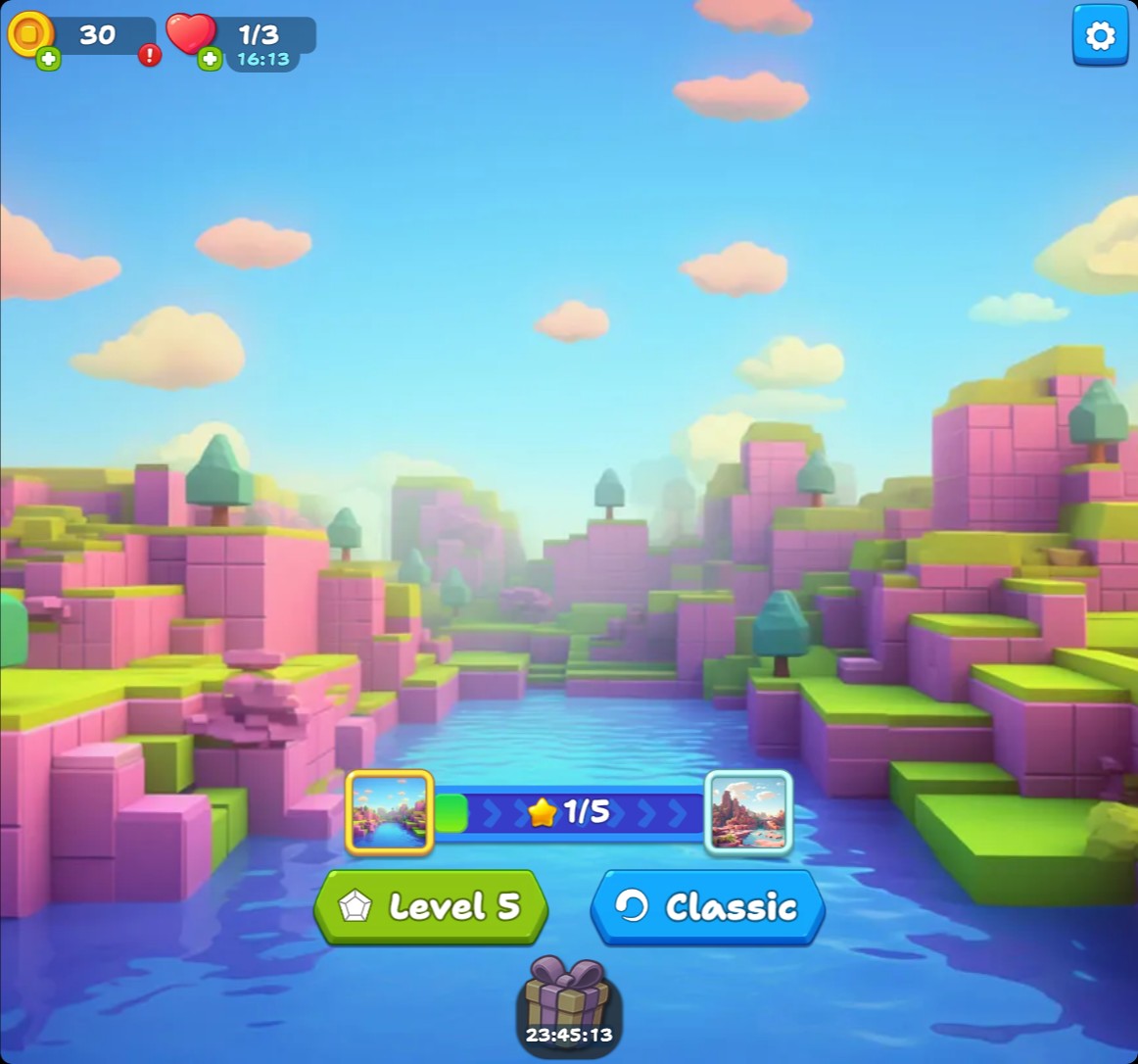
Choose an early puzzle
Choose a puzzle from Levels 1 to 5 with the save editor.
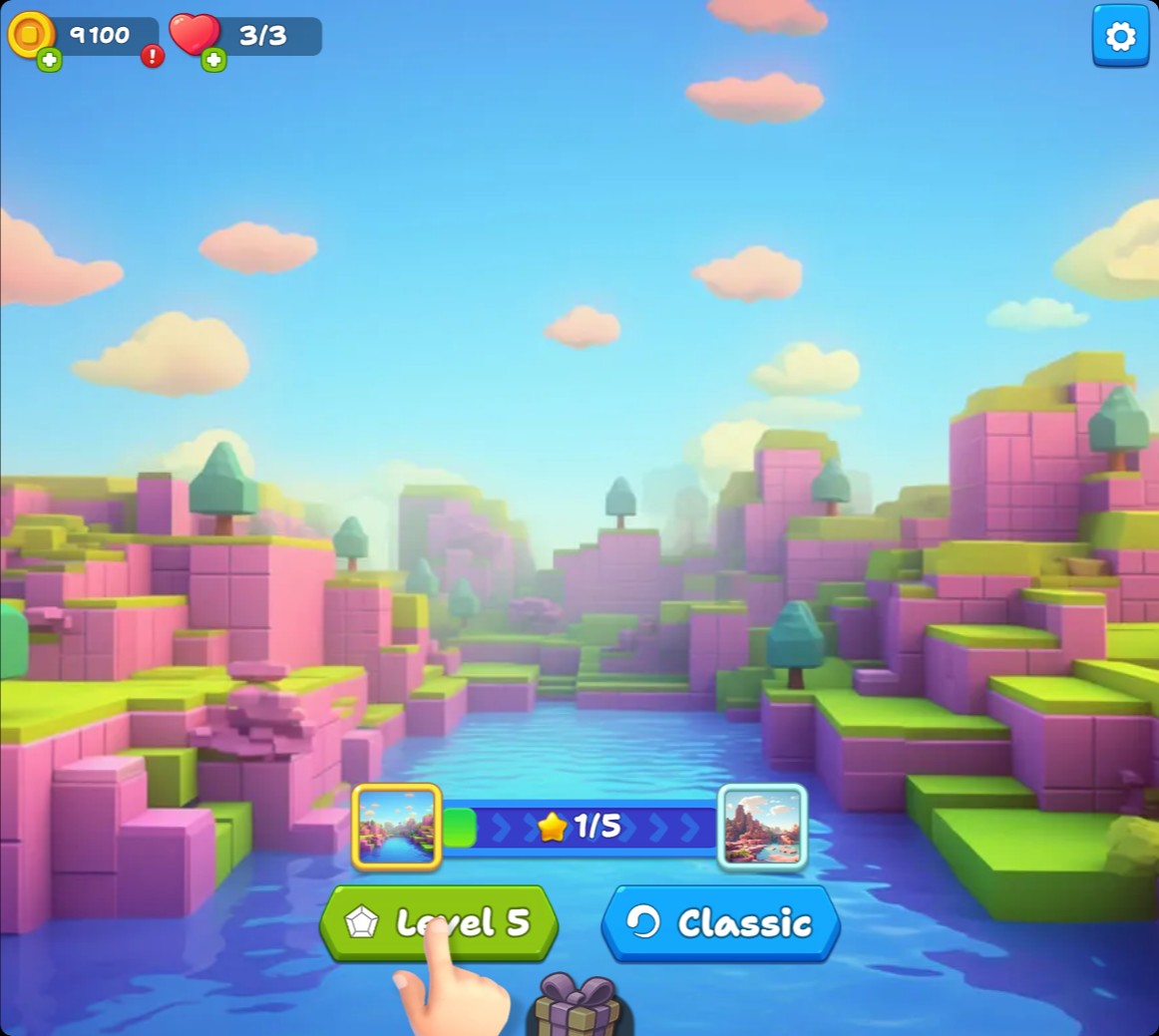
Coins for normal shop purchases
Choose your coin balance and spend it in the normal shop.
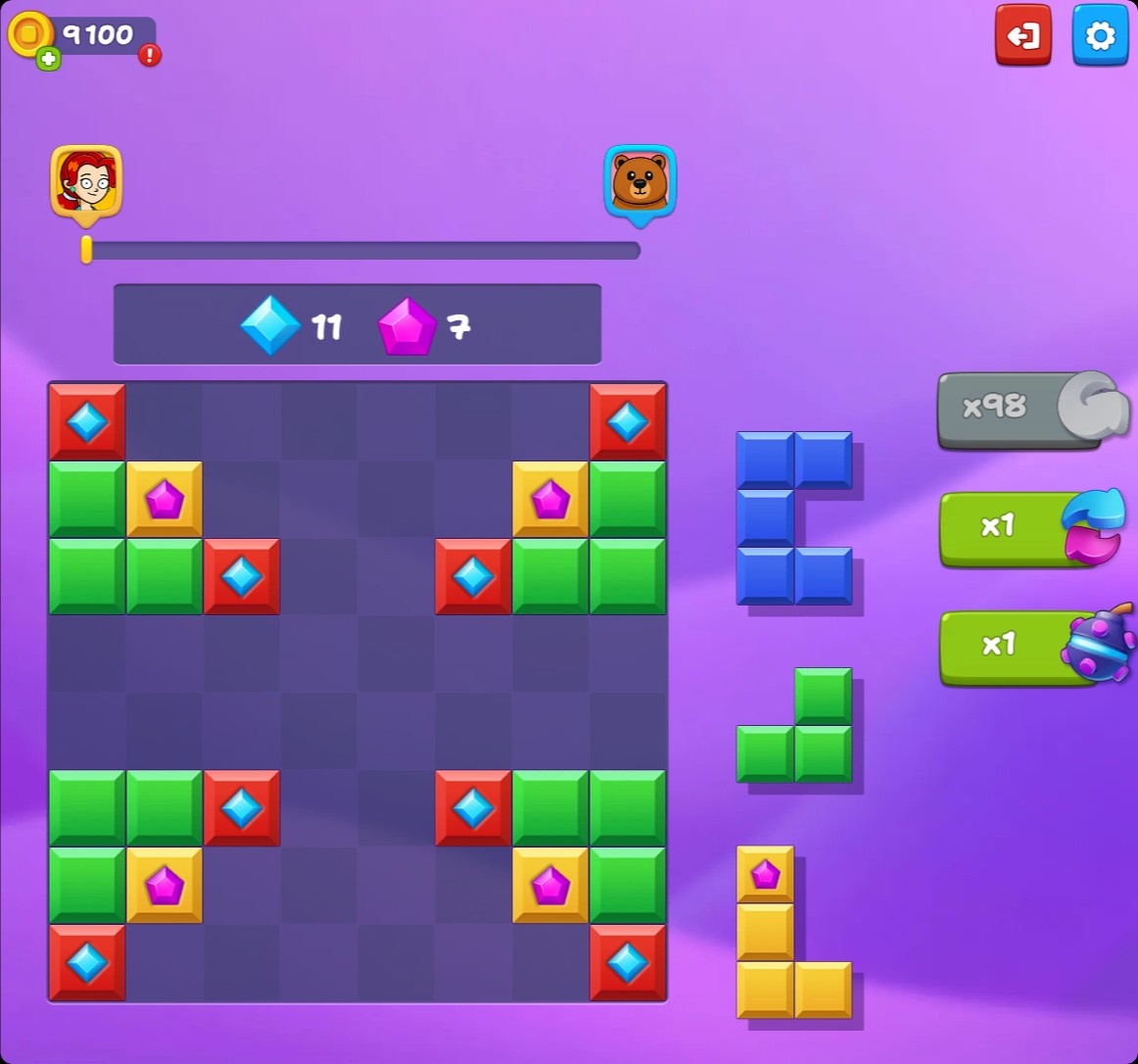
Undo Piece boosters
Choose your Undo Piece booster count with the save editor.
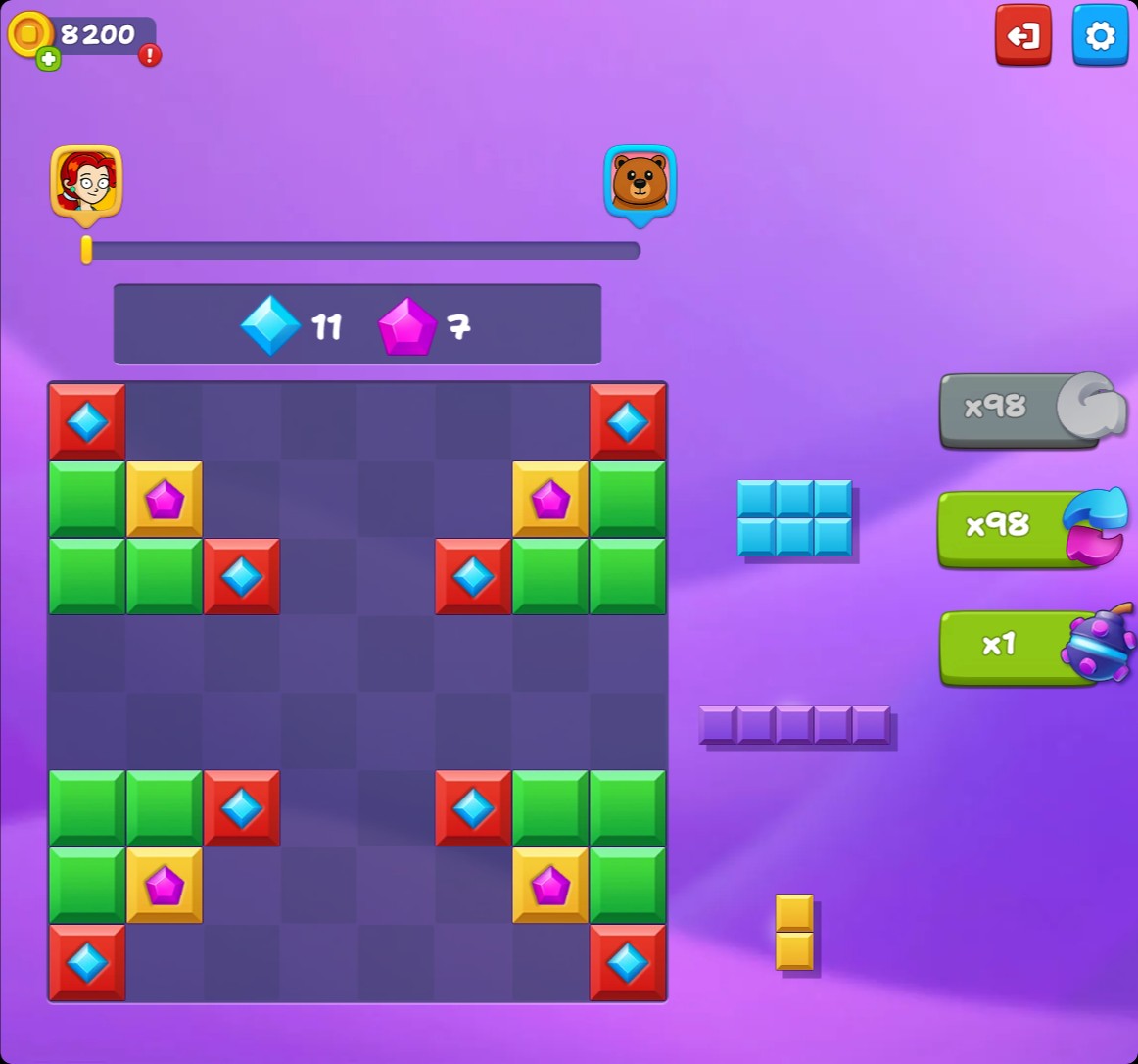
Replace All boosters
Choose your Replace All booster count with the save editor.
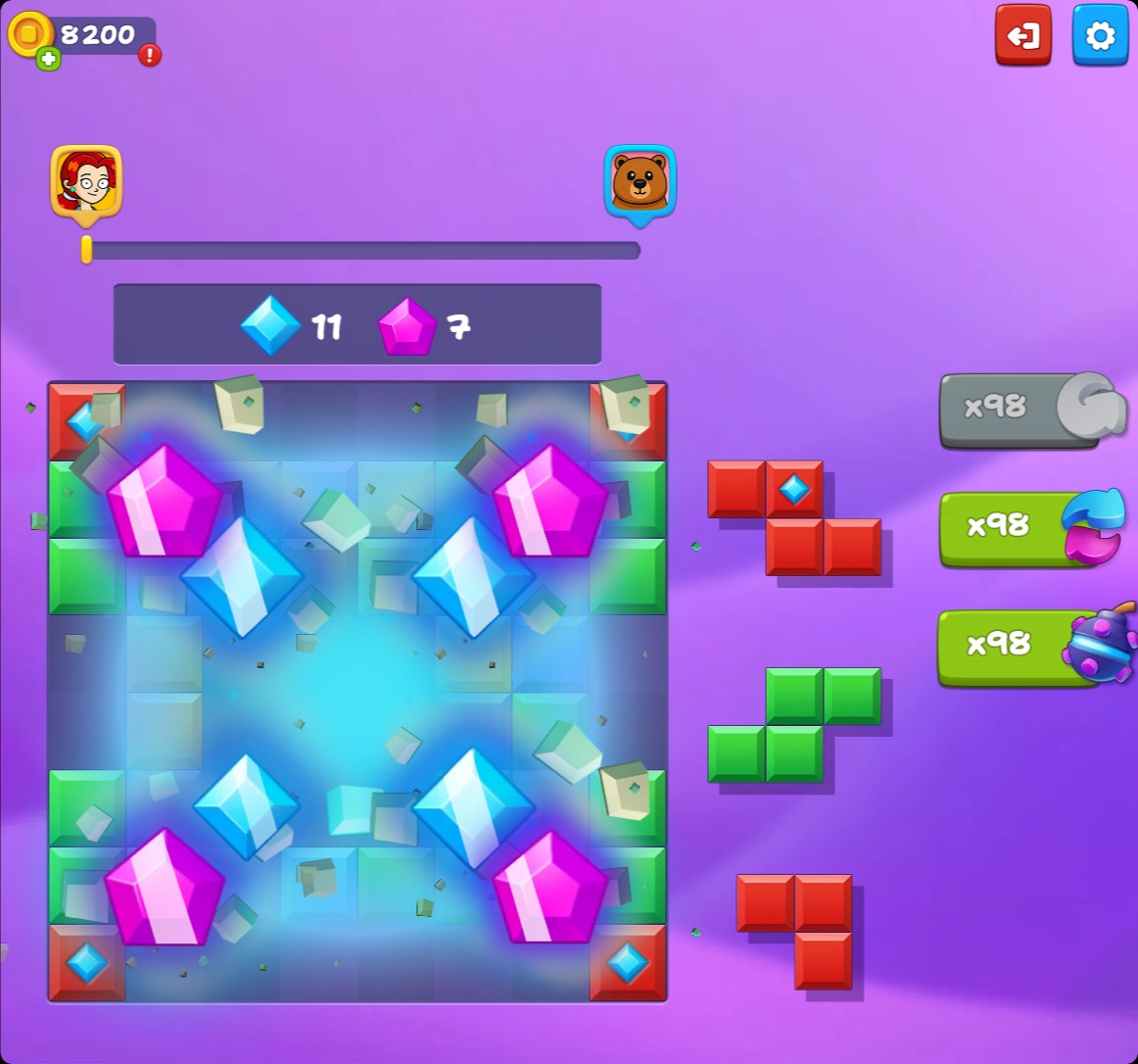
Clear Pieces boosters
Choose your Clear Pieces booster count with the save editor.
Use your boosters in a puzzle
Undo Piece becomes available from Level 3. Place a piece before using it to take that move back. Replace All becomes available from Level 4 and changes all three offered pieces. Clear Pieces becomes available from Level 5 and blasts the board interior, leaving border pieces where applicable.
Choose a puzzle and shop balance
The early-level control selects a position within your current episode. Coins are spent through the normal shop, including its life packs. Apply changes from the menu before starting your puzzle.
Available customisation options
Early level in episodePremium
Choose one of the first five puzzle positions in your current episode.
From the menu, choose a position from 1 to 5, apply, then enter the puzzle normally.
CoinsPremium
Choose your coin balance for purchases in the normal shop.
Set a balance from 0 to 1,000,000, apply from the menu, then open the shop to spend coins.
Undo Piece boostersFree
Set your Undo Piece stock to take back a placed piece. Available free.
Choose a count from 0 to 999. From Level 3, place a piece in a puzzle before pressing Undo Piece.
Replace All boostersPremium
Set your Replace All stock to change the three offered pieces.
Choose a count from 0 to 999. From Level 4, use Replace All inside a puzzle to get a new set of offered pieces.
Clear Pieces boostersPremium
Set your Clear Pieces stock to blast the board interior and collect pieces toward puzzle goals.
Choose a count from 0 to 999. From Level 5, use Clear Pieces inside a puzzle. Border pieces can remain.
Using these features
Connect your game, then open Customise in the Windows app. Choose an option, check its available values and follow its instructions. Each option lists its own requirements and limits.
Setup for BlockBuster Puzzle →