
Keep Useful Boosts Within Reach
A difficult set of pieces doesn't have to end your plan. Choose how many boosts you have ready, clear space when the board gets crowded, or replace the available shapes for a fresh set of choices.
Requires the Windows app and the Bytonian Mods browser extension for Chrome or Edge. Browser setup guide
Clear Space or Refresh Your Pieces
Clear Rows Boosts remove placed blocks and collect gems caught in the clear. Change Figures Boosts replace the pieces waiting below the board. Both give you another way to keep working toward the level's goal.
Play the Level You Choose
Set Current Level, apply your choice, then open Levels mode. The preview shows the selected level before you press Start.
Available customisation options
Clear Rows BoostsFree
Choose how many Clear Rows Boosts you have ready. Use one to remove placed blocks and collect gems from the cleared spaces.
Apply your choice, start a puzzle and use the arrow boost button when you need room.
Change Figures BoostsPremium
Choose how many Change Figures Boosts you have ready to replace the available puzzle pieces.
Apply your choice, start a puzzle and use the dice button for a fresh set of shapes.
Current LevelPremium
Choose which level to play in Levels mode.
Apply your choice, open Levels mode and check the preview before pressing Start.
More ways to customise Block Master - Super Puzzle
- Block Master - Super Puzzle game actions
Finish the active Levels puzzle and continue to the next one.
More Clear Rows Boosts for Your Puzzle
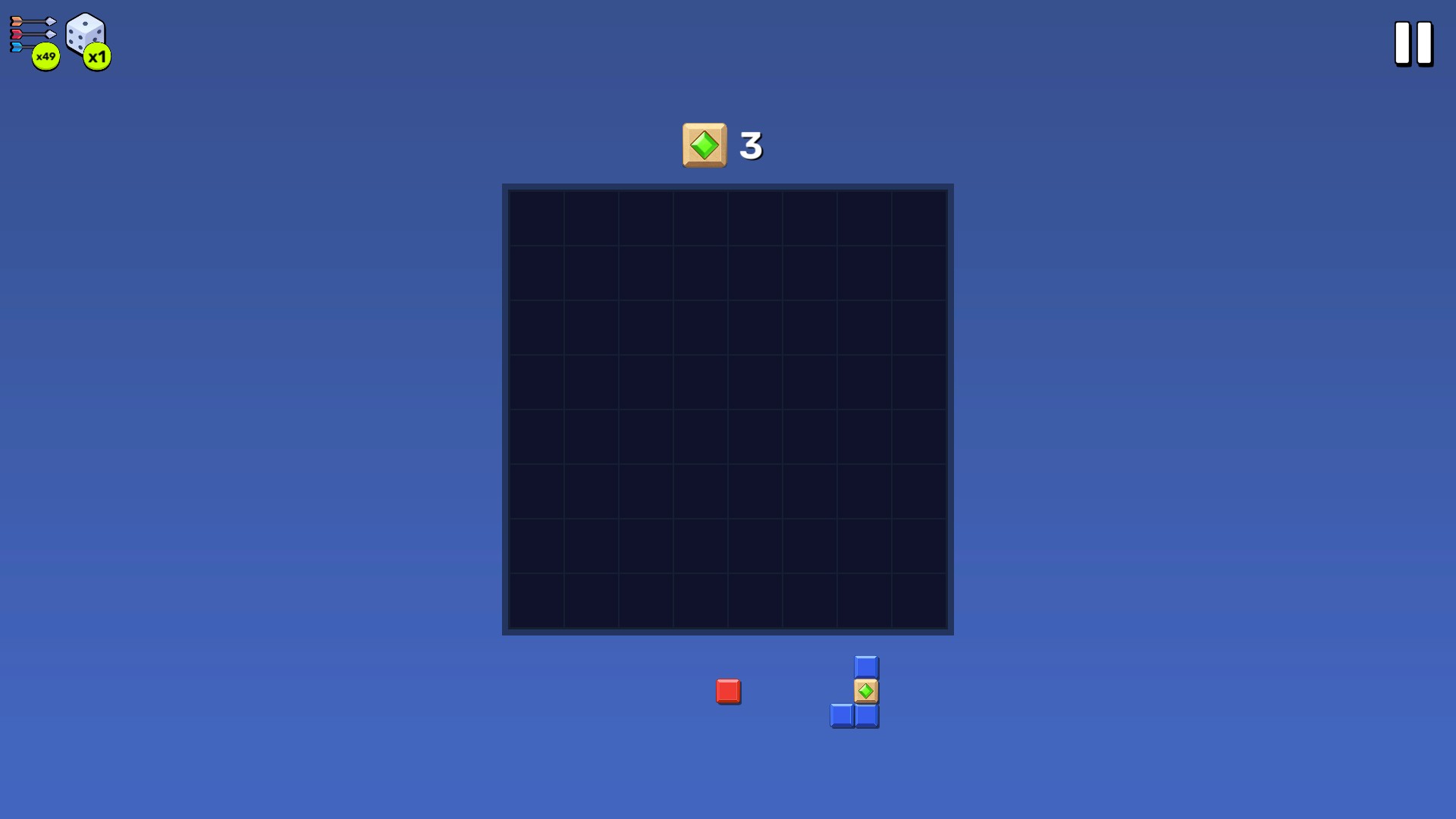
Keep row-clearing boosts ready for a crowded board. One boost has just cleared the placed blocks and collected two gems, with 49 boosts still available.
Fresh Pieces When You Need Them
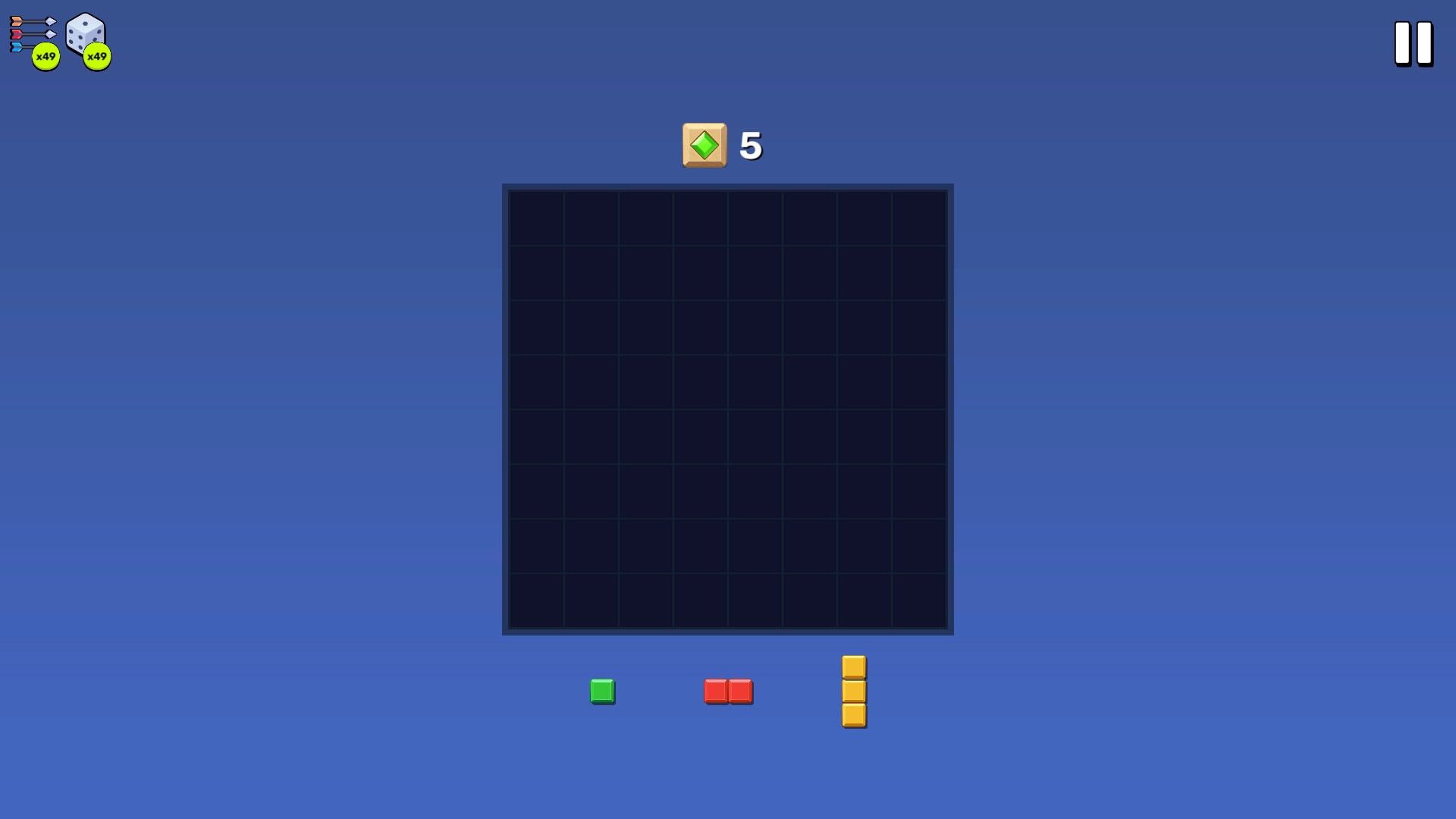
Choose your supply of Change Figures Boosts, then use the dice button to replace your available pieces. This puzzle has just received three new shapes, with 49 boosts still ready.
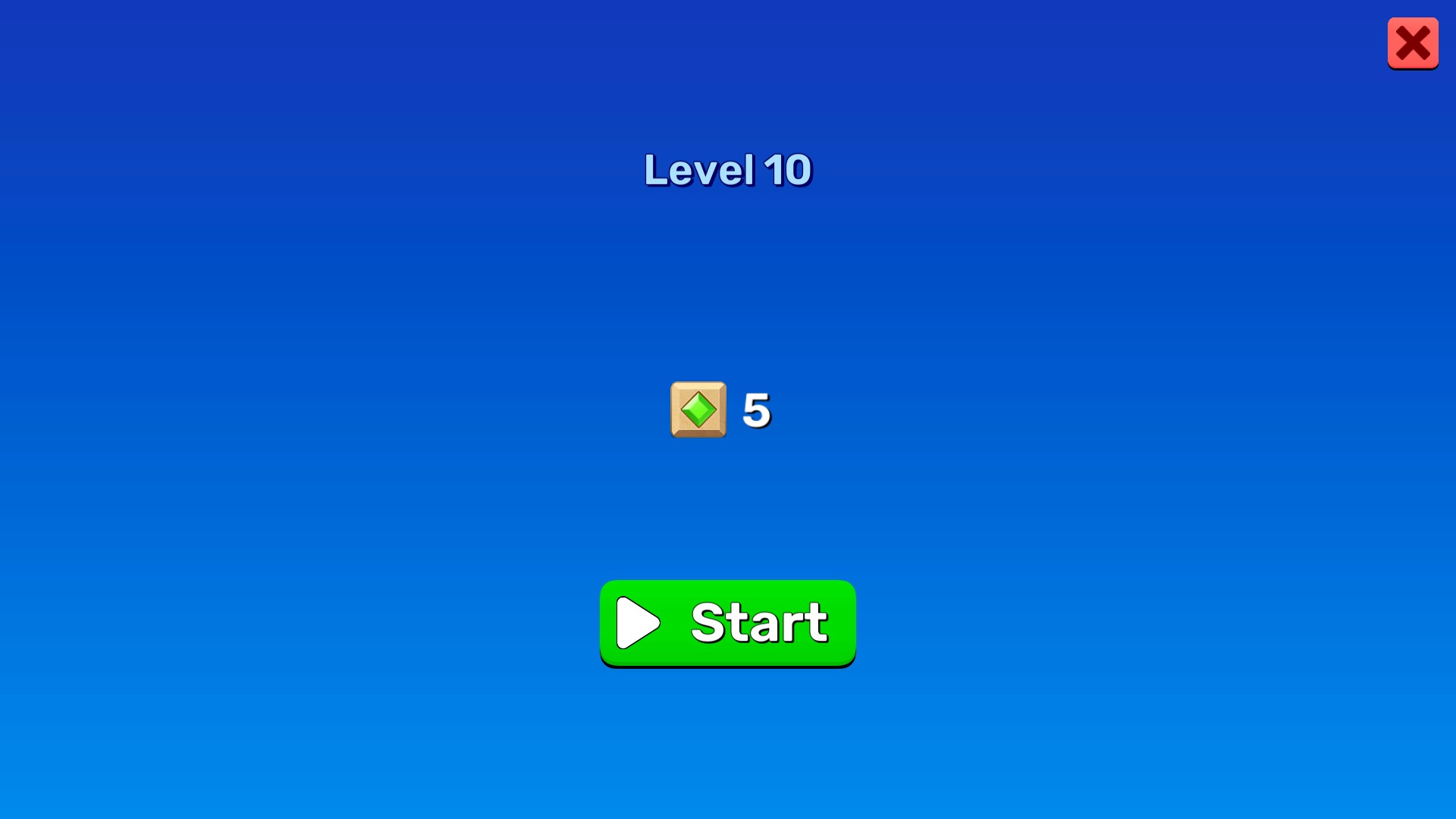
Choose Your Next Puzzle Level
Pick the level you want to play, then open Levels mode and press Start. Here, Level 10 is ready with a goal of five green gems.
Using these features
Connect your game, then open Customise in the Windows app. Choose an option, check its available values and follow its instructions. Each option lists its own requirements and limits.
Setup for Block Master - Super Puzzle →