
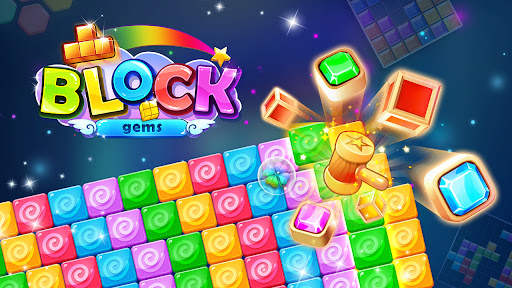
Choose coins and tool chances
Set a coin balance for purchases and choose the remaining chances for each puzzle tool. Refresh chances are free; Coins, Delete chances and Add chances are premium controls.
Requires the Windows app and the Bytonian Mods browser extension for Chrome or Edge. Browser setup guide

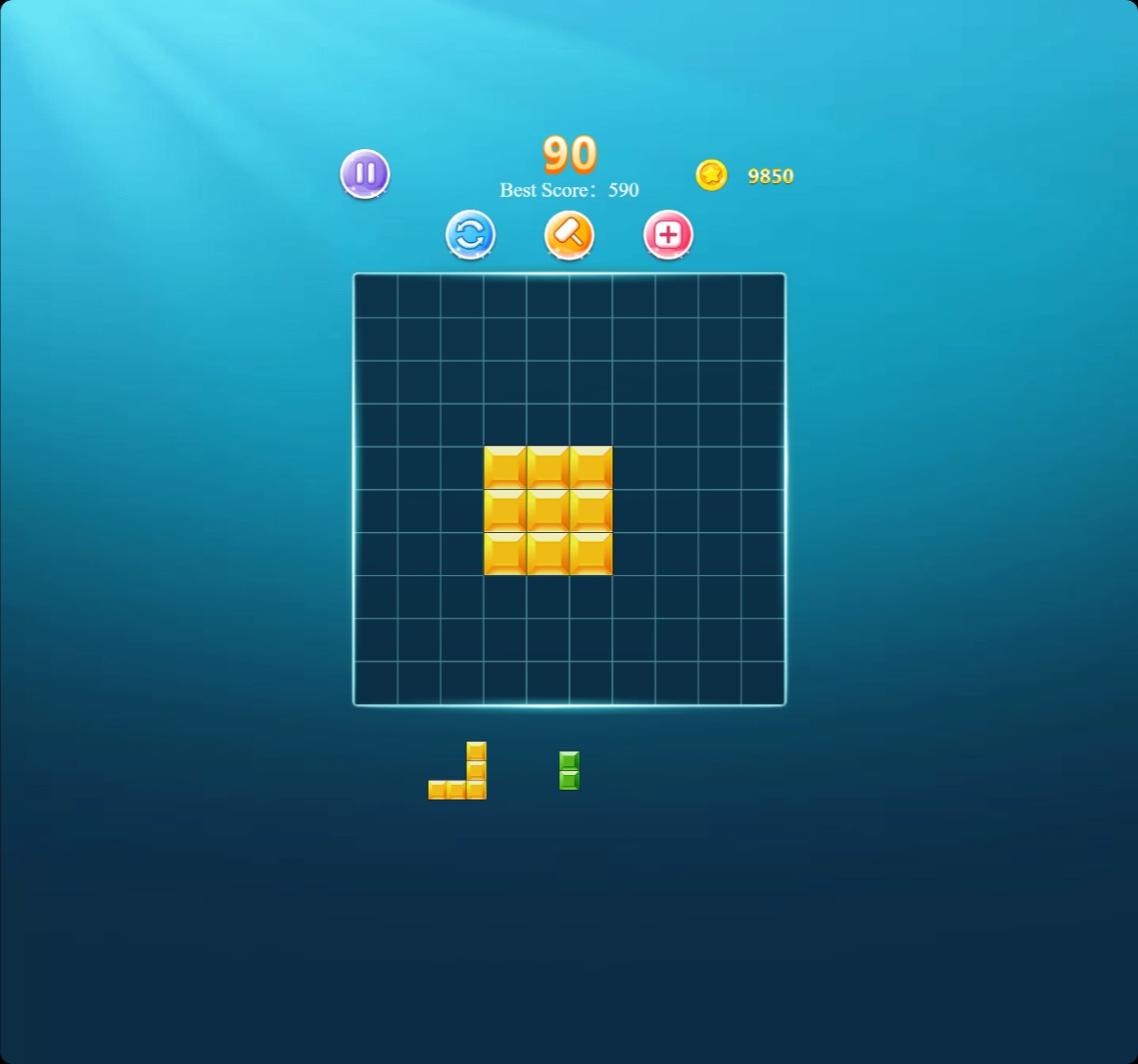
Coins for your next tool purchase
Keep a coin balance ready for Refresh, Delete and Add while you plan your next placement.
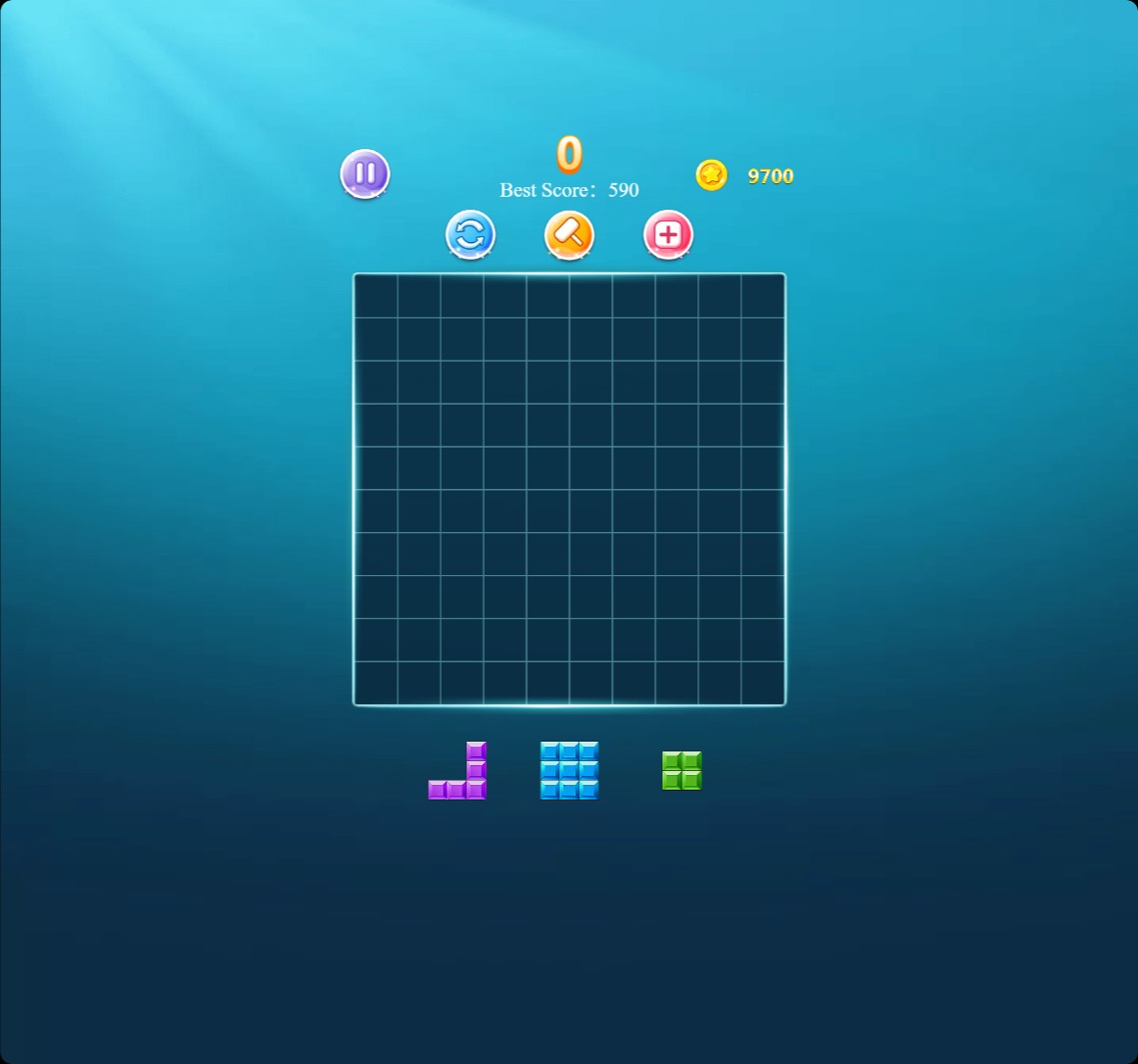
Refresh the tray for new choices
Refresh replaces the three pieces below the board. Set your remaining chances and keep coins ready for the 150 coin cost.
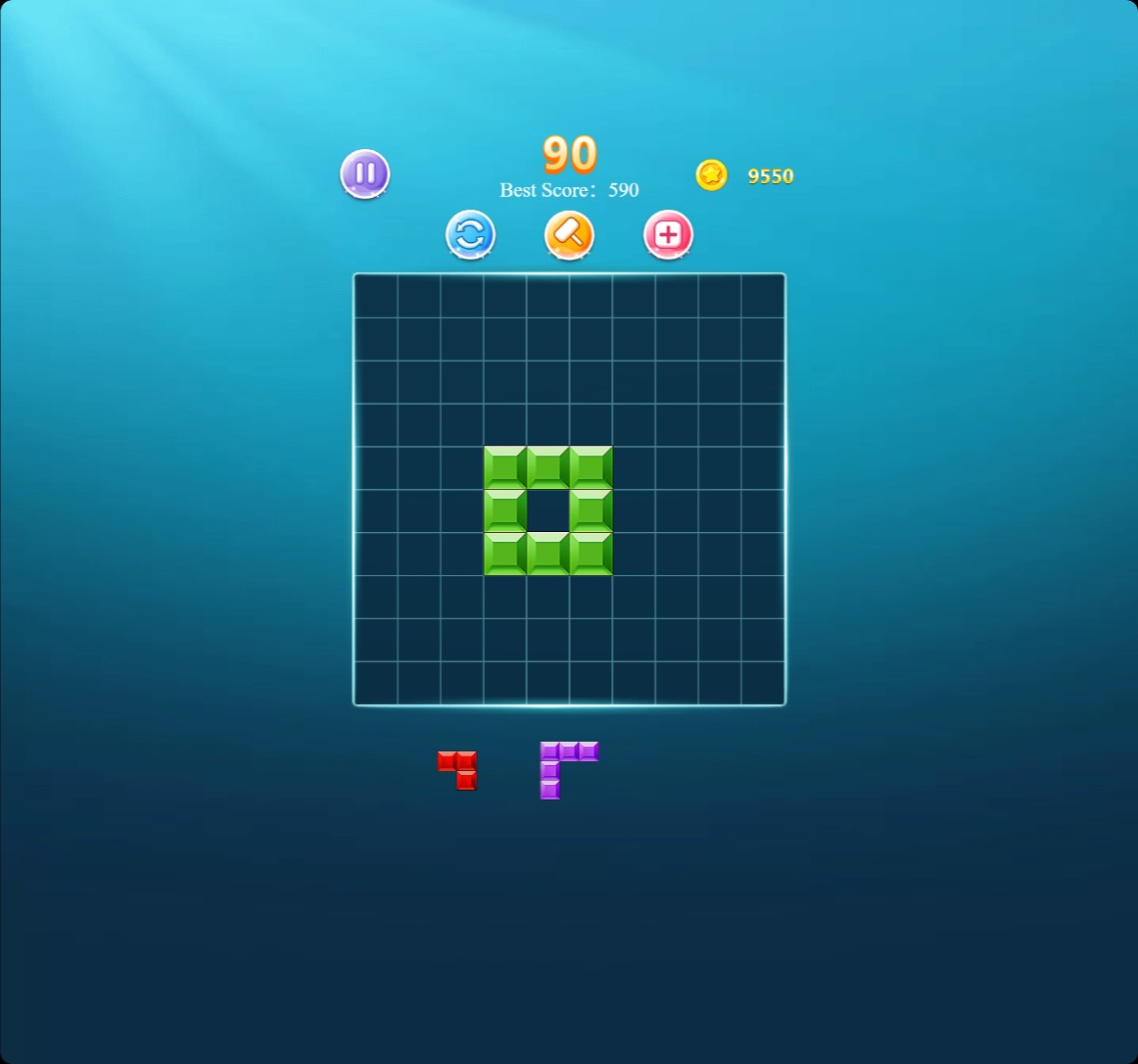
Remove the block you choose
Delete removes a selected block from the board. Choose your remaining chances, then pay 150 coins and select your target.
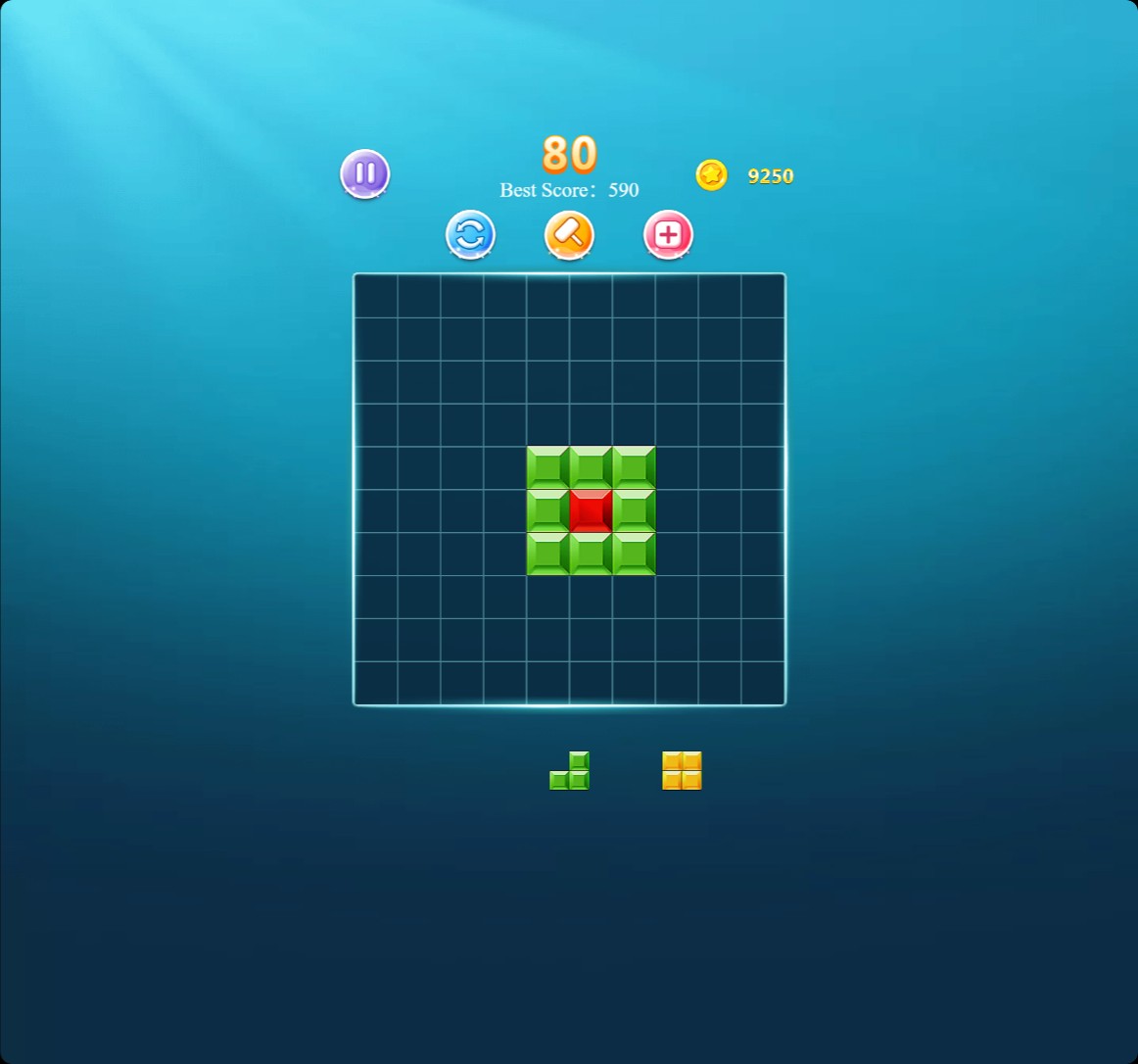
Fill a chosen gap with Add
Add places one block in an empty cell you select. Choose your remaining chances and keep 150 coins ready for each use.
Coins and chances work together
Changing a tool's remaining chances does not cover its coin price. Each normal use costs 150 coins as well as one chance.
Complete the opening tutorial before using these controls, so your coin balance and tool chances are available.
Use the normal puzzle buttons
Choose Refresh above the grid to replace the waiting pieces. For Delete, pay the coin price and select a block already on the board. For Add, pay and select an empty cell.
Adjust only the values you need, apply your choices and return to the puzzle.
Available customisation options
CoinsPremium
Choose a coin balance for normal puzzle tool purchases.
Set your balance, apply it and use the coin purchase button for a tool.
Each tool also needs a remaining chance.
Refresh ChancesFree
Choose how many Refresh chances remain for replacing the tray pieces.
Set your chances, apply them and choose Refresh above the board.
Each normal Refresh use still costs 150 coins.
Delete ChancesPremium
Choose remaining Delete chances to remove selected blocks from the board.
Set your chances, apply them, purchase Delete and select a placed block.
Each normal Delete use still costs 150 coins.
Add ChancesPremium
Choose remaining Add chances to place one block in a selected empty cell.
Set your chances, apply them, purchase Add and choose an empty board cell.
Each normal Add use still costs 150 coins.
Questions about customisation options
- Does setting more chances make tools free?
- No. Each normal tool use still costs 150 coins.
- Where can I place a block with Add?
- After purchasing Add, select an empty cell on the puzzle board.
Using these features
Connect your game, then open Customise in the Windows app. Choose an option, check its available values and follow its instructions. Each option lists its own requirements and limits.
Setup for Block Gems →